From the photos you have
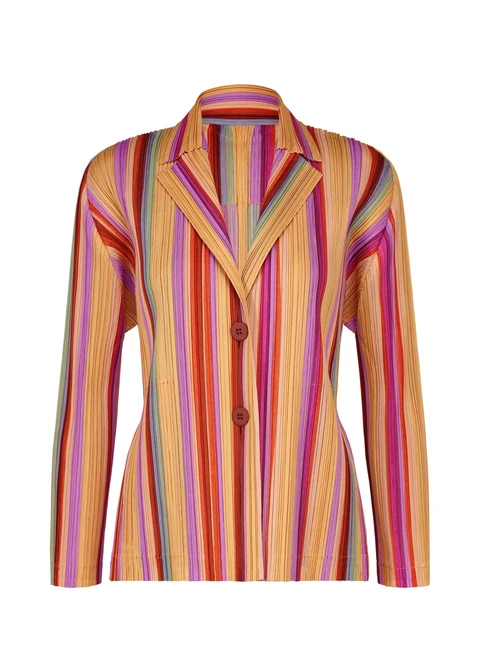
Flat-lays, ghost-mannequin shots and supplier product photos all work as input.
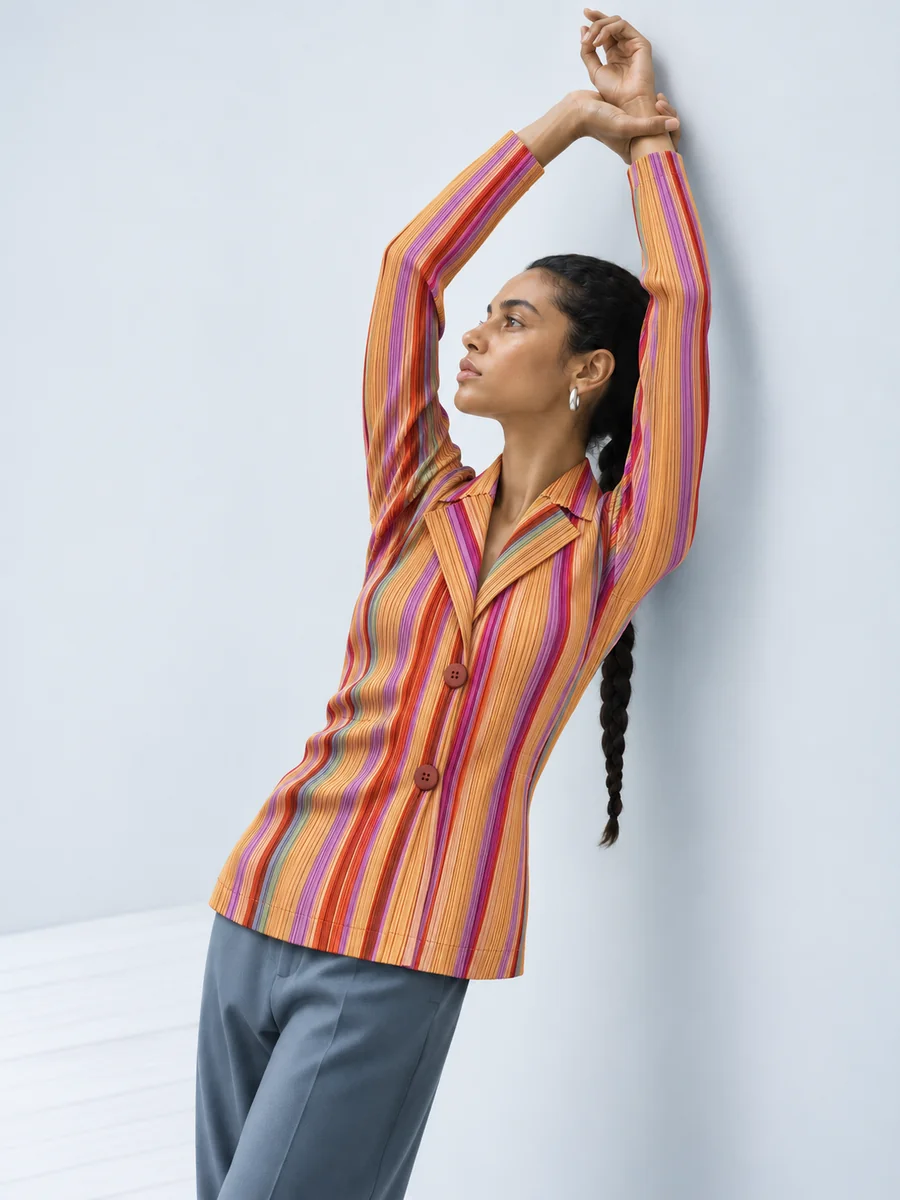
Virtual try-on puts your clothes on people without a photoshoot. Upload the flat-lay or product shot, choose a model (one of yours, a saved character, or a customer's photo), and get on-model photos that keep the garment's colour, print and cut. Then turn the best ones into short videos.
FLAT-LAY IN · ON-MODEL OUT · PHOTOS AND VIDEO · COMMERCIAL LICENCE
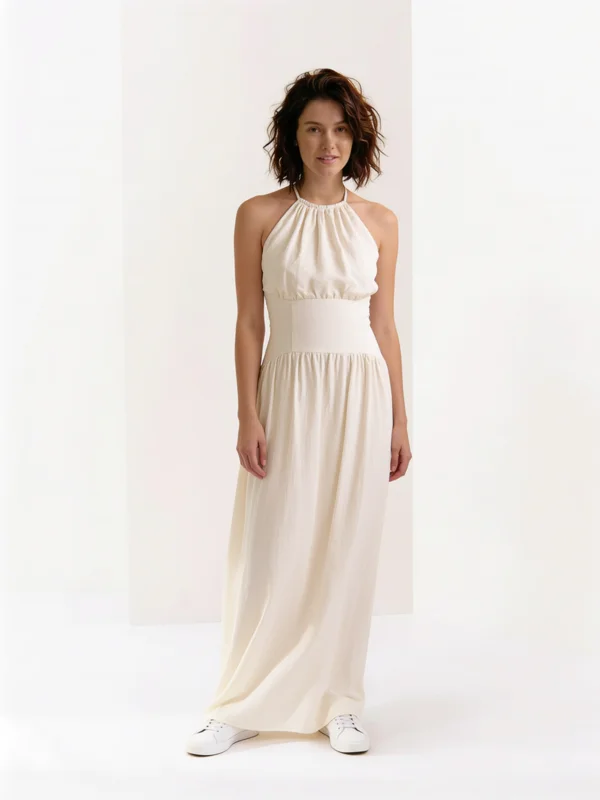
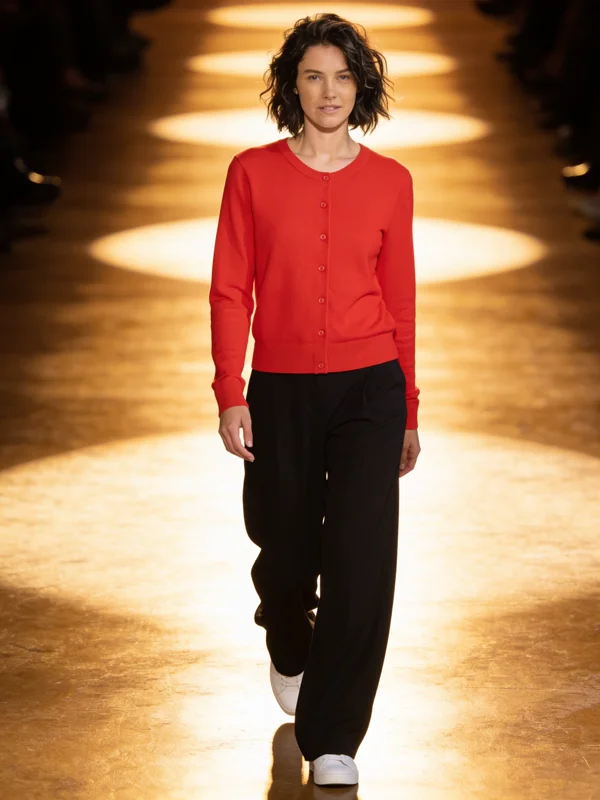
Flat-lays, ghost-mannequin shots and supplier product photos all work as input.
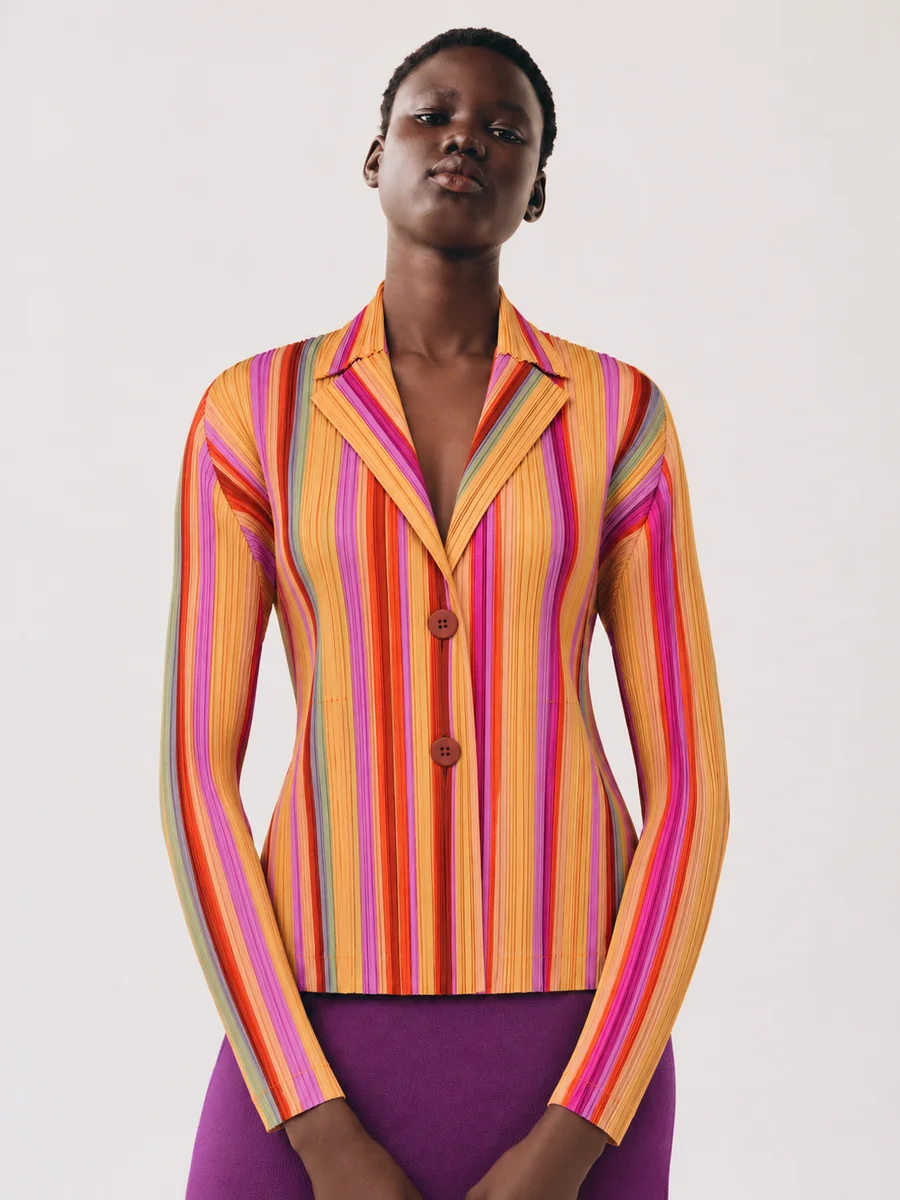
Colour, print, fabric and cut are taken from your product image, not reinvented.
Use a saved character as a consistent house model, or a shopper's own photo.
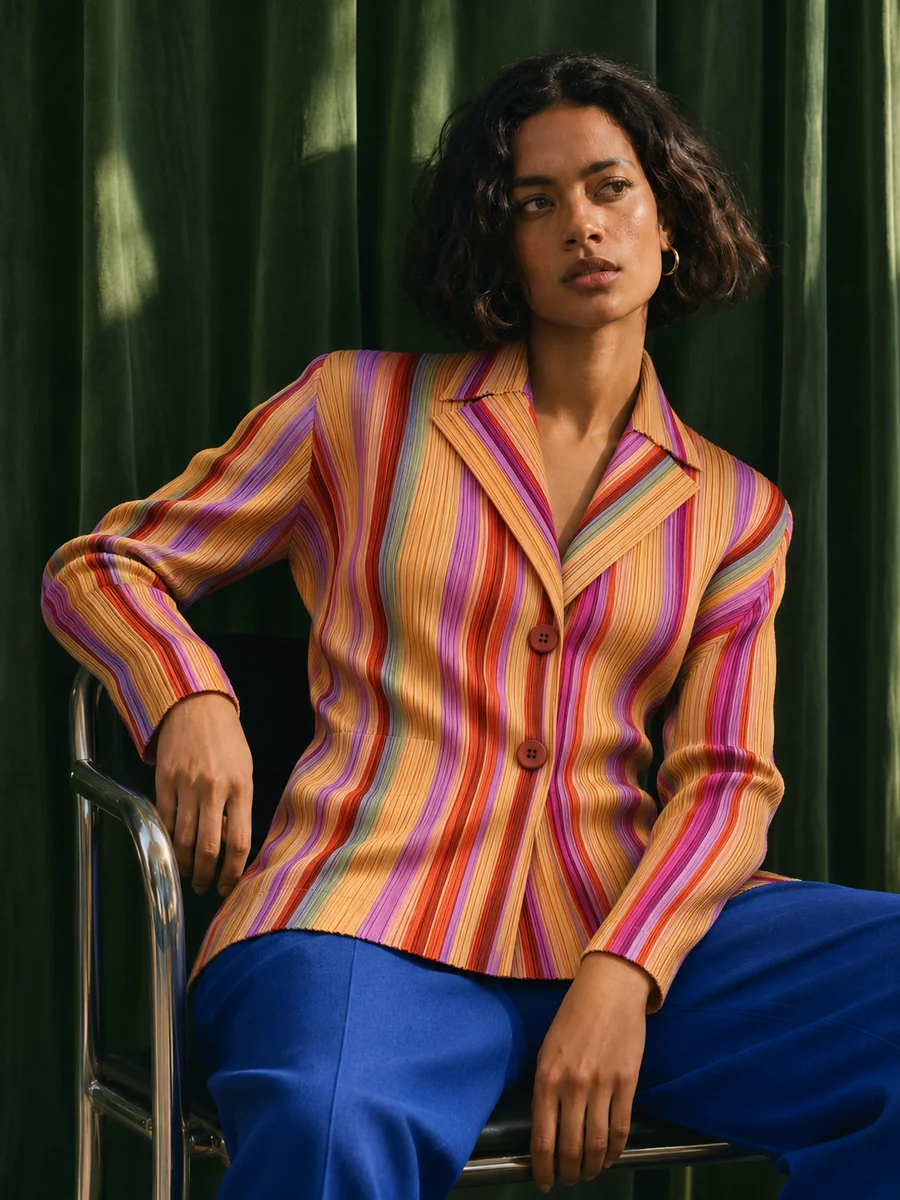
Studio white, street, catalogue or runway, from one line of direction.
Fashion Studio runs a whole range across models and settings in one go.
Animate the best on-model shot into a short clip for ads and product pages.
One to four product or flat-lay images per look.
A saved character, a photo of a model, or a customer's photo.
Choose the setting, check the estimate, and get on-model photos ready for your store.
Virtual try-on shows a garment on a person who never wore it. For a shopper it answers "how would this look on me?"; for a brand it replaces the model shoot that turns every flat-lay into an on-body photo.
Affogato's try-on reads the garment from your product image and draws it onto the person you choose, keeping their face, pose and body. Use a saved character as a house model so every product page shows the same person, or switch models to show a piece on different body types.
Because it lives in the same studio as video and upscaling, the photo isn't the end: animate a look into a short clip, upscale it for print, or run a whole collection through Fashion Studio.
On-model photos for every SKU from the flat-lays you already have.
Show one piece on several body types and skin tones.
Consistent, clean on-model shots for every listing.
Street and lifestyle versions plus short videos from one product image.
Virtual try-on for a listing starts from the product photo you already have. Choose who wears it, from a house model to a range of ages and looks, and get catalogue and lifestyle shots in the 9:16 and 3:4 formats product pages and social ads use.
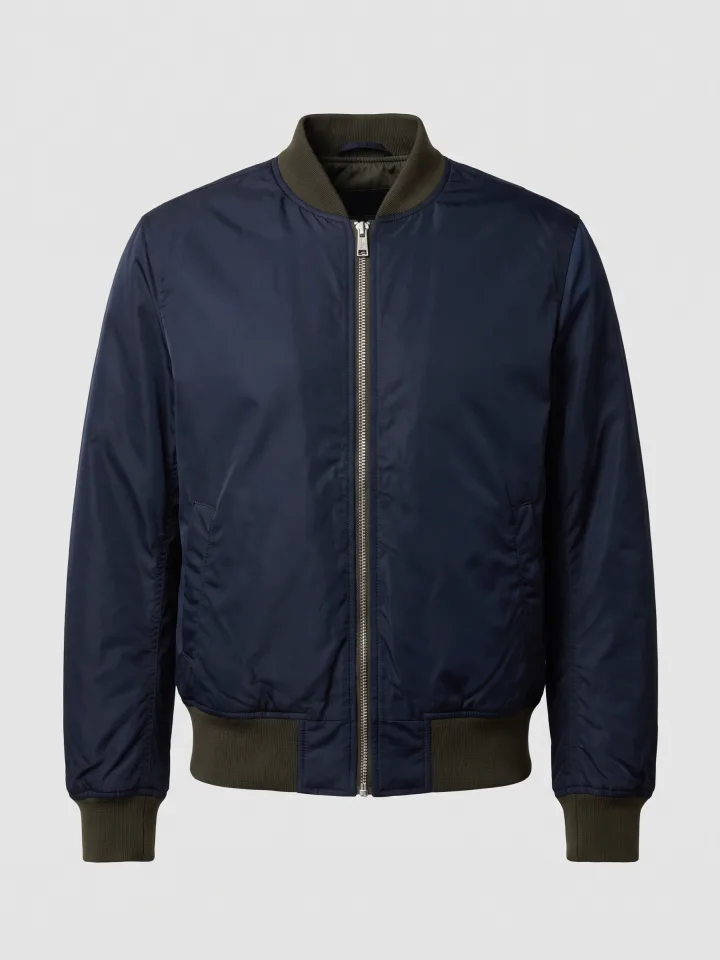
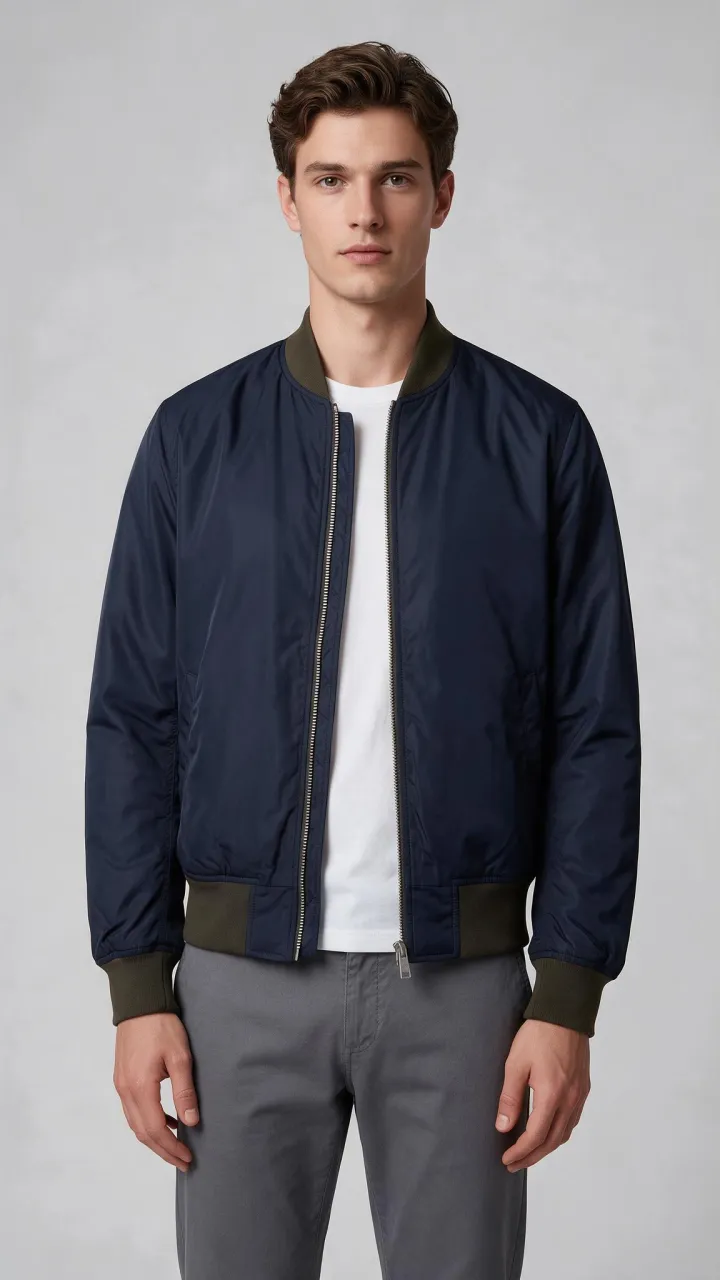
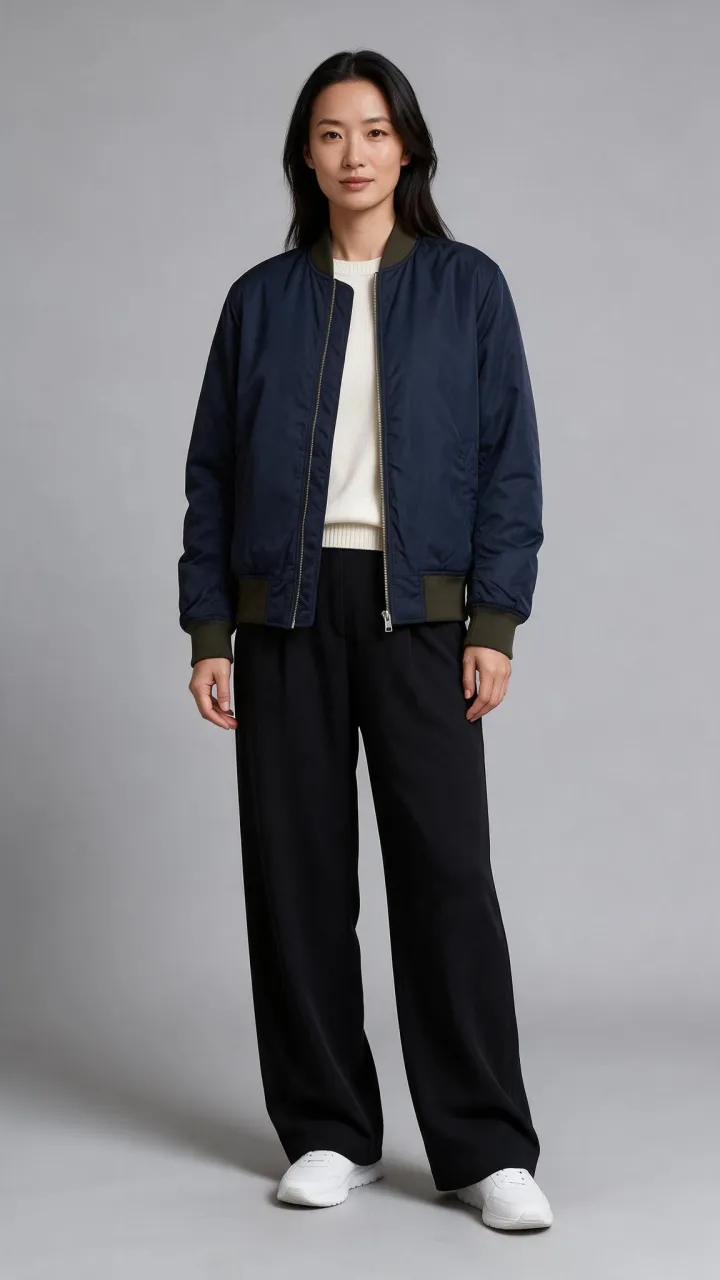
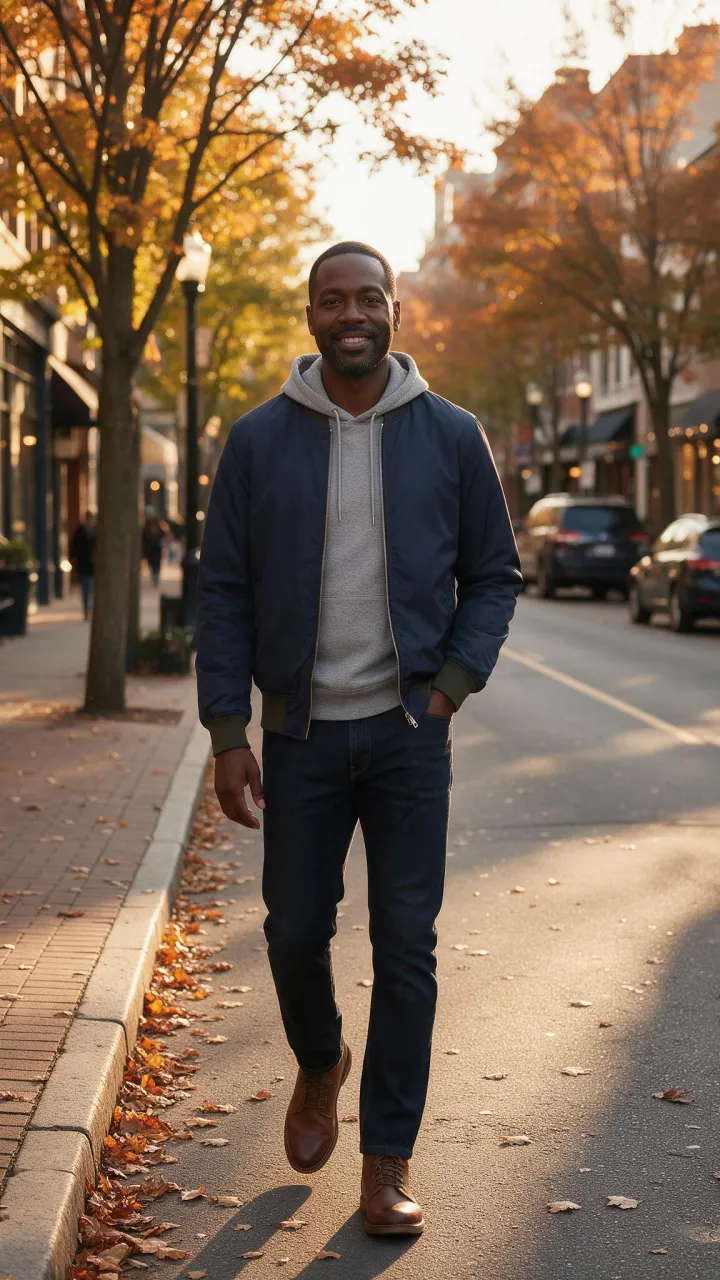
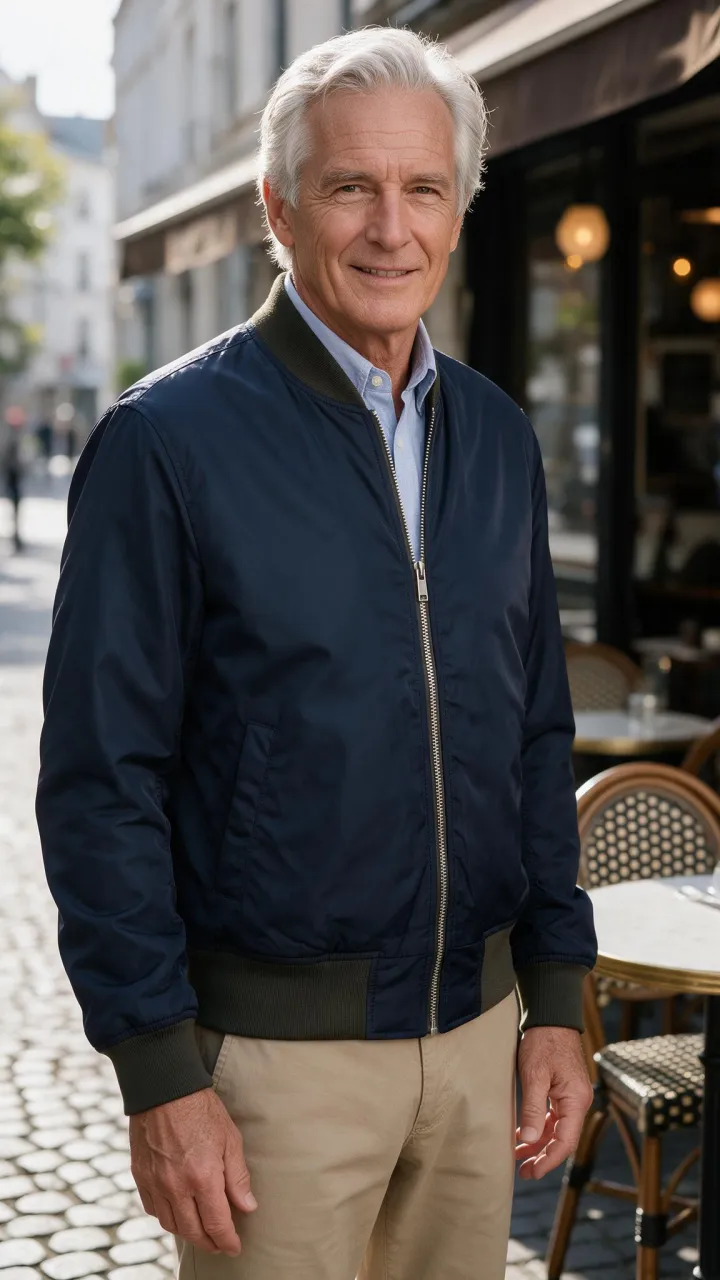
Product photos and models are AI-generated. Made with Fashion Studio's try-on, unretouched.
Start from the flat-lay, ghost-mannequin or supplier photo you already have. Fashion Studio puts it on a model and keeps the cut, colour and print.
AI fashion modelsShoot one colourway, then show the others on the same model and pose. Show a piece on different builds so shoppers can see how it sits.
The same garment on people in their 20s to 60s+, of different ethnicities, or one house model saved as a Character for the whole catalogue.
Uniform 3:4 or 9:16 framing for every SKU, and clean studio backgrounds for marketplaces that ask for them.
The catalogue workflowExtract the whole outfit, or just the top, bottom, dress, outerwear or shoes, as a clean product image for the listing.
Turn the best shot into a 5 or 10 second turn, walk or detail clip for product pages, Reels and TikTok ads.
Clothes swap for videoDressing a whole catalogue?
Paid plans include a commercial licence, no watermark and credits that roll over, so a drop can be shot across several weeks. Plans start at $24 a month; larger plans suit stores with many SKUs.
It takes colour, print, fabric and cut from your product image. Check fine details such as logos and small text, and run a few variations to pick the most faithful one.
Yes. Upload the shopper's photo as the person; only the clothes change.
Yes. Save a model as a character and reuse them across the whole catalogue.
Yes. Animate any result into a short clip in the Video Studio, or use Clothes Swap for video.
Yes. Make the on-model shot once, then change only the garment's colour so every colourway appears on the same model, pose and light.
In credits per image, shown before you run it. Plans start at $24 a month for 2,000 credits with a commercial licence.
For marketers
The same tool behind ad creative, product video and brand personas. Use people you have the rights to: your own talent with their permission, or AI characters you created.
Upload a product photo and see it on a person in under a minute.
NO WATERMARKS · CREDITS ROLL OVER · COMMERCIAL LICENSE INCLUDED · CANCEL ANYTIME