Any garment input
Flat-lays, hanging pieces or clothes photographed on someone — up to 12 items in the tray, combined into outfits of up to four pieces.
The Fashion Studio puts your clothing on people. Upload flat-lays, hanging pieces or clothes on a person; choose a saved influencer or an AI model; and generate on-model photos, clean ghost-mannequin product shots, and short videos — a turn, a runway walk, a detail close-up — from the same garments.
UP TO 12 GARMENTS · OUTFITS OF 4 · PHOTOS · EXTRACT · VIDEO
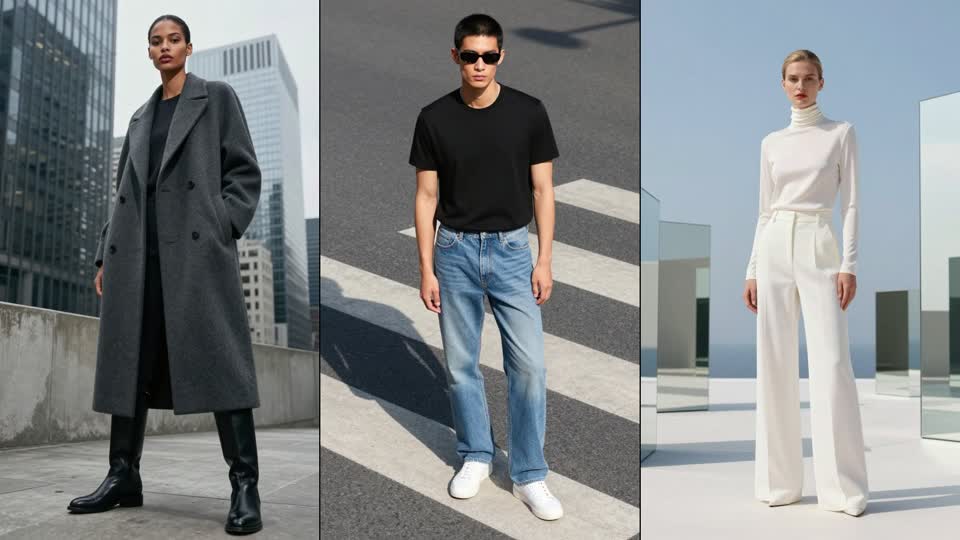
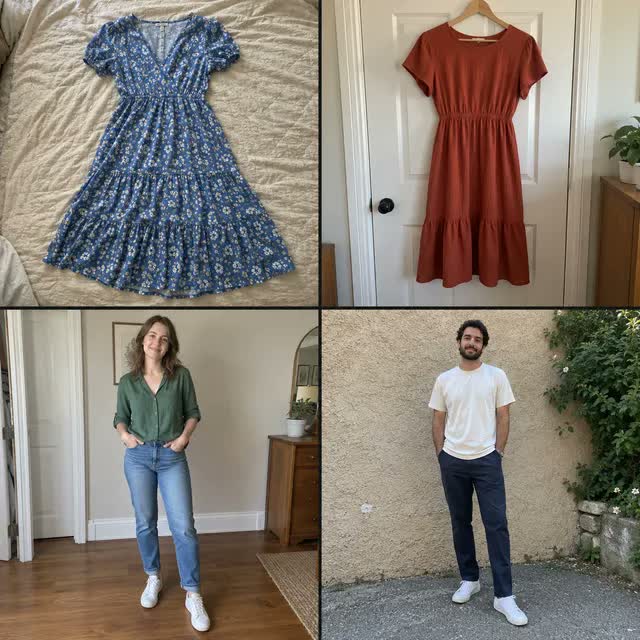
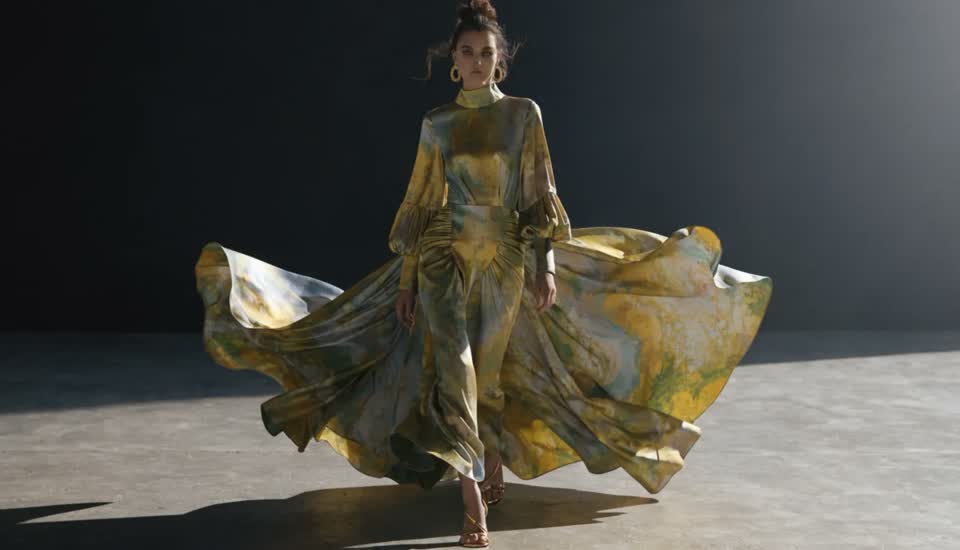
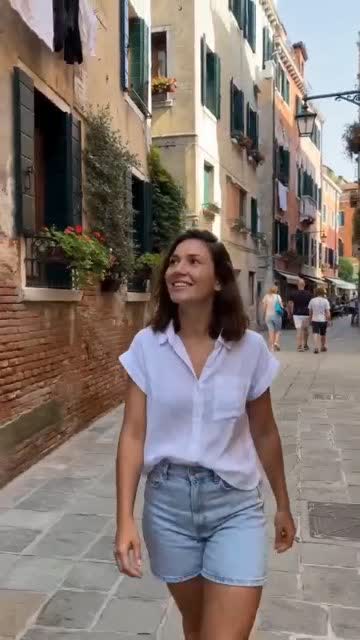

Flat-lays, hanging pieces or clothes photographed on someone — up to 12 items in the tray, combined into outfits of up to four pieces.
Wear it on a saved influencer, or on an AI person with gender, age range and ethnicity you choose — or auto-matched to the clothing.
On-model photos at 1K or 2K; ghost-mannequin extraction of the whole outfit or a single piece; 5 or 10 second clips at 720p or 1080p.
Turn around, 360° turn, Casual walk, Runway walk, Pose & shift, Detail close-up — pick one and the clip is directed for you.
3:4 by default, 1, 2 or 4 photos per item, so a drop's worth of SKUs comes out uniform.
Stills on Seedream v5 Pro Edit; video through a router that tries Seedance 2.0 first and MiniMax H3 second.
Upload up to 12 garment images — flat-lays, hanging pieces or on-body — and group up to four into an outfit if you want a full look.
Pick a saved influencer, or an AI person by gender, age range and ethnicity (or let it auto-match). Set 3:4 framing and 1, 2 or 4 photos per item.
Generate on-model photos, extract ghost-mannequin product shots, or animate a look with a motion template at 720p/1080p for 5 or 10 seconds.
An AI fashion photoshoot generates on-model imagery from photos of the garments themselves — no model booking, studio day or retouching queue. You upload the pieces, choose who wears them, and the model renders the clothing on a person with realistic drape, fit and light. Done well, it produces catalogue photos, lookbook editorial and even short motion clips from the same inputs.
Affogato's Fashion Studio is built around that workflow. Garments go into a tray and can be combined into outfits; the wearer is either one of your saved AI influencers (so your brand persona models the drop) or an AI person you specify; and the outputs are photos, ghost-mannequin extractions for product pages, and directed video — a turn, a runway walk, a detail close-up. Clothing-to-video first creates a starting photo, then animates it.
It runs on current editing and video engines (Seedream v5 Pro Edit for stills; a Seedance 2.0 → MiniMax H3 router for video), priced per image and per second of video with the estimate shown before you generate.
Every SKU on-model, uniformly framed, from flat-lay photography.
Extract the outfit or a single piece as a clean product image.
A directed 5–10 s clip per look for product pages and social.
Your persona wearing the whole collection, consistently.
See a design on a body before sampling or shooting.
Flat-lays, hanging pieces or clothes photographed on a person — PNG, JPEG or WebP up to 20 MB. Whole garment visible on a plain background gives the best result; you can upload up to 12 at once.
A saved AI influencer from the Influencer Studio, or an AI person you specify by gender, adult age range and ethnicity — or let the studio auto-match one to the clothing.
Yes. Choose a motion template (Turn around, 360° turn, Casual walk, Runway walk, Pose & shift, Detail close-up) and get a 5 or 10 second clip at 720p or 1080p.
A ghost-mannequin style product shot of the outfit, or just the top, bottom, dress, outerwear or shoes, generated from the on-model photo for product pages.
Per image (1K or 2K) and per second of video (720p or 1080p) in credits, with the estimate shown before you generate. Clothing-to-video includes the starting photo.
Clothes Swap is the single-image tool: one person photo, up to four garments. The Fashion Studio is the catalogue workflow on the same engines — garment tray, your influencers, extraction and video.
Sign in, upload your garments and see the first look on a model in minutes.
NO WATERMARKS · CREDITS ROLL OVER · COMMERCIAL LICENSE INCLUDED · CANCEL ANYTIME