AI influencer generator
AI influencer generator: one face across your posts
Create a persona once, then put the same person in any scene, outfit or video. The face stays recognisable from the first post to the hundredth.
Build the persona, then post
- Generate a face or upload one you have the rights to.
- Add body, style, signature tattoos and a niche.
- Recreate any post's framing with your influencer, as photo or video.
Sign in to start. Every image and clip shows its price before it runs.

One reference face, four different days
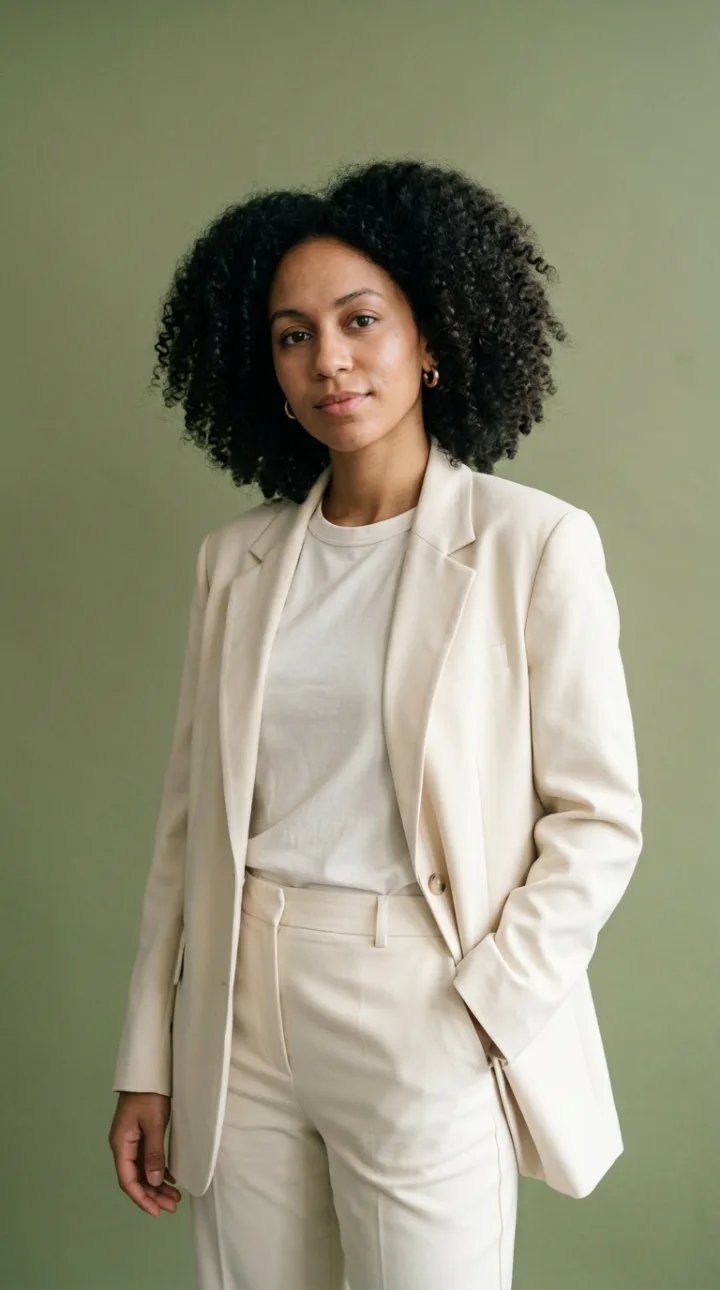
01 The face
One portrait becomes the locked reference.
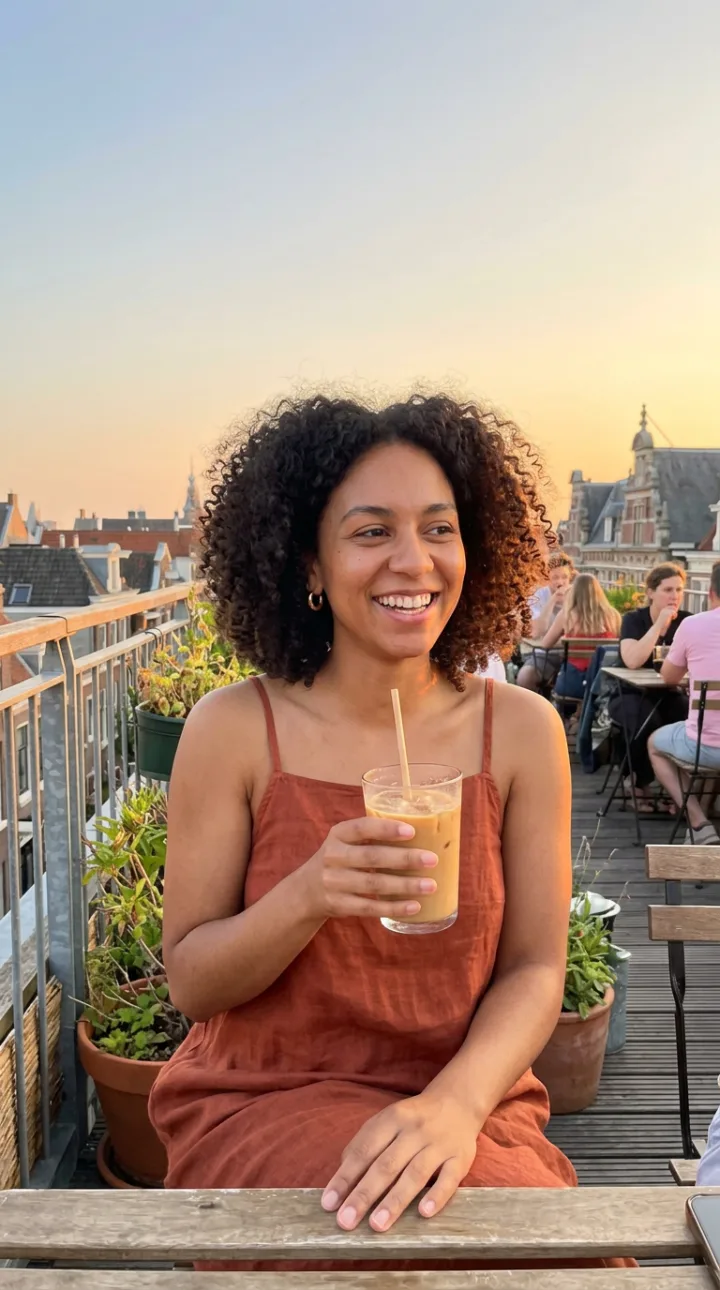
02 Coffee run

Nano Banana Pro Edit, same face.
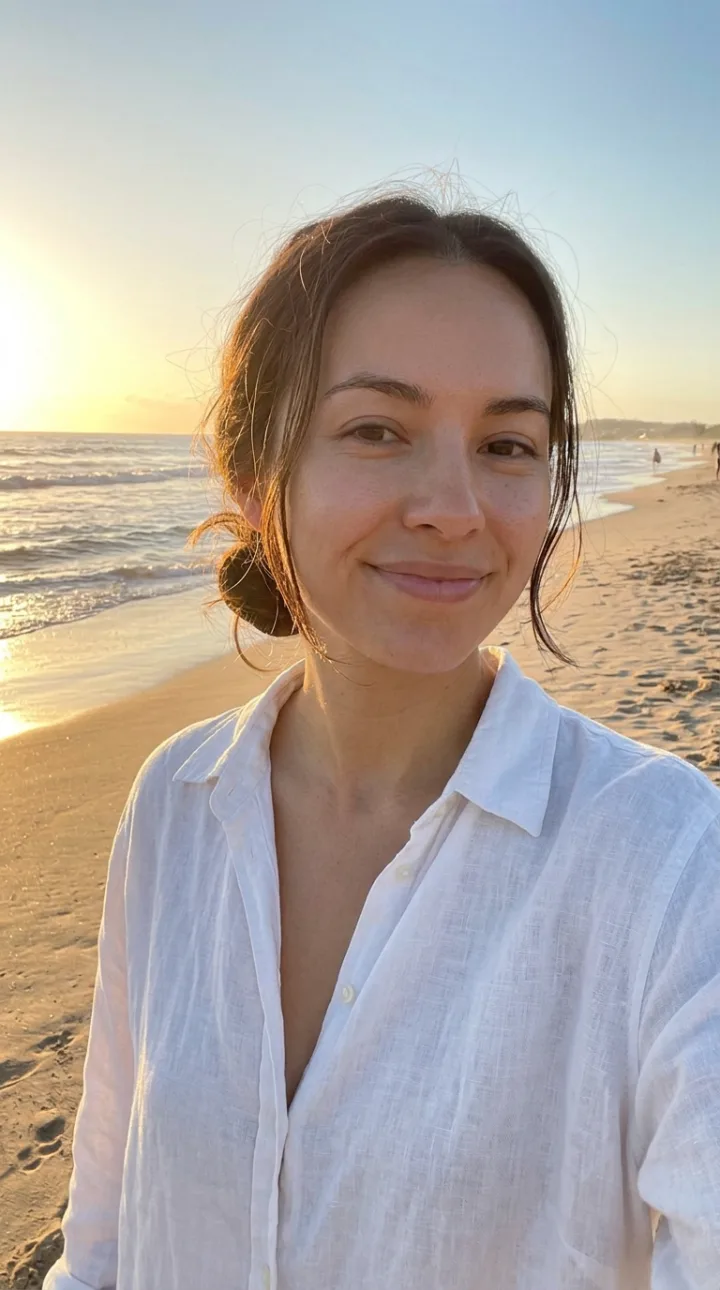
03 Golden hour

New place, outfit and light; same person.
All of these are one AI-generated person; nothing was retouched. Influencer Studio sends the locked face with every generation.
What it does
- Build the persona
- A five-step wizard: face (generated or uploaded), body, details, personality — country, language, occupation and one of 20 niches from Fashion to Pets.
- Signature details that stick
- Add tattoos, piercings and accessories as labelled references with placement, so they appear in every generation.
- Copy any composition
- Pick a reference image or clip from the library — or upload one — and recreate its framing, pose and mood with your influencer.
- Photos and video
- Stills through the influencer router (Nano Banana Pro edit, Seedream fallback); video through MiniMax H3 reference-to-video up to 4K and 15 seconds.
- Ideas on tap
- AI-suggested post ideas tailored to the persona and what's trending, so the feed never stalls.
- A whole roster
- Run several influencers from one dashboard, each with their own feed, kit and history.
The same influencer, a week of posts
Every image used the reference portrait above and the prompt shown. The clip was made from the bathroom still with Kling 3.0 Standard.
Original photo

UGC skincare clip
Details
She talks to the camera in a friendly, casual way, lifts the small serum bottle slightly and smiles, small natural head movements, the ring light and bathroom stay the same.
Coffee shop selfie
Details
The same woman from the reference photo, same face and hair, taking a mirror-free selfie in a sunny coffee shop, holding an iced latte, cream knit top, candid smile, phone camera look, vertical

After the workout
Details
The same woman from the reference photo, same face and hair tied back, in a gym wearing a black sports top, sitting on a bench after a workout, towel on her shoulder, natural light, vertical lifestyle photo
Golden hour walk
Details
The same woman from the reference photo, same face and hair, walking on a beach at golden hour in a white linen shirt, wind in her hair, looking back over her shoulder at the camera, vertical travel photo
Filming a product review
Details
The same woman from the reference photo, same face and hair, filming a UGC skincare video in her bathroom, holding a small unbranded white serum bottle next to her face, talking to the camera, ring light glow, vertical phone video frame
How to create an AI influencer
- 01
Create the persona
Generate a face from attributes or upload one, then set body, details, personality, country and niche.
Using a real face? Only your own or someone who has agreed. A generated face is the safest choice for a public account.
- 02
Add signature details
Tattoos, piercings and accessories go in as labelled references, so they show up in every shot.
Skip this for now; you can add details later and they apply to new posts.
- 03
Make posts
Pick a composition from the library or upload a post you like, and the studio recreates it with your influencer as a photo or a 5–15 second clip.
Out of ideas? Use the suggested post ideas for the persona's niche.
What people make
UGC-style ads
Your influencer holding the product, talking to camera.
Talking videos
Give the persona a voice and a script.
Fashion drops
Put your clothing on the influencer.
Lipsync to audio
Sync any line to their mouth.
Trend remakes
Drop them into the Hotel Lobby clip.
Any single image
Use the plain image generator with a saved character.
Tips for a believable persona
- Start from a clear, front-facing reference with even light; every post inherits it.
- Pick a niche and stick to it: the feed reads as one person.
- Vary place, outfit and light; keep hair and signature details consistent.
- Shoot vertical (9:16) for Reels and TikTok.
- Label AI content where the platform asks, and never imitate a real person.
How do you create an AI influencer that stays consistent?
An AI influencer is a generated persona — a face, a body, a style and a personality — that you can photograph and film without a real person. The hard part is consistency: the same face, the same tattoo, the same energy across hundreds of posts. The Influencer Studio solves that by treating the persona as a saved identity with a feature kit (labelled references for tattoos, piercings and accessories) that is passed into every generation.
From there it works like a content desk. You write prompts or pick from AI ideas, or you choose a composition reference — an image or a short clip from the library or your own upload — and the studio recreates it with your influencer, shot for shot. Stills run through an image-editing router built on Nano Banana Pro and Seedream; video runs on MiniMax H3 reference-to-video, which holds the subject through the clip.
It's built for brands and creators running personas at scale: several influencers, each with their own feed, all in one workspace next to the tools that finish the images and cut the video.
FAQ
What is an AI influencer generator?
A tool that creates a consistent virtual person and then generates new photos and videos of them on demand, so you can run a social account or ads without a photoshoot.
How does the face stay the same?
The face is a locked reference sent with every generation: stills go through Nano Banana Pro Edit (with a Seedream fallback) and clips through reference-to-video, so the person in post 100 matches post 1.
Can it make videos?
Yes. Influencer Studio makes 5 to 15 second clips of your persona; you can also animate any still with image to video, as in the clip above.
Can I use a real person's face?
Only your own or someone who has agreed. A generated face is the safest option for public accounts.
How much does it cost?
Per image and per second of video in credits; a Nano Banana Pro Edit still is 30 credits. The Standard plan is $24 a month for 2,000 credits. The estimate shows before you generate.
Can I run more than one influencer?
Yes. Each persona has its own feed, details and history in one dashboard.
Can I use the content commercially?
Yes. Paid plans include a commercial licence and no watermark.
Related tools

Talking head video
A presenter for your script.

AI lipsync
Sync new speech to a face.

AI fashion photoshoot
Your clothes on a model.

Image to video
Make any still move.
How to create an AI influencer
The five steps, with prompts.
AI photoshoot
One face, any location.
AI twin
An AI version of yourself.
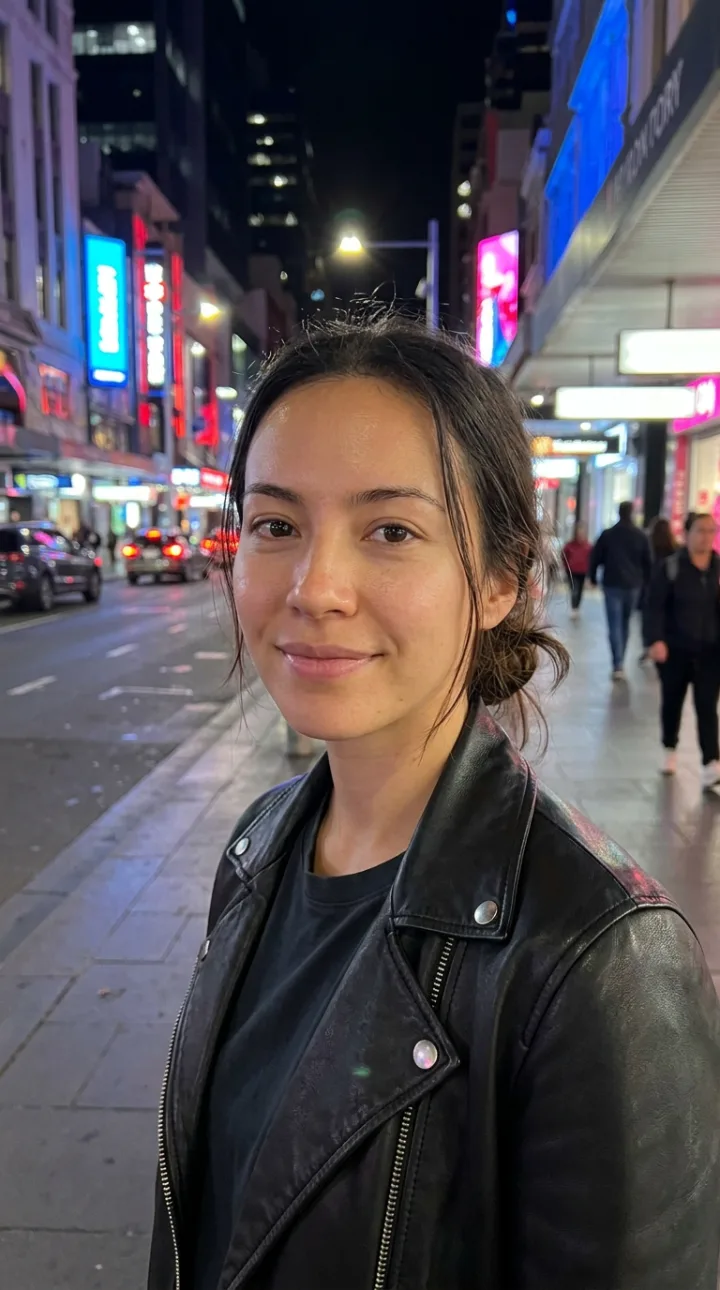
AI Instagram model
A persona with a full feed.