Tool · Relight
AI photo relight
Relight changes the light in a photo after it was taken. Pick where the light comes from (front, side, top, behind) and a look (golden hour, neon, studio, moonlight, candlelight), and the model re-renders the light and shadows on the person and the scene. The pose and the face stay.
New light, same moment
- Upload a photo.
- Pick a direction and a look.
- Relight, compare, download.
Sign in to run it. The price shows first.
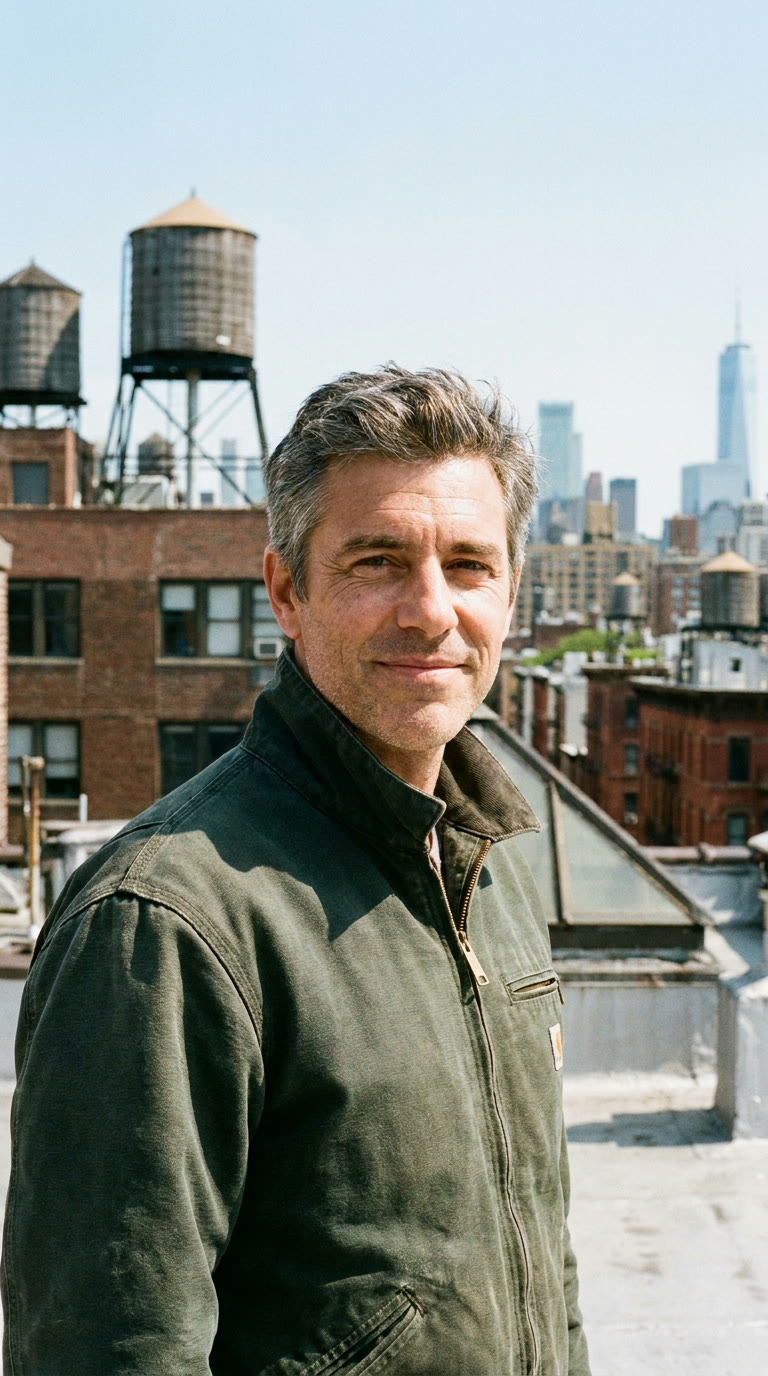

Flat midday to golden hour
01 Midday
Man in a green jacket on a city rooftop in flat midday light
02 Golden hour
The same photo relit at golden hour, warm light on his face and an orange sky over the skyline
03 What changed
Relighting with the golden-hour look: warm low sun on his face and jacket, an orange sky behind the water towers. Same man, same pose, same skyline.
Unedited output.
Relighting (fal), one run at 4K, unedited. The people on this page are AI-generated.
How do you change the lighting in a photo with AI?
Open Relight in Image Studio and upload the photo. Choose where the light should come from and a look: natural, golden hour, sunrise, soft or hard studio, dramatic, overcast, moonlight, neon or candlelight. Click Relight. The model re-renders highlights, shadows and color on the subject and the background together, so the new light looks like it was there when the photo was taken.
Bria Relight follows the direction closely and keeps the scene; Relighting goes further, with neon and candlelight, and can restyle the background to match.
What it does
- Direction you choose
- Front, side, top, bottom or behind: shadows fall where the light would put them.
- Ten looks
- Natural, golden hour, sunrise, soft and hard studio, dramatic, overcast, moonlight, neon, candlelight.
- Same person, same pose
- Only the light changes; the face, the expression and the framing stay.
- Subject and scene together
- The background is relit too, so the new light looks real rather than pasted on.
Five looks on three people
One run each. The label is the look; the note is the model and the direction.
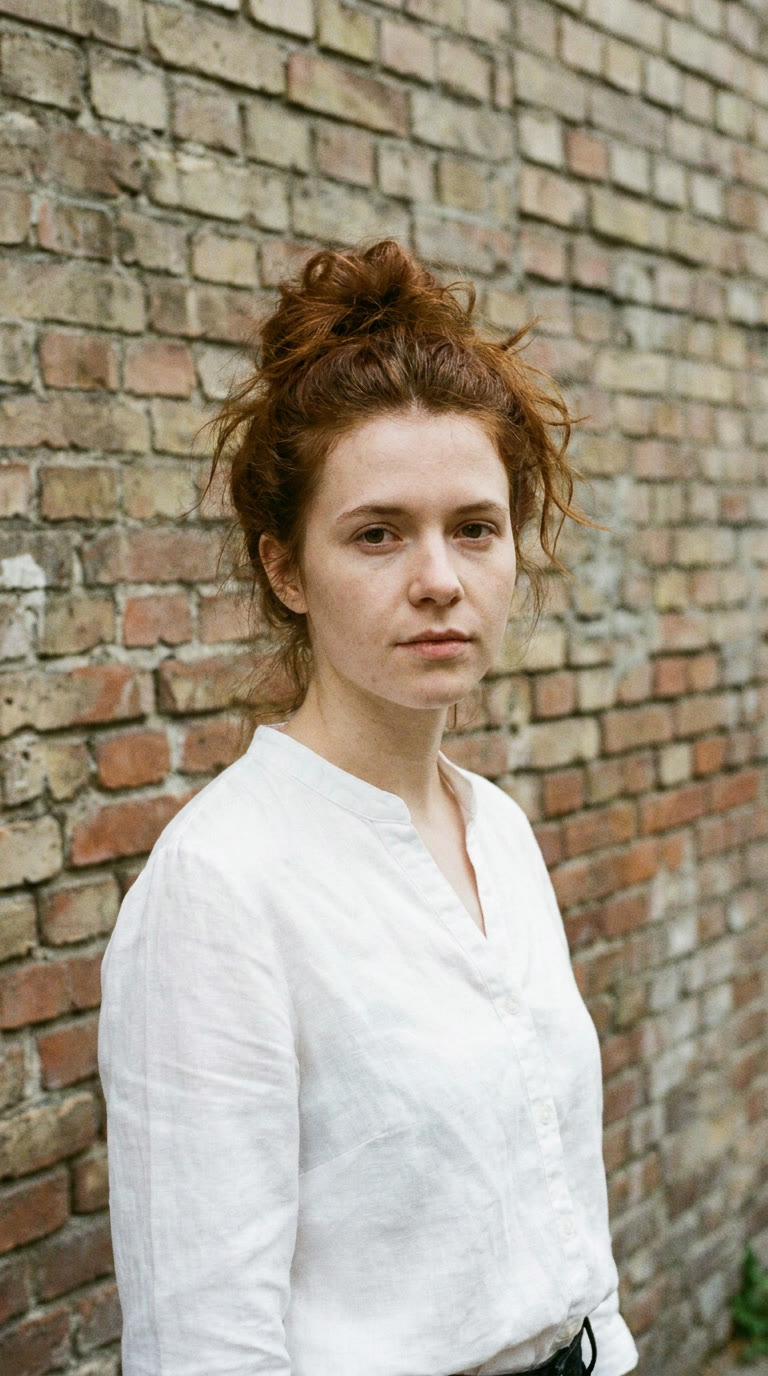 Overcast
 Low sun, side
 Neon
Overcast to low sun, or neon
 Even light
 Spotlight
 Even light
 Candlelight
Studio portraits: a spotlight, then candlelight
Midday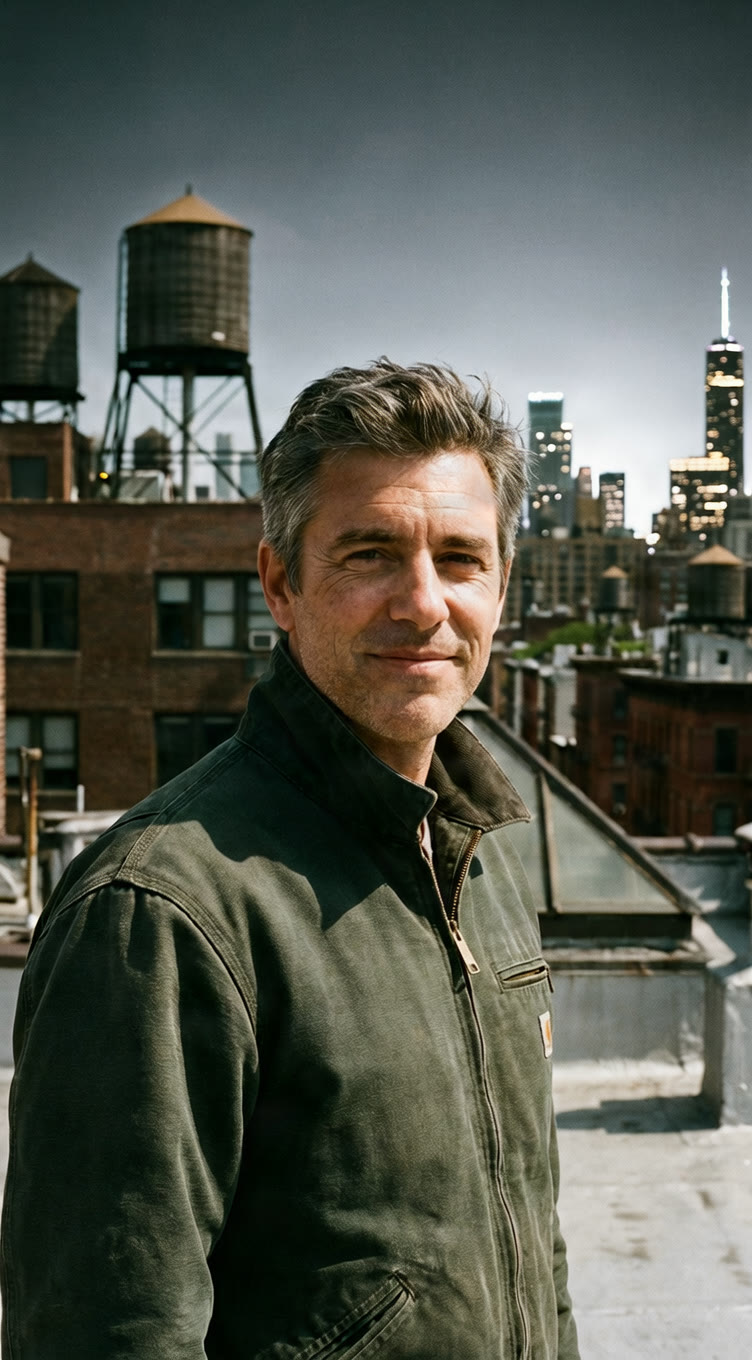 Moonlight
Midday to moonlight
How to relight a photo with AI
- 01
Upload the photo
Open Image Studio, pick Retouch, then Relight, and upload a JPG, PNG or WebP, or send a result from its tile.
Very dark photo? Brighten it with an enhancer first, then relight.
- 02
Choose direction and look
Top, left, front, right, bottom or back, plus one of ten looks. Bria Relight has no neon or candlelight; Relighting has all ten.
Want a rim light? Pick Back on Relighting.
- 03
Relight and compare
Click Relight. The result sits next to the original; download it or relight again.
Background changed more than you wanted? Use Bria Relight, which keeps the scene.
The relight models
Both take a direction and a look; they differ in how far they go.
| Model | Best at | Credits |
|---|---|---|
| Bria Relight | Natural light from a chosen direction, scene kept | 8 per image |
| Relighting | Bold looks (neon, candlelight) at 4K | 8 per image |
Where it's used
Tips
- Start from a photo in even, flat light; it relights cleanest.
- Side light adds shape to faces; front light flatters skin.
- Use Bria Relight to keep the background as it is.
- Relight before upscaling.
What does AI relighting change?
Relighting re-renders the light in a photo: where the highlights and shadows fall, how warm or cool the light is, how hard its edges are. A filter can only tint a photo; relighting moves the light source.
It is how a flat overcast portrait becomes a golden-hour shot, or a plain studio headshot gets a dramatic side light, without a reshoot. The stronger the look, the more the background changes with it: neon and candlelight can add light sources to the scene.
FAQ
Will it change the person's face?
No. Relighting changes light and shadow, not features. Strong looks change skin color the way real colored light would.
Can I choose where the light comes from?
Yes: top, left, front, right, bottom or back. Bria Relight follows the direction closely; Relighting turns it into a matching style (side light, backlight, spotlight).
Why did candles appear in my photo?
Strong looks like candlelight and neon can add a visible light source to explain the light. Use Bria Relight for a subtler change.
How much does it cost?
Bria Relight is 8 credits per image. Relighting is 8 credits per image. The Standard plan is $24 a month for 2,000 credits. The price shows before you relight.


