Follows the performance
Expressions, speech, blinks, head turns and changing light carry over to the new face on every frame.
Upload a video and one photo of the new face. Our AI video face swap puts that face on the person you choose and follows every smile, head turn and word, while the body, hair, voice and scene stay exactly as filmed. Several people in the shot? Pick who changes and give each their own face.
ONE VIDEO + ONE PHOTO · CLIPS UP TO 2 MIN · FULL RESOLUTION · AUDIO KEPT · NO WATERMARK ON PAID PLANS
Handheld selfie footage with head turns and a raised hand. The new face holds through all of it.
One portrait in, the whole 10-second take out: laugh, head tilt and coffee cup included.
Expressions, speech, blinks, head turns and changing light carry over to the new face on every frame.
Body, hair, clothes, hands, background, timing and the original audio stay exactly as filmed.
Several people in the clip? We find everyone, you choose which faces to replace and with whom. Everyone else stays untouched.
A single clear, front-facing photo of the new face is enough. No training, no prompt.
A restoration pass keeps skin texture and eyes crisp at full video resolution instead of the smeared look of cheap swaps.
Clips up to 2 minutes come back at the resolution you uploaded, with the original sound. 5 credits per second, 25 minimum; the exact cost shows before you start.
MP4, MOV, WebM or a GIF, up to 2 minutes. Faces that are well lit and turned towards the camera give the cleanest result.
Upload one clear photo. With several people, pick each person you want to change and give them a face.
Check the credit cost and start. The finished video, with its original sound, lands in your assets. Label it as AI when you publish.
A face swap video replaces one person's face with another across every frame of a clip. The model tracks the original face, its angle, expression and lighting, and renders the new face in its place, so the result moves and speaks exactly as the original did. Everything that isn't the face, from hair and clothes to the voice, stays as it was filmed.
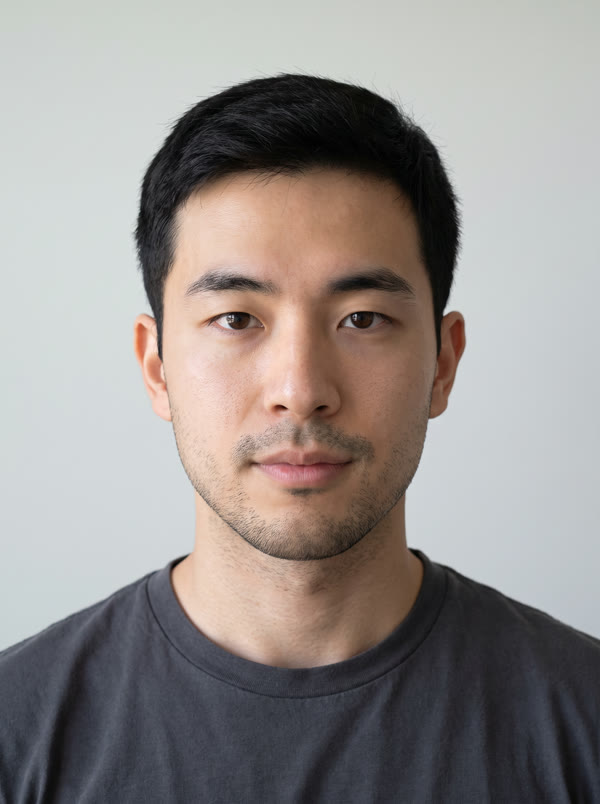
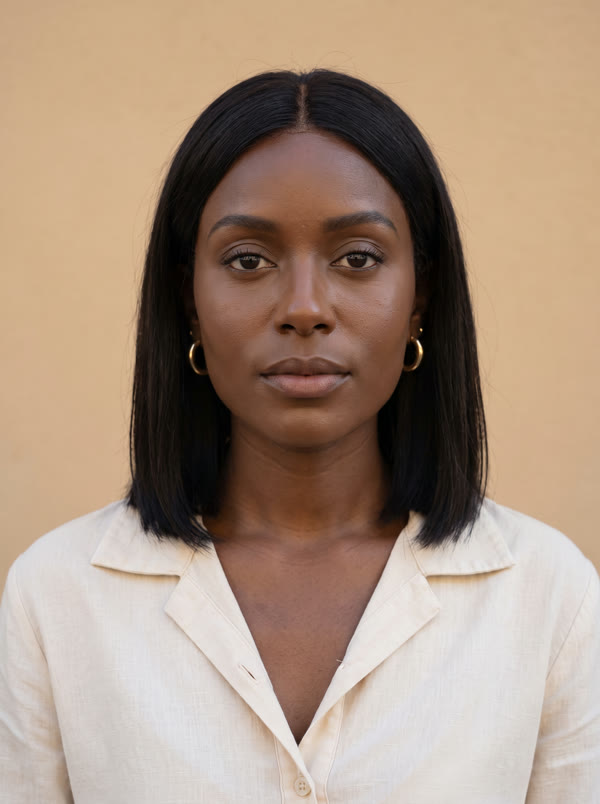
The single biggest factor in a convincing swap is face shape. The swap keeps the original head and jaw outline and changes the features inside it, so a new face with a similar shape (similar jaw width, cheekbones and forehead) looks natural, while a very different shape can look pasted on. Skin tone, age, ethnicity and features can all change freely; the examples above swap across ethnicities on matching face shapes.
It sits between neighbouring tools. AI face swap does the same thing on a single photo, and AI head swap covers photos where you want the person's whole look to read as someone else. AI body swap (AI Character Swap) replaces the whole person, body and outfit included, and keeps only the motion. Use faces you have the right to use: your own, a character you created, or someone who has agreed.
Remake a trend with your own face or your persona's, in the 9:16 clip you already have.
Put your persona's face on real footage with real human motion.
Shoot once, then recast the presenter for every audience you sell to.
Turn one creator take into several on-brand faces without another shoot.
Replace a face that can't be shown and keep the footage usable.
Stand-ins and doubles without bringing the cast back.
Upload the video, add one clear photo of the new face, choose who changes if there are several people, check the credit cost and start. The finished clip lands in your assets with its original sound.
5 credits per second of video, with a 25-credit minimum, so a 10-second clip costs 50 credits. The exact cost is shown before you start. The Standard plan is $24 a month for 2,000 credits, which covers over 6 minutes of swapped video, and unused credits roll over.
Video Face Swap runs on credits, from 25 credits for a short clip, so a test costs very little. Paid plans have no watermark, include a commercial licence and cover long clips.
Yes. Video Face Swap finds every person in the clip. Choose the ones you want to change and give each a face, or put one face on everyone.
Up to 2 minutes per clip, in MP4, MOV or WebM; GIFs work too and come back as GIFs. The result keeps the resolution and frame rate of your upload, and a restoration pass keeps the face sharp.
Yes. Open Video Face Swap in your phone's browser, upload a clip from your camera roll and a selfie or portrait, and start. Vertical 9:16 clips work as they are.
Usually the face shapes are too different. The swap keeps the original head outline, so choose a new face with a similar jaw, cheekbones and forehead. A sharp, front-facing, evenly lit photo helps too.
Yes. Only the face changes. The original audio, body, hair, clothes and scene are kept as filmed.
Video Face Swap changes the face and keeps the hair and body. To replace the whole person, body and outfit included, use AI Character Swap, our AI body swap for video.
Use faces you have the right to use: your own, a character you created, or someone who has agreed. Don't use it to impersonate or mislead anyone, never for sexual or humiliating content, and label AI-altered video where platforms ask.
For marketers
The same tool behind ad creative, product video and brand personas. Use people you have the rights to: your own talent with their permission, or AI characters you created.
Upload a clip and a photo, see the price, and swap. Test a short clip first; a plan covers minutes of video a month, full resolution and no watermark.
NO WATERMARKS · CREDITS ROLL OVER · COMMERCIAL LICENSE INCLUDED · CANCEL ANYTIME