Up to four garments
Top, bottom, shoes and an accessory in one run — build a full look from separate product photos.
Clothes Swap dresses the person in a photo in the garments you upload — one to four product or flat-lay images — while keeping their pose, body and framing. Add a line of direction if you want a new scene or light, or leave it blank for a straight swap.
1 PERSON + UP TO 4 GARMENTS · OPTIONAL PROMPT · KEEPS THE POSE
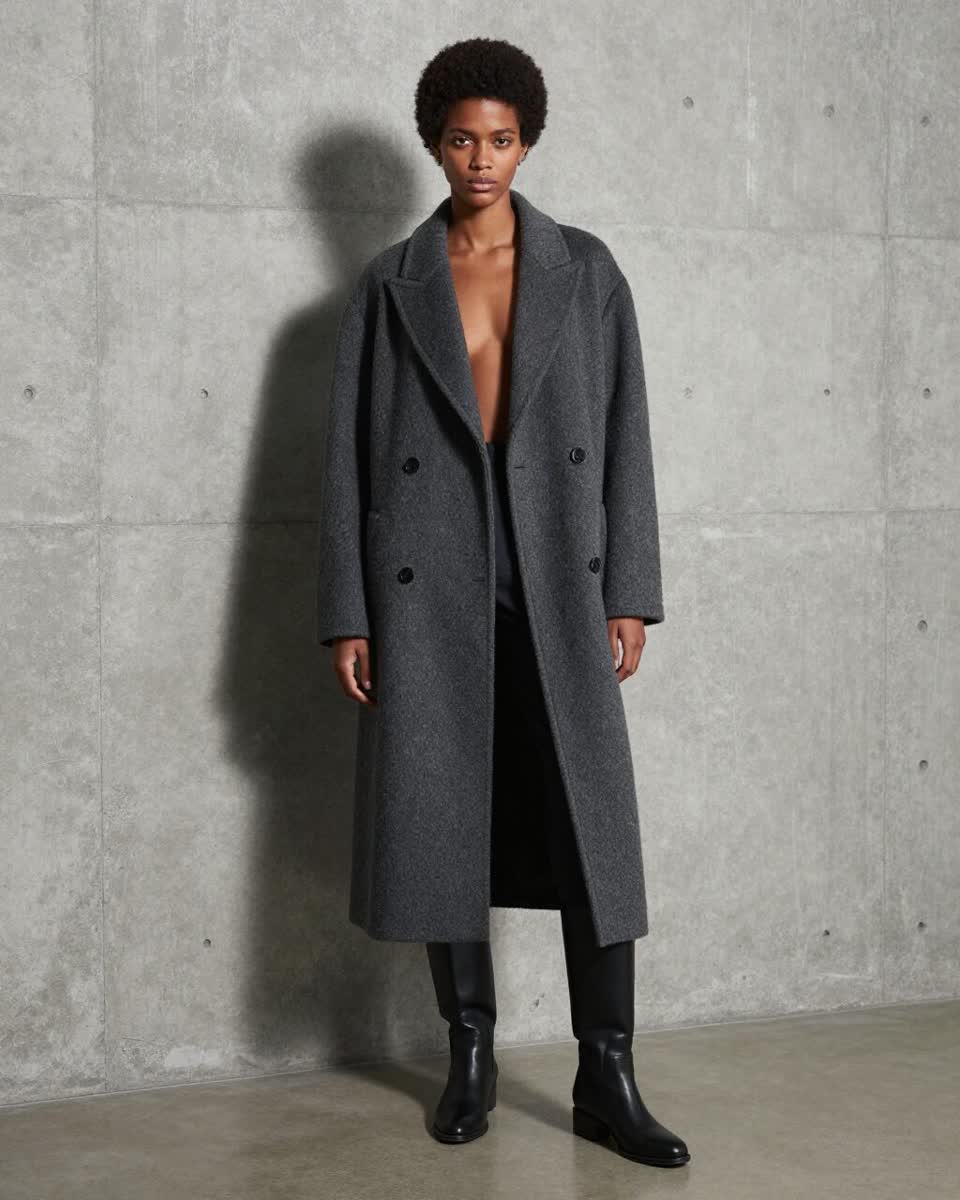
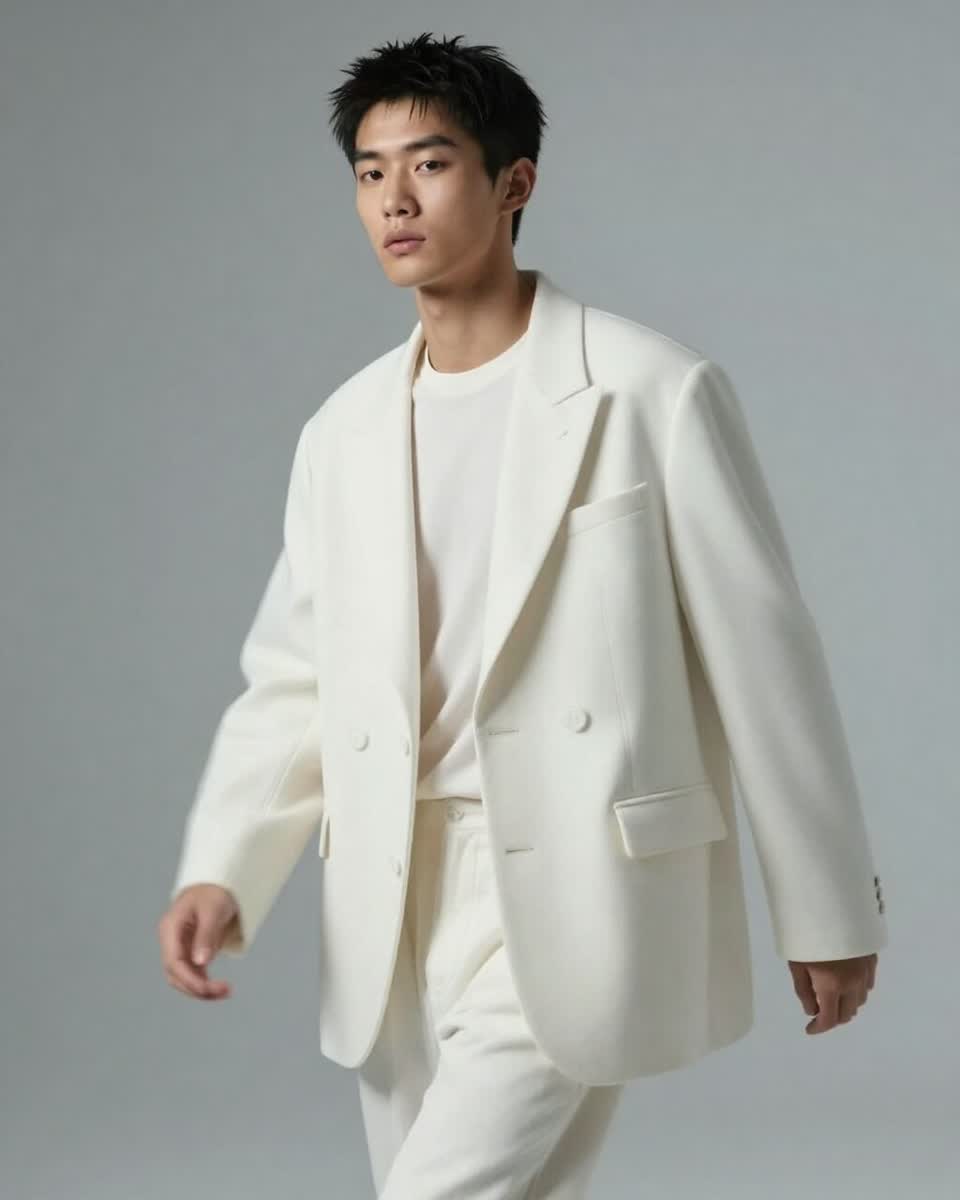
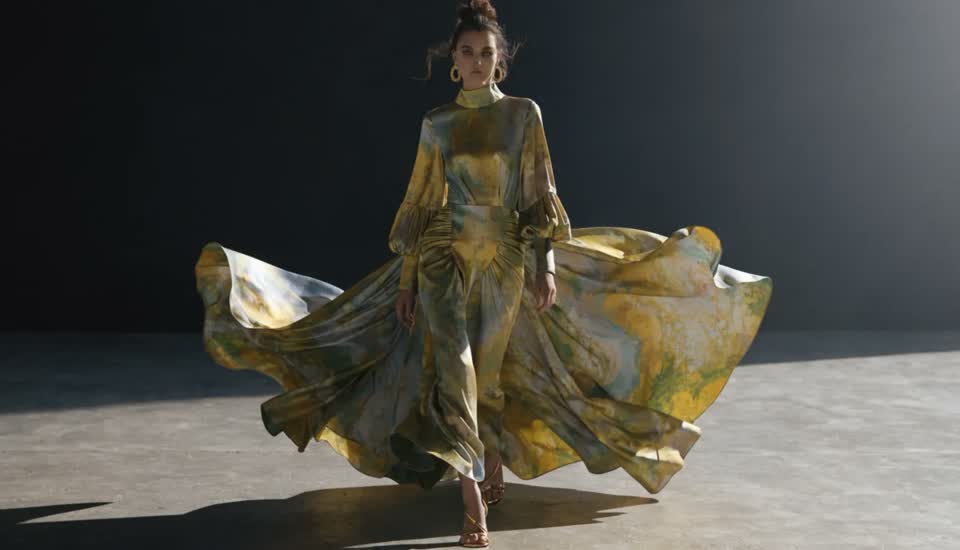
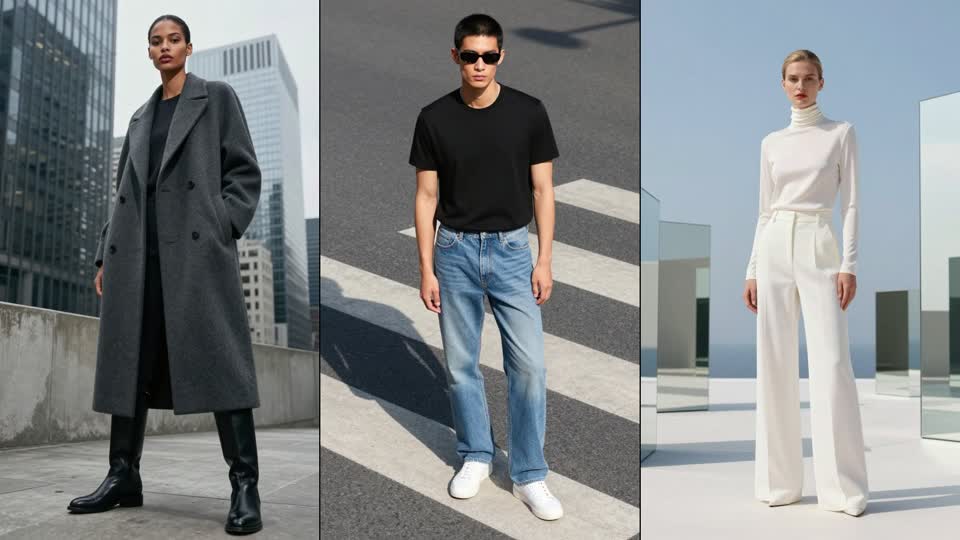
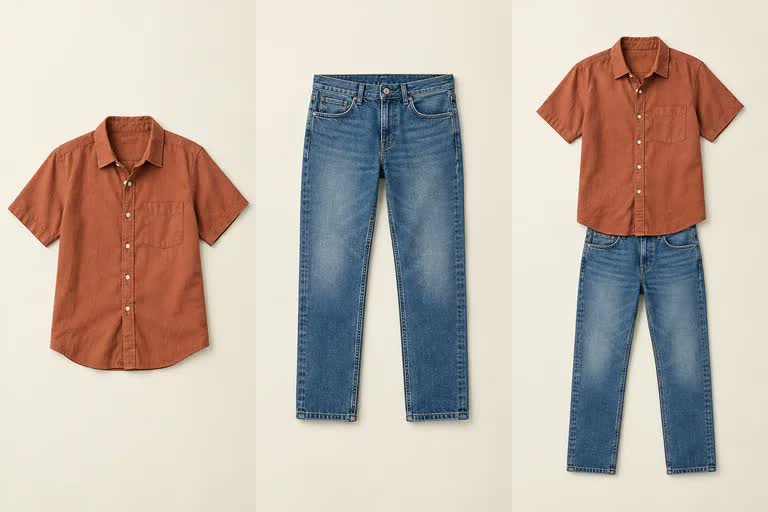
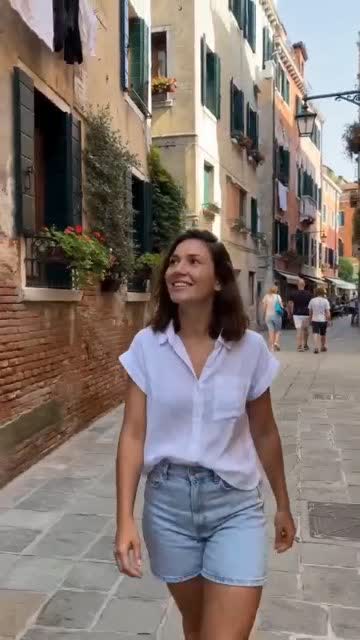
Top, bottom, shoes and an accessory in one run — build a full look from separate product photos.
Pose, body shape, face and framing are preserved; only the clothes change.
Write "at a beach at golden hour" or "studio white background" and the scene follows — your note is merged into the swap instruction.
Ask for several outputs per run and pick the one that sells the garment best.
Use a generated model, a Character, or any photo — then send the result to True Touch or Upscale.
For lookbooks, motion clips and a full catalogue workflow, the Fashion Studio builds on the same engine.
A clear photo of the model or customer — PNG, JPEG or WebP up to 20 MB. A Character or a generated model works too.
One to four garment images: product shots, flat-lays or on-model references. Optionally add a sentence of styling or scene direction.
Choose how many variations you want, check the estimate and click Clothes Swap. Results keep the person's framing.
An AI clothes swap — also called virtual try-on — takes a photo of a person and one or more garment images and renders the person wearing those garments, matching drape, fit and lighting to their pose. It's how brands get on-model photography from flat-lay product shots, and how shoppers see a piece on themselves before buying.
Affogato's Clothes Swap runs on an image-editing model (Seedream 4.5 Edit) wrapped in a fashion-specific instruction. Upload the person, add up to four garments, and optionally type styling direction; a small language model merges your note into the swap so the scene, light or mood can change while the person stays the same.
It's the single-shot tool. When you need a full catalogue — lookbooks, multiple models, short motion clips — the Fashion Studio uses the same engine with a workflow built around it.
Turn product photography into on-model shots without booking models or a studio.
Combine top, bottom, shoes and a bag from separate SKUs into one outfit image.
Show a customer a garment on their own photo.
The same outfit at a beach, on a street and in a studio — one prompt each.
Several models, several colourways, fast.
Up to four per run — enough for a full outfit with an accessory. Each garment image can be a flat-lay, a product shot or an on-model reference.
Yes. The output matches the person photo's framing and preserves pose, body and identity; only the clothing (and, if you ask, the scene) changes.
Yes — add a sentence of direction such as "outdoor café, soft morning light" and it's merged into the swap. Leave it blank for a straight garment replacement.
A well-lit, full- or three-quarter-length photo of the person, and garment images with the whole item visible on a plain background.
Per output image in credits; the exact cost is shown before you run it and multiplies with the number of variations you request.
Clothes Swap is the single-image tool. The Fashion Studio is a workflow on the same engine for lookbooks, multiple models and short motion clips.
Sign in, upload a person and a garment, and see it on them in under a minute.
NO WATERMARKS · CREDITS ROLL OVER · COMMERCIAL LICENSE INCLUDED · CANCEL ANYTIME