Edit with words
"Make it golden hour", "swap the sofa for a green velvet one", "remove the sign" — the model changes what you name and leaves the rest.
The Image Editor edits an existing picture from a text prompt — or guides a new one with up to three reference images for subject and style. Say what should change; the model keeps everything else. Pick from the current best editing models without leaving the page.
UP TO 3 REFERENCES · PROMPT-DRIVEN · FLUX.2 · SEEDREAM · NANO BANANA PRO
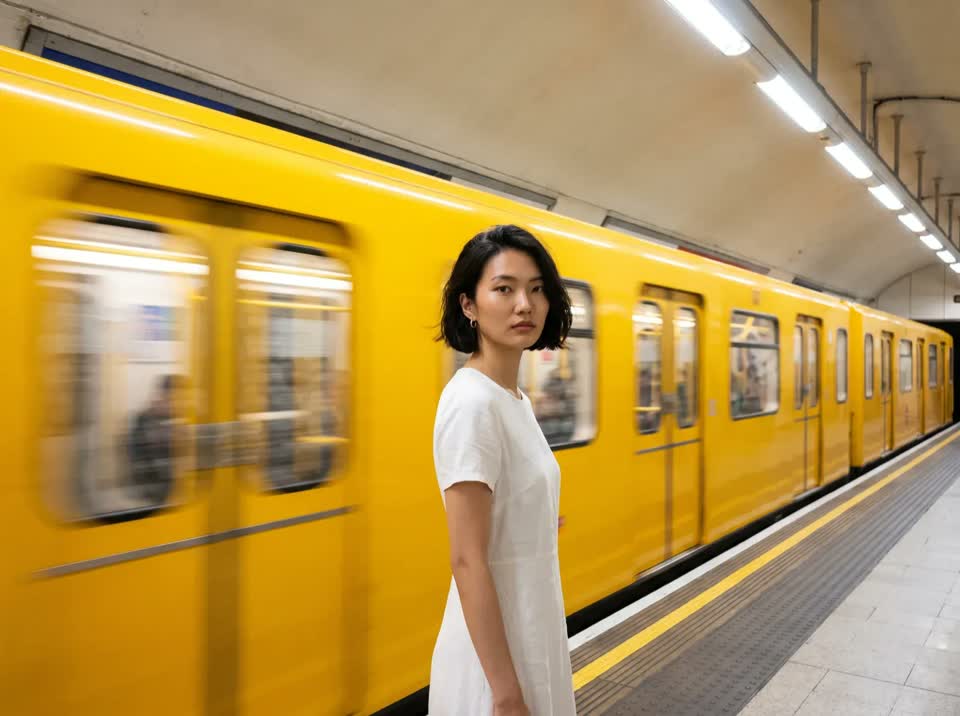
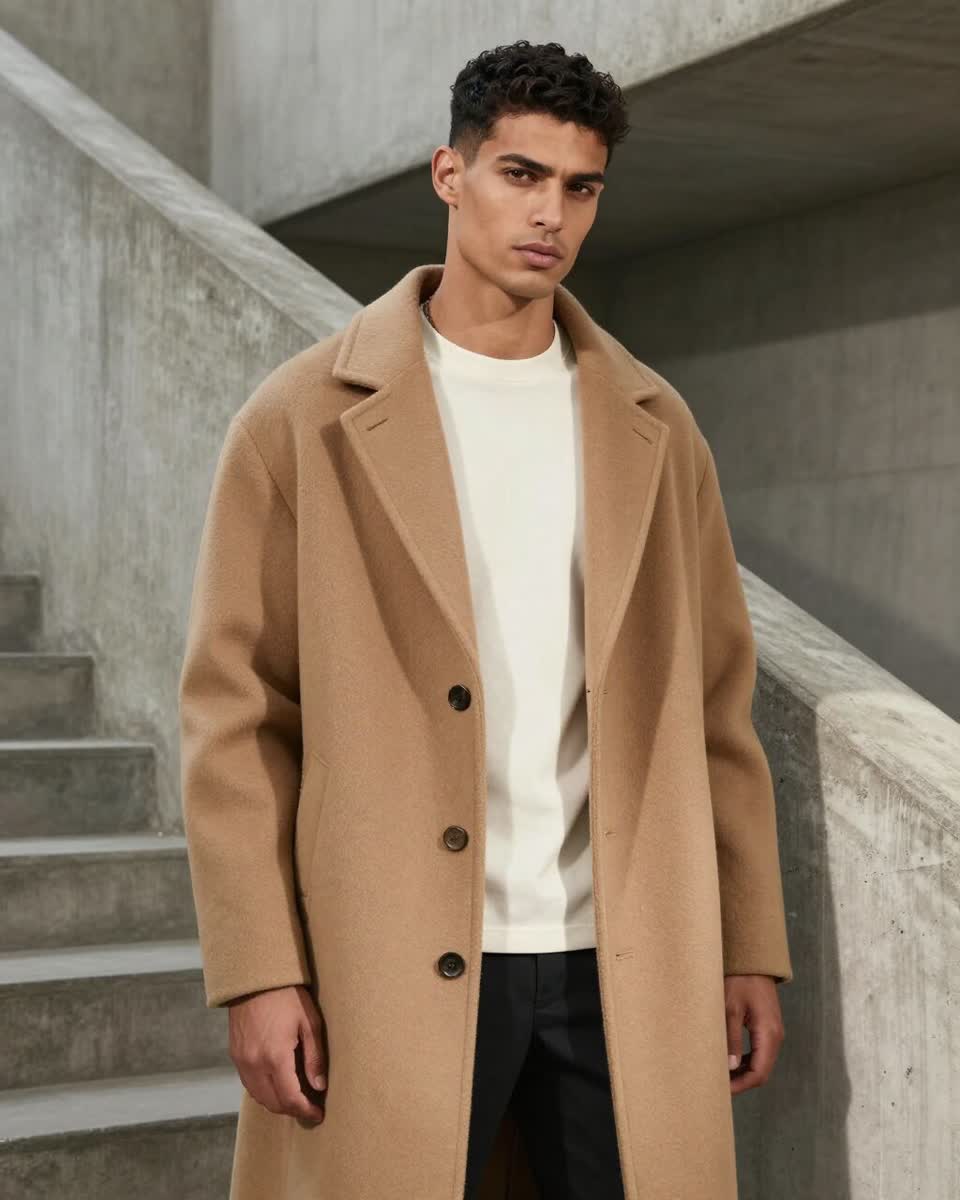
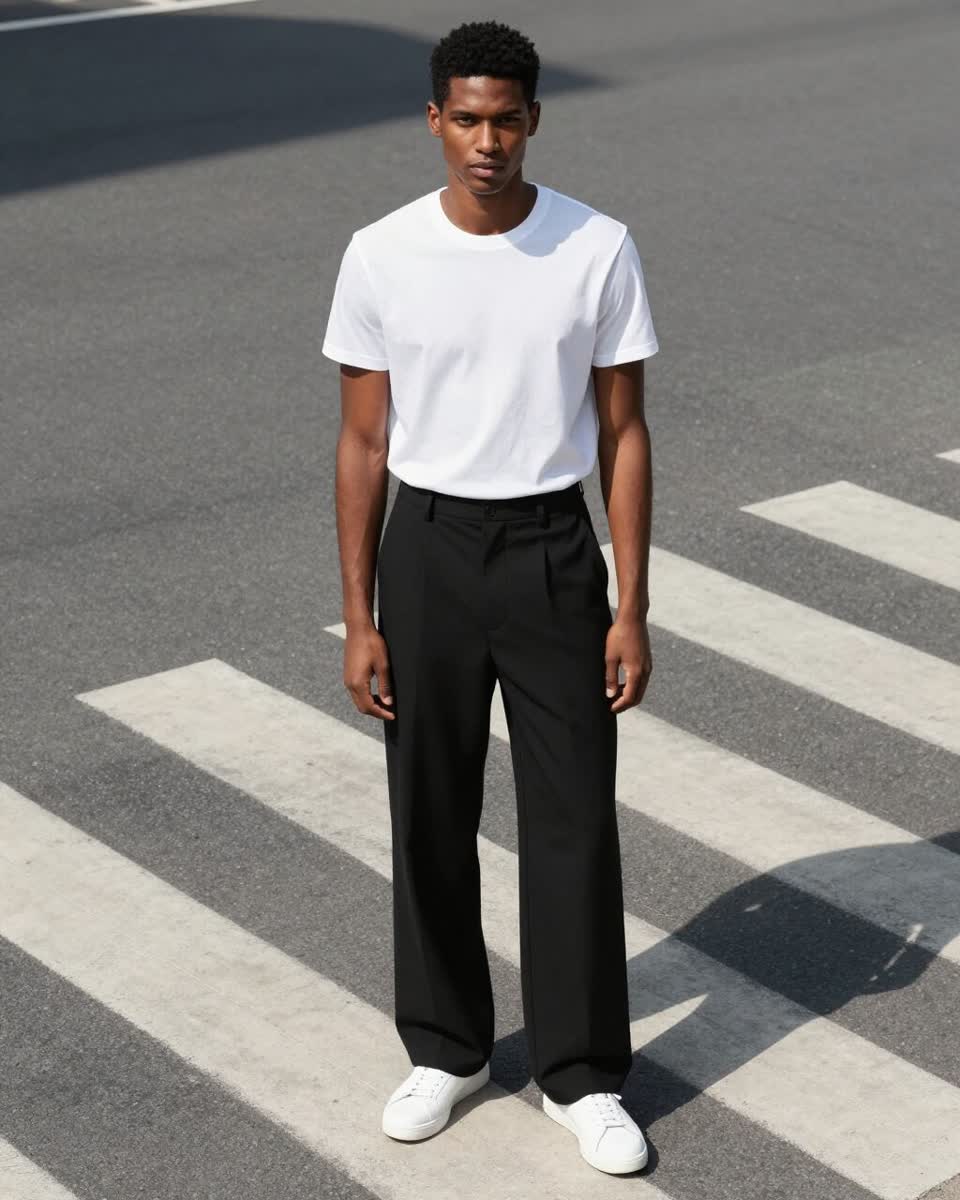
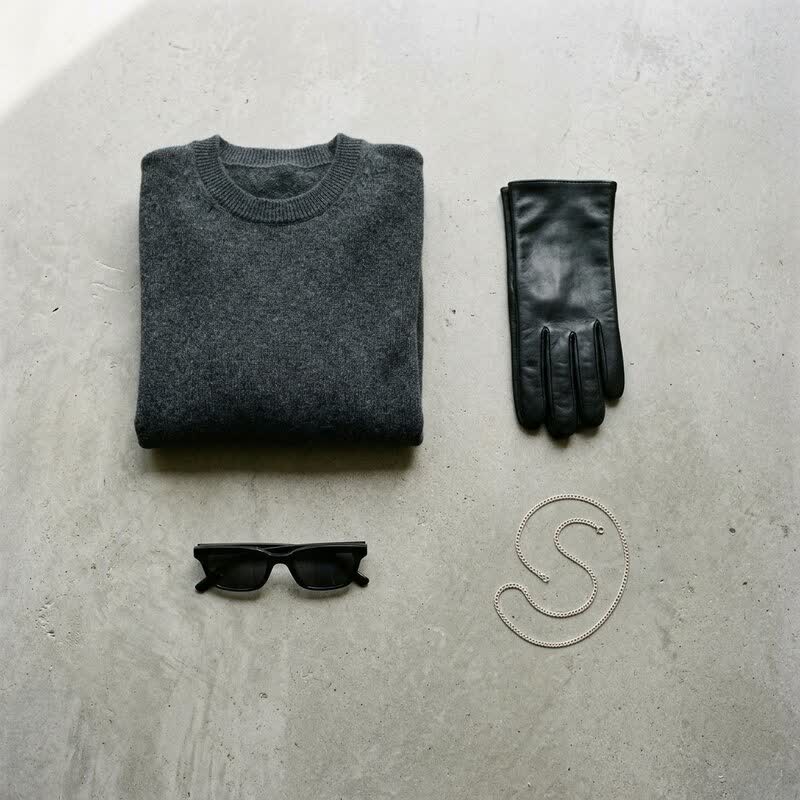
"Make it golden hour", "swap the sofa for a green velvet one", "remove the sign" — the model changes what you name and leaves the rest.
The first image is the subject; the others steer style, pose or scene. Merge a product with a mood-board shot in one go.
FLUX.2 Max Edit, Seedream 4.5, Nano Banana Pro and more, with the model picker showing which accept references.
Ask for several outputs per prompt, or queue several prompts at once for a set of on-brand variations.
Attach a saved Character so the person in the edit stays consistent with the rest of your work.
Send results to Upscale, True Touch or Remove Background from the tile.
Upload the photo to edit, plus up to two more as style or scene references — PNG, JPEG or WebP up to 20 MB each.
Write what should be different. Be specific about what stays: "same pose, same outfit, new background: a rooftop at dusk".
Pick a model and how many variations; the estimate shows the cost. Results land in your assets, ready to refine further.
An AI image editor changes a photo from a description instead of a selection. You upload the image, write "replace the background with a marble kitchen" or "put the model in a red trench coat", and the model re-renders only what you asked for, keeping lighting, perspective and everything you didn't mention. What used to take masking, compositing and colour-matching becomes one sentence.
Affogato's Image Editor adds references to that: up to three images where the first is the subject and the rest guide style, pose or scene. That's how you place a specific product into a specific mood-board shot, or apply the look of one image to another, without prompting for it in words.
The models are the current best in class — FLUX.2 Max Edit, ByteDance Seedream 4.5, Google's Nano Banana Pro and others — and you pick per edit. There's no mask or brush; edits are instruction-driven, so the more precisely you describe what changes and what stays, the better the result.
Move a product, model or portrait into a new location in one prompt.
Combine a packshot with a lifestyle reference for lifestyle imagery that keeps the product accurate.
Give it an image whose look you want and let it apply that palette and mood.
Remove a sign, fix a hand, change a colour — without reshooting or regenerating.
Queue several prompts against one hero image to fill a campaign.
No — edits are instruction-driven. Describe what should change and what should stay, and the model handles the selection. For precise product cut-outs use Remove Background first.
Up to three, subject to the chosen model's limit. The first is treated as the subject; the others guide style, pose or scene. The picker tells you which models accept references.
Models tagged for image editing, including FLUX.2 Max Edit, ByteDance Seedream 4.5 and Nano Banana Pro. New ones are added as they reach public API.
Yes. Attach a saved Character and the person's identity is woven into the edit, the same way it is in Generate.
Per output image in credits, by model. The estimate shows the cost for your prompts × variations before you generate.
Generate makes a new image from a prompt (and optional Character or pose). Edit starts from your image and changes it — or uses your images as references to guide a new one.
Sign in, upload a photo, and type the edit. Results in seconds, on the best editing models.
NO WATERMARKS · CREDITS ROLL OVER · COMMERCIAL LICENSE INCLUDED · CANCEL ANYTIME