The whole catalogue
Nano Banana Pro, Seedream 4.5 and 5 Pro, FLUX.2, GPT Image, Ideogram, Recraft, Wan and more — new models go live the day they reach public API.
The Image Studio is a text-to-image generator and editor with the whole model catalogue behind one prompt box — Nano Banana Pro, Seedream, FLUX, GPT Image and 100+ more. Run several models and aspect ratios at once, keep a character consistent, and finish with upscale, background removal and skin realism in the same place.
100+ IMAGE MODELS · MULTI-MODEL RUNS · CHARACTERS · UP TO 8K
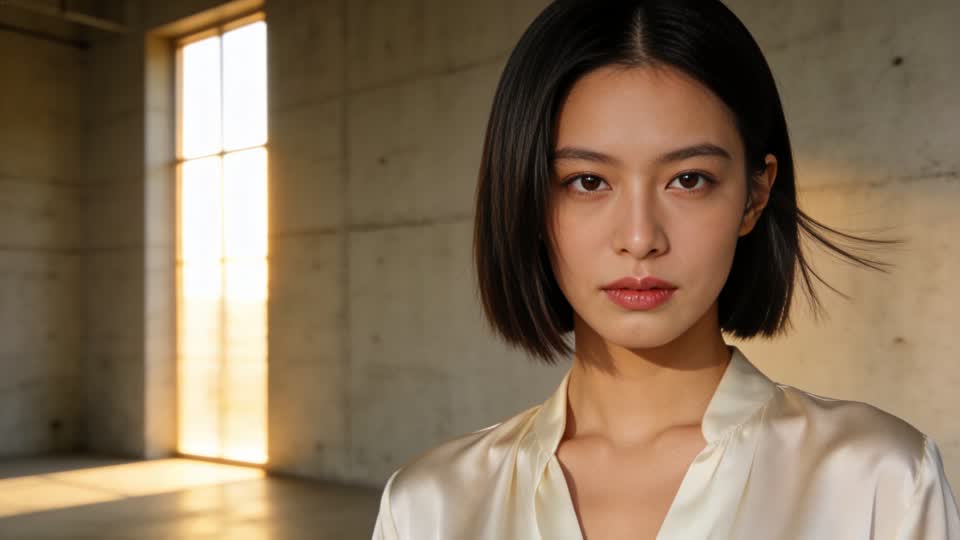
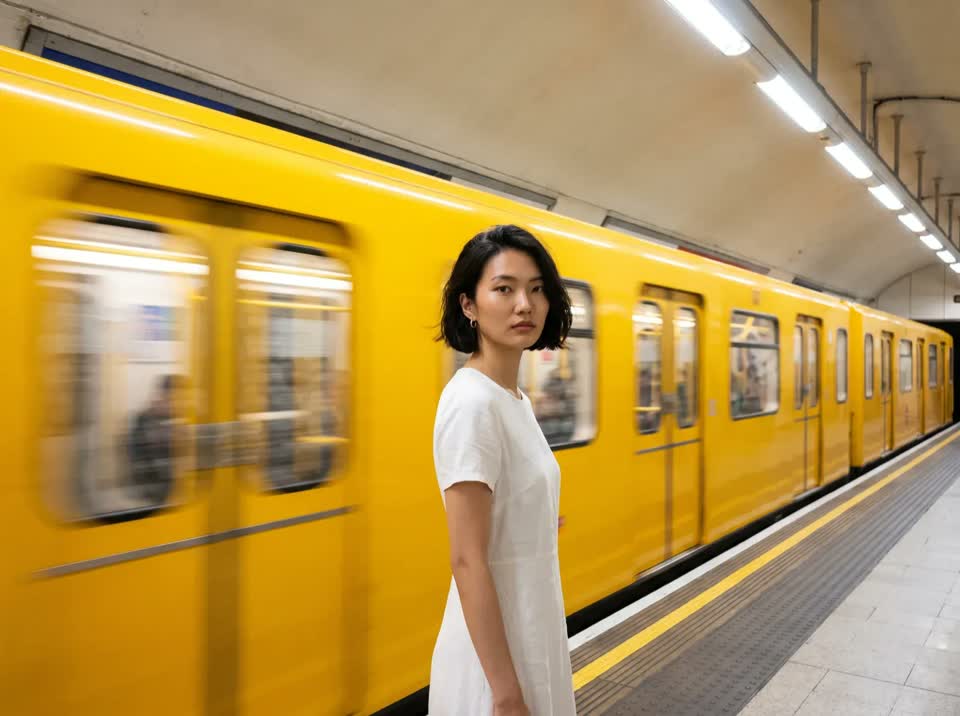
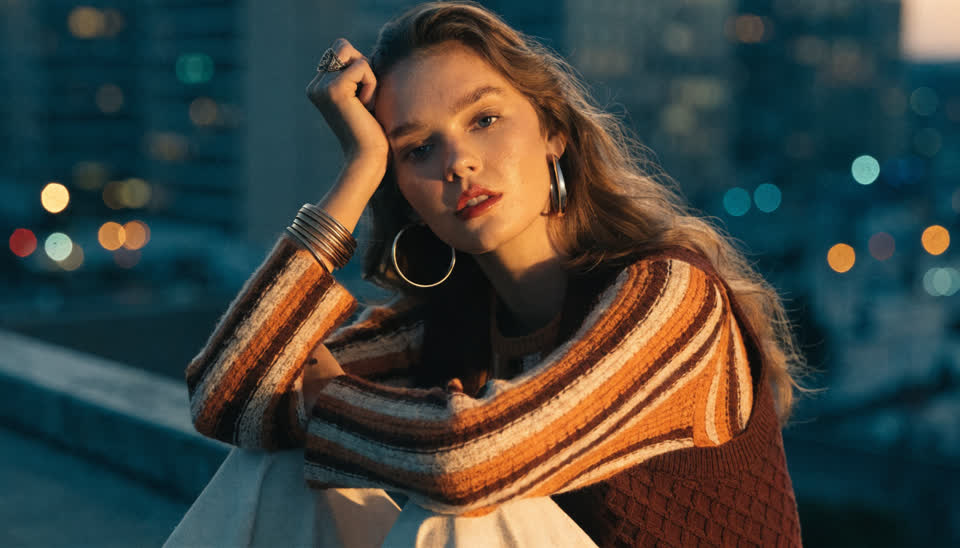
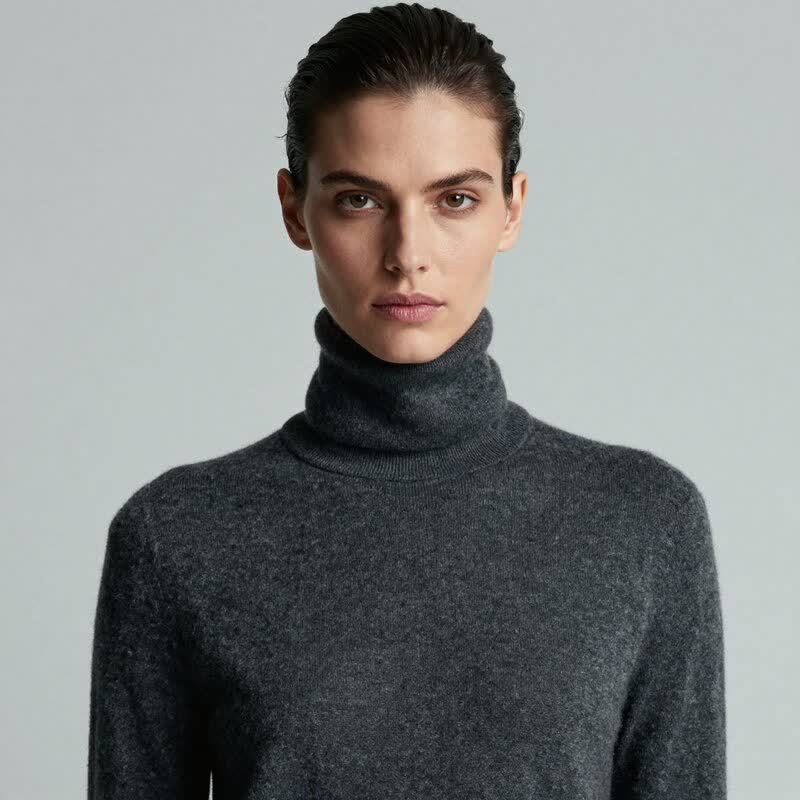
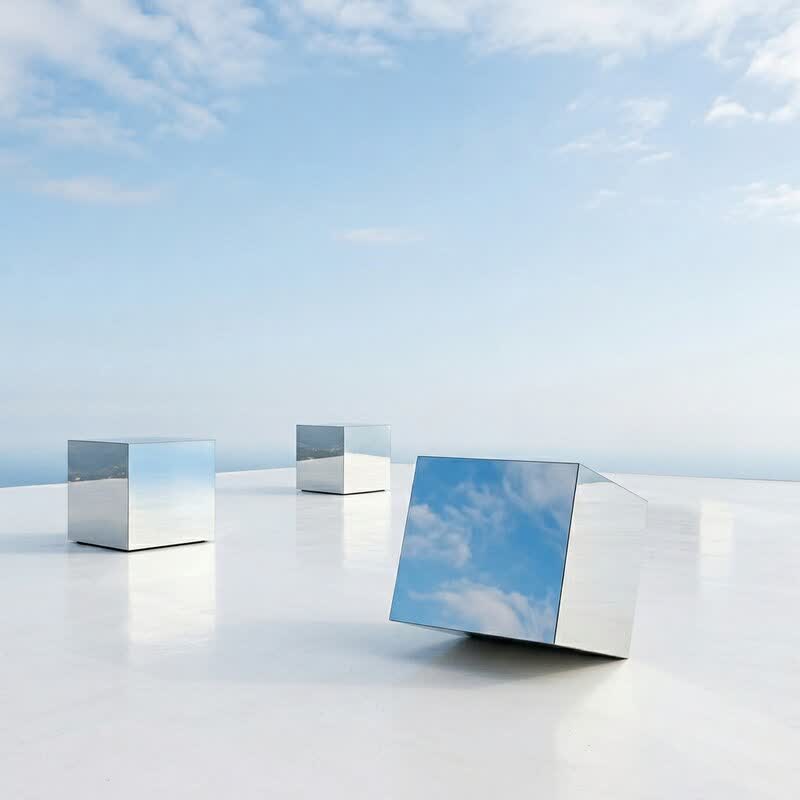
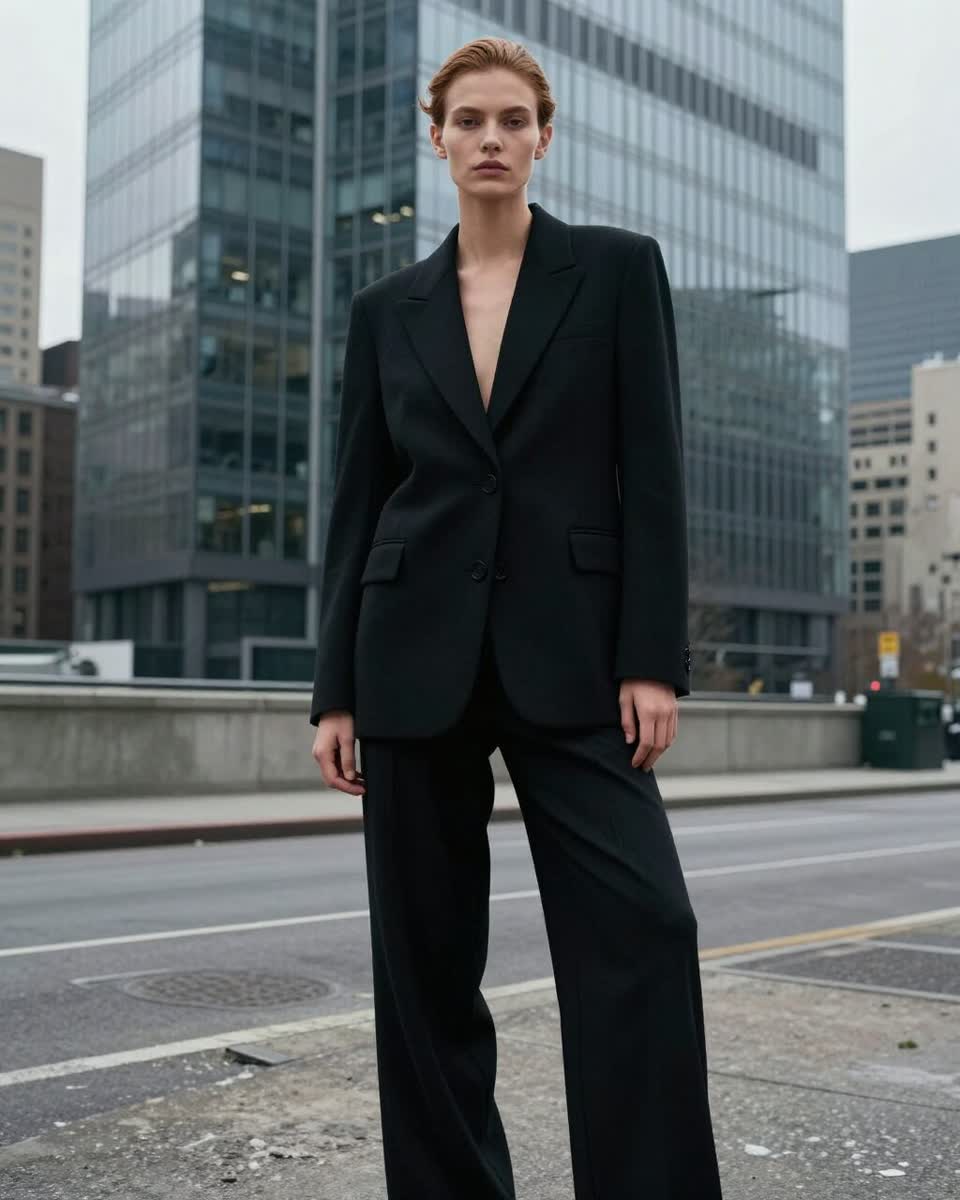
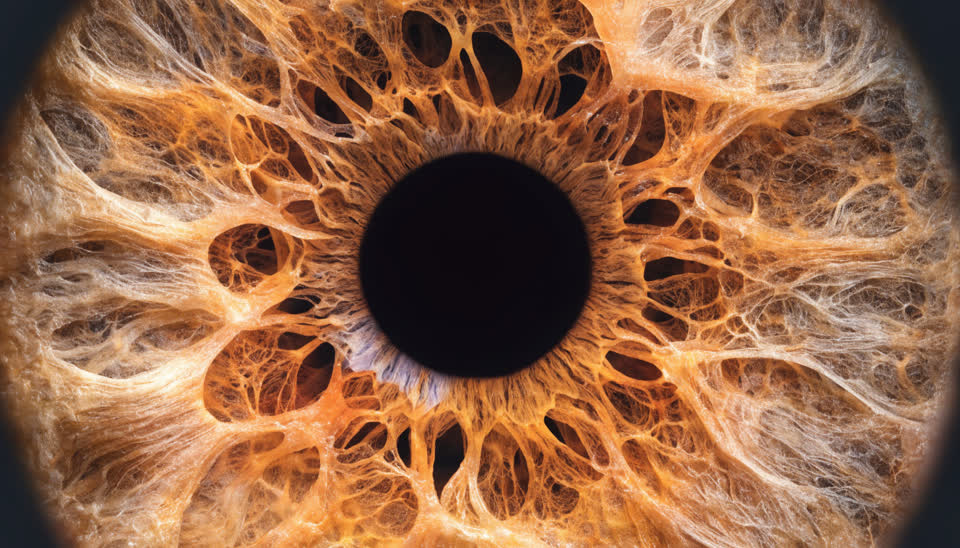
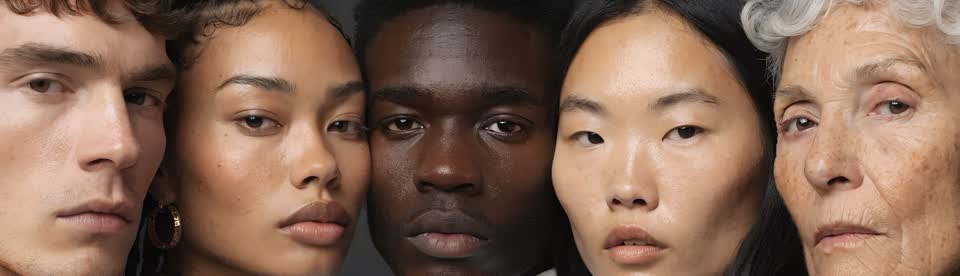
Nano Banana Pro, Seedream 4.5 and 5 Pro, FLUX.2, GPT Image, Ideogram, Recraft, Wan and more — new models go live the day they reach public API.
Select several models, several aspect ratios and up to the model's max count in one go; the studio fans it out and shows every result in one feed.
Edit an existing image with a sentence, or guide a generation with up to three reference images for subject and style.
Lock a face with a saved Character, or lock a pose with a reference image or a template from the pose gallery.
Send any result to Upscale (to 8K), Remove Background, Clothes Swap, Face Swap or True Touch straight from the tile.
Write variants and Surprise buttons draft prompt variations with an LLM when you're stuck; negative prompt and seed are there when you need control.
Describe the image (up to 4,000 characters), or add several prompts to run as a batch. Attach a Character or a pose reference if you want them locked.
Choose one model or several, the aspect ratios (1:1, 16:9, 9:16, 4:3, 3:4) and how many outputs. The credit estimate updates as you go.
Results land in your feed; compare, pick, then upscale, cut out, swap or enhance without leaving the studio.
There is no single best AI image generator: Nano Banana Pro is strongest at photoreal detail and legible text, Seedream at fast creative edits and 4K, FLUX.2 at maximum-fidelity stills and multi-reference composition, GPT Image at fine typography, Ideogram at lettering, Recraft at print-ready vector-like output. The right answer depends on the shot — so the Image Studio puts all of them behind one prompt and lets you run them side by side.
It is also more than a generator. Edit / Reference changes an existing image or steers a new one from up to three references; Characters keep the same person across every output; Pose Lock fixes the composition; and the finishing tools — 8K upscale, background removal, face swap, clothes swap, True Touch — are a click away on every result tile. Credits are the only currency, priced per output by the model, with the estimate shown before you generate.
For teams that ship images daily, that means one workspace instead of five subscriptions, and one library where everything lands.
One prompt, five models, side by side — pick the winner instead of guessing.
Hero images, key visuals and social crops in every aspect ratio from one brief.
A saved Character across a whole set of lifestyle images.
Generate a scene, cut out the product, upscale for print.
Stylised models with Illustration-mode upscaling for clean line work.
GPT Image and Ideogram for legible text in the image.
100+ image models, including Google Nano Banana Pro, ByteDance Seedream 4.5 and 5 Pro, FLUX.2, OpenAI GPT Image, Ideogram, Recraft, Wan and Affogato's own realism routers. New models are added when they reach public API, and every plan unlocks all of them.
Yes. Select multiple models, multiple aspect ratios and a count per prompt; the studio fans out one task per combination and shows everything in one feed. The estimate reflects the whole batch.
Create a Character from a photo or from attributes and attach it. Image models that support characters lock the face natively; the description also carries into video.
Yes — the Edit / Reference capability changes an existing image from a prompt or uses up to three references to guide a new one, on models like FLUX.2 Max Edit, Seedream and Nano Banana Pro.
Each model has its own native sizes (up to 4K on models like Nano Banana Pro and Seedream). Send any result to Upscale for 2K, 4K or 8K.
Images are priced per output in credits, by model, and the exact estimate is shown before you generate. Plans start at $24/month for 2,000 credits that roll over, with a commercial license and no watermarks.
Sign in, write a prompt, pick your models and compare the results in seconds.
NO WATERMARKS · CREDITS ROLL OVER · COMMERCIAL LICENSE INCLUDED · CANCEL ANYTIME