2K, 4K or 8K
Choose the target size and the final resolution lands there regardless of the input — from a phone screenshot to a camera raw.
Upscale raises an image to 2K, 4K or 8K — or a video by 2× or 4× — by reconstructing detail rather than stretching pixels. Pick Photo, Illustration or Face mode so the model adds the right kind of texture, and get print-ready or platform-ready output in one pass.
IMAGES TO 8K · VIDEO TO 4× · PHOTO / ILLUSTRATION / FACE MODES

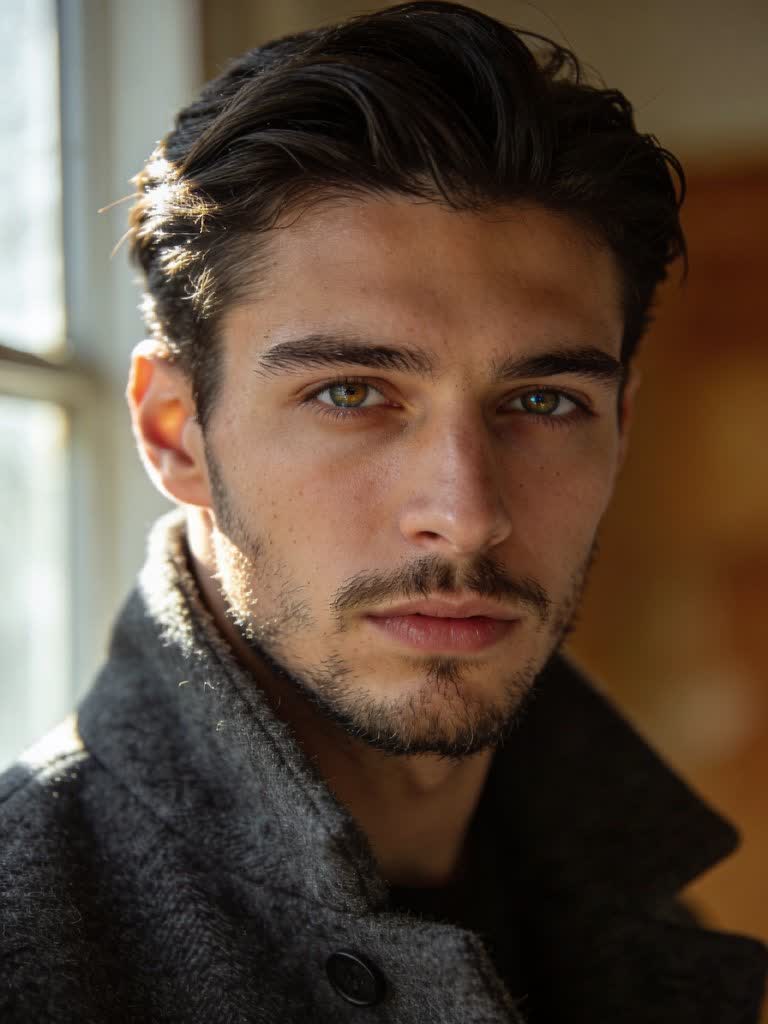
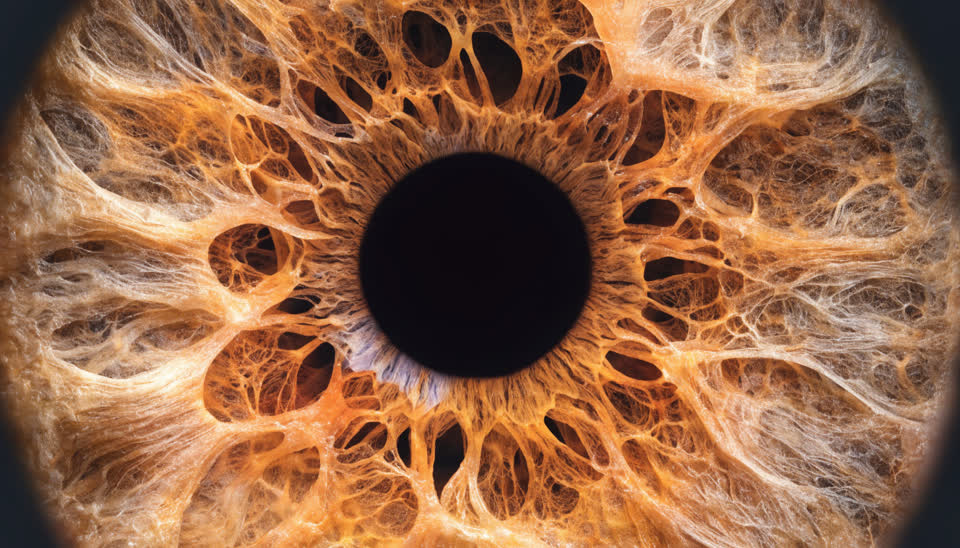
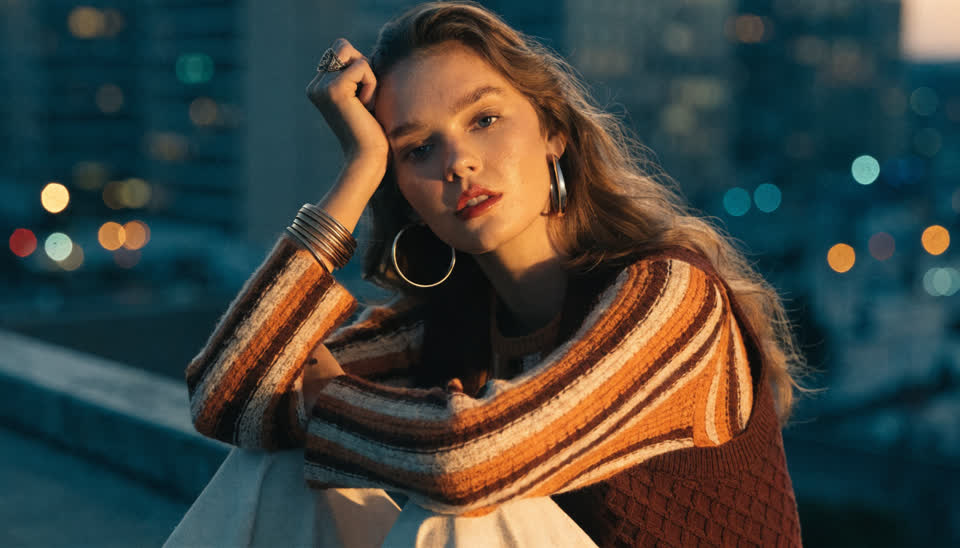
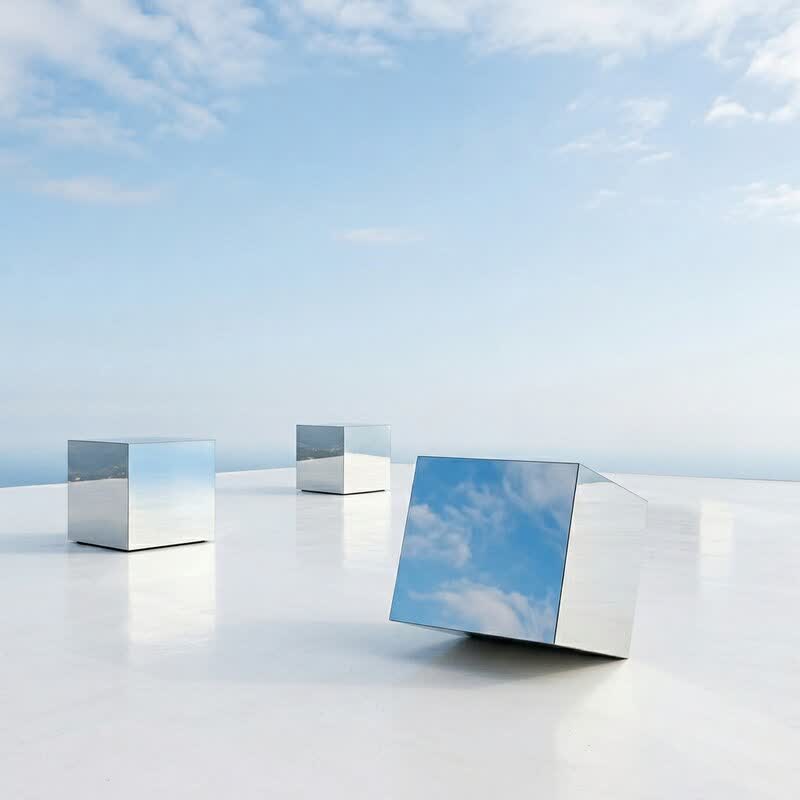
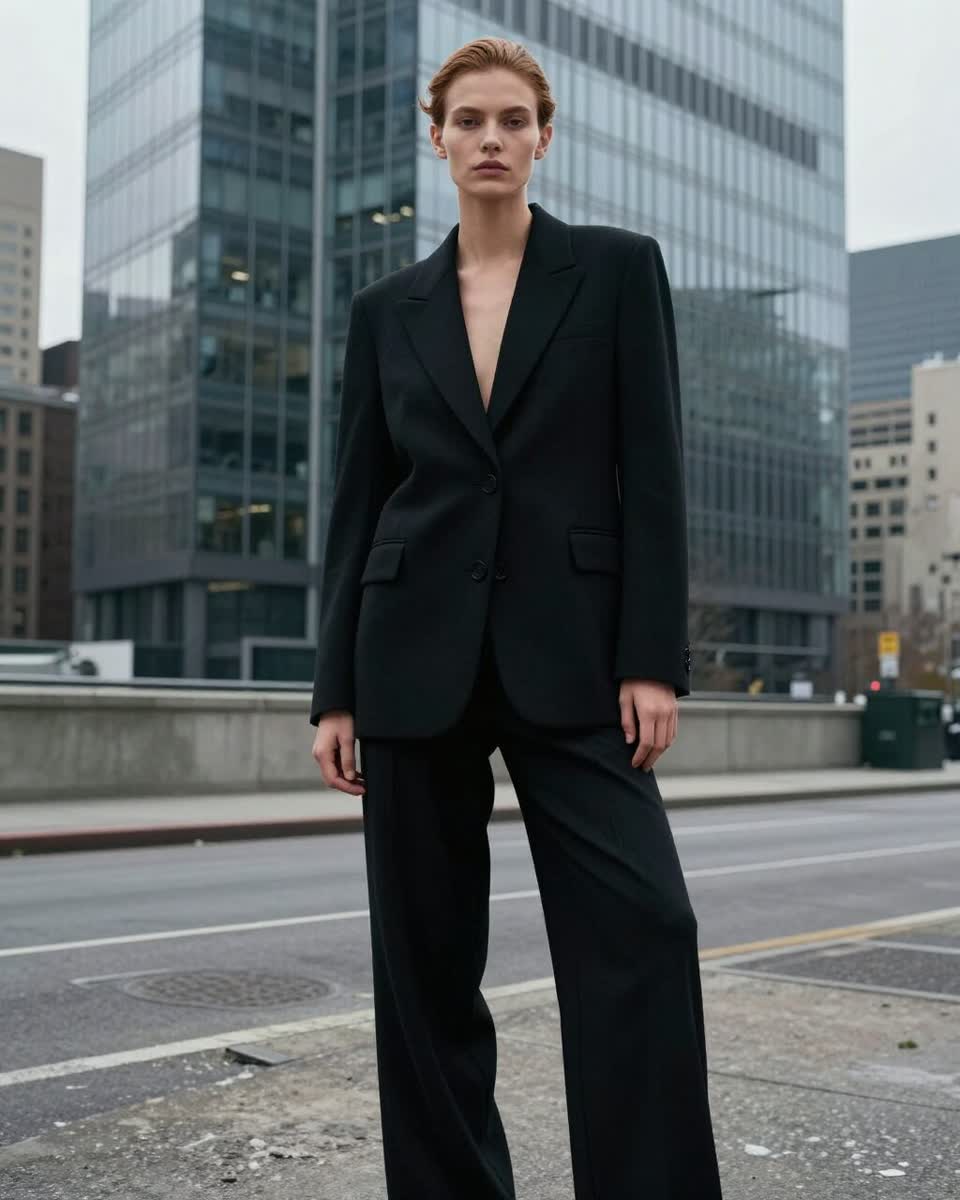
Choose the target size and the final resolution lands there regardless of the input — from a phone screenshot to a camera raw.
A content mode tells the model what kind of detail to add: film-like grain and texture, clean line art, or natural skin and eyes.
Upscale video 2× or 4× with the Topaz-based video upscaler for 1080p and 4K deliverables.
The 8K pipeline pairs SUPIR restoration with a tiled diffusion pass, so edges, hair and fabric come back rather than smearing.
Generate, edit, face-swap or true-touch an image, then send it to Upscale from the tile — no downloads in between.
Deliver print, packaging and hero images at full size with a commercial license included.
PNG, JPEG or WebP up to 20 MB, or use Send to → Upscale on any result tile in the studio. For video, switch to Video mode → Upscale (MP4, MOV, WebM up to 200 MB).
2K, 4K or 8K for images (2× or 4× for video) and Photo, Illustration or Face so the added detail matches the subject.
The credit estimate updates with the size you chose; click Upscale and download the full-resolution file from your assets.
An AI upscaler increases an image's resolution by predicting the detail that a larger version would contain — pores, fabric weave, text edges, foliage — instead of interpolating pixels the way a normal resize does. The result is a genuinely larger image that holds up when zoomed or printed.
Affogato's image upscaler targets 2K, 4K or 8K directly and lets you tell it what it's looking at. Photo mode adds camera-like texture; Illustration mode keeps lines clean and flat colour flat; Face mode prioritises natural skin, eyes and hair. The 8K pipeline combines a restoration model with a tiled diffusion pass so the largest sizes stay coherent edge to edge.
For video, the Topaz-based upscaler takes a clip to 2× or 4× its resolution — the usual route from a 720p AI render to 1080p or 4K delivery. Both tools sit in the same workspace as the generators, so upscaling is the last click of a flow rather than a separate app.
Take a 1K generation to 8K for posters, packaging and out-of-home.
Sharpen product photos so the zoom view shows stitching, texture and labels.
Most image models output around 1–2K; upscale is how they become hero assets.
Bring 720p clips to 1080p or 4K to meet platform and client specs.
Enlarge archive images and screenshots with Face or Photo mode for natural results.
Images to 2K, 4K or 8K on the long edge; video by 2× or 4× (8× of a 1080p source would be 4320p, which is impractical, so video stops at 4×).
They tell the model what kind of detail to add. Photo restores camera-like texture and grain, Illustration keeps line art and flat colour clean, and Face prioritises natural skin, eyes and hair.
Yes — that's its most common use. Most generators output around 1–2K; upscaling is how a generation becomes a print or hero asset. Use Send to → Upscale from any result tile.
Yes. In the Video Studio choose Upscale, upload an MP4, MOV or WebM up to 200 MB and pick 2× or 4×. It runs on a Topaz-based video upscaler.
Per output in credits, scaled by the target size for images and by resolution and length for video. The exact estimate shows before you run it.
It reconstructs plausible fine detail — texture, edges, hair — but doesn't change the content of the image. For creative changes use the Image Editor.
Sign in, upload an image or send one from the studio, pick 4K or 8K and download.
NO WATERMARKS · CREDITS ROLL OVER · COMMERCIAL LICENSE INCLUDED · CANCEL ANYTIME