Script in, episode out
Paragraphs become segments (up to ~45 s each) that are voiced, animated and stitched into one episode of up to ten minutes.
The Talking Head Studio turns a written script into a presenter episode. Choose a host from your Characters, a set from the catalogue or your own photo, and a voice from the library; the studio voices each paragraph, animates the host speaking it, and assembles the segments into one exported video — widescreen for YouTube or vertical for Shorts and Reels.
SCRIPT → EPISODE · UP TO 10 MIN · 16:9 OR 9:16 · TABLE READ FIRST
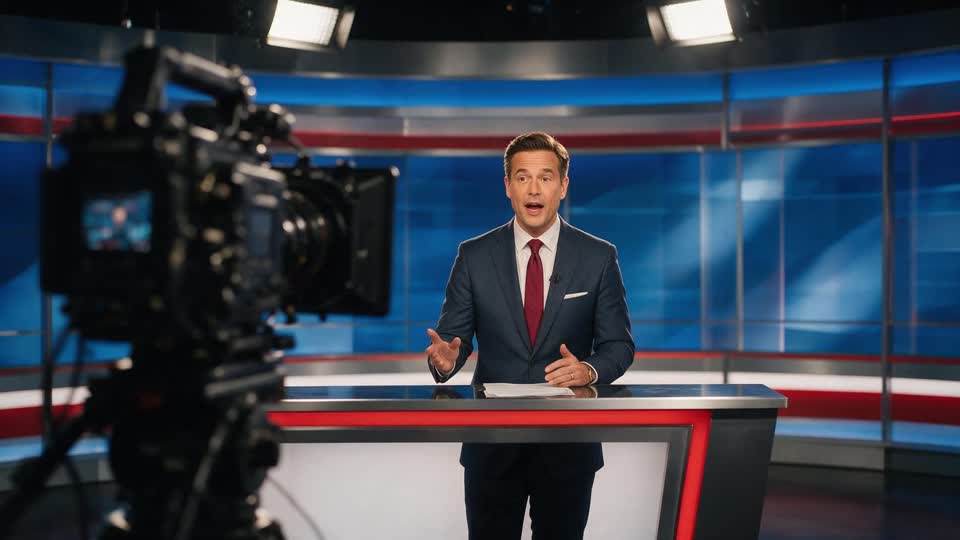
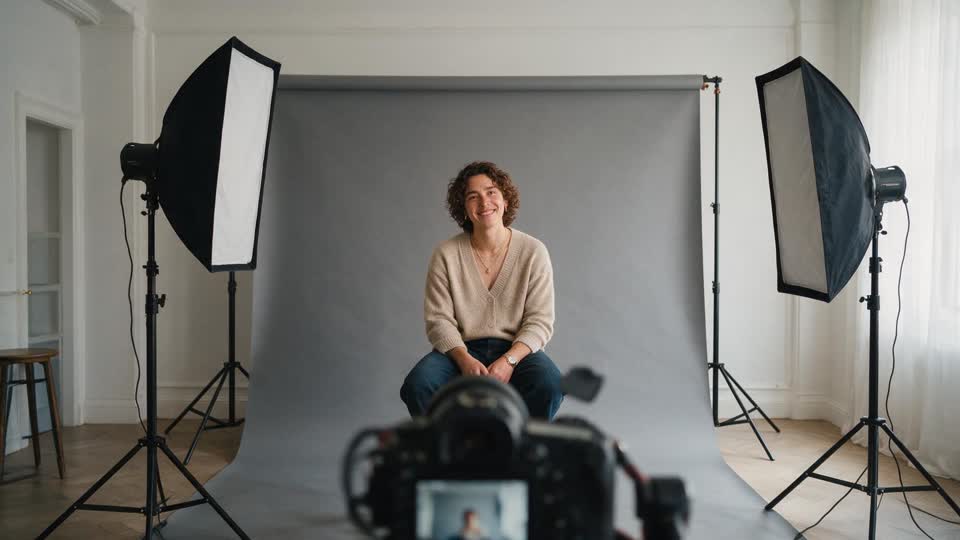
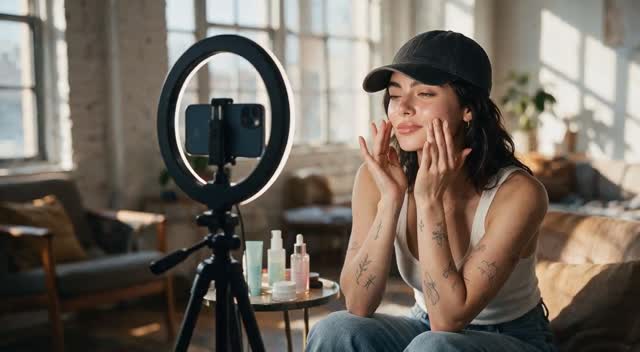
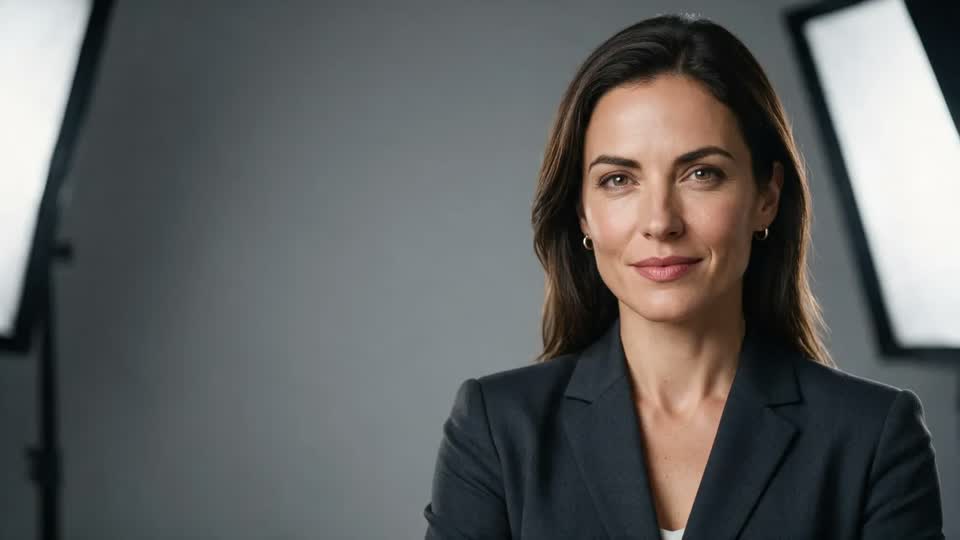
Paragraphs become segments (up to ~45 s each) that are voiced, animated and stitched into one episode of up to ten minutes.
Any saved Character presents; ten curated sets — News desk, Podcast corner, Classroom, Creator desk, Bookshelf office, Kitchen counter, City balcony, Clean studio, Midnight neon, Cozy living room — or your own set photo.
The full voice library including custom voices, or upload your own audio clips (≤60 s each) and the host speaks in your voice.
Voice the whole episode before spending video credits — hear the pacing, fix lines, then render.
Kling AI Avatar v2 or ByteDance OmniHuman 1.5, each shown with its per-minute cost so you choose the trade-off.
Finished audio and keyframes are cached, so a script change re-renders only the segment it touched.
Paste the script (or upload your own audio clips), pick a host from your Characters, a set, and a voice. Choose 16:9 or 9:16 and a framing — close-up, waist-up or wide.
Voice the episode for a few credits and listen back. Tighten lines until it reads right; nothing has been rendered yet.
Pick an engine, render, and the segments are assembled and exported at 720p or 1080p to your assets — ready to post or to cut further in the Video Editor.
An AI talking-head video is a presenter speaking to camera where the presenter, the voice or both are generated. The current best approach is a pipeline: a keyframe of the host on a set, text-to-speech for each segment of the script, an avatar engine that animates the host speaking that audio with matching lips and gestures, and an assembly step that joins the segments into one video. The Talking Head Studio runs that whole pipeline from a single screen.
You bring a script and a host — a Character you created, which can be your own face. The set comes from ten curated environments or your own photo; the voice from a 58-voice library, a custom voice you designed, or your own recordings. A table read voices the entire episode for a few credits before any video is rendered, which is where most scripts get fixed. Then you choose an engine (Kling AI Avatar v2 or OmniHuman 1.5, each labelled with its per-minute cost) and render.
Episodes run up to ten minutes in widescreen or vertical, and the result is a normal video in your assets — post it, or open it in the Video Editor for captions, B-roll and a soundtrack.
A recurring host on the News desk set reading the day's script.
Classroom and Bookshelf office sets for educational series.
9:16 episodes with waist-up framing for Reels, TikTok and Shorts.
Your face, your own recorded voice, no camera setup.
The same host, the same set, a different language per market.
Up to 570 seconds — just under ten minutes — split into segments of up to about 45 seconds each. Longer pieces can be joined in the Video Editor.
Yes. Create a Character from your photo and pick it as the host; upload your own audio clips (up to 60 seconds each) if you want it in your own voice.
A voice-only pass over the whole script using the chosen voice. It costs a few credits and no video credits, so you can fix pacing and wording before rendering.
Widescreen 1920×1080 for YouTube and vertical 1080×1920 for Shorts and Reels, with close-up, waist-up or wide framing, exported at 720p or 1080p.
The avatar engines bill per second of real audio (their per-minute cost is shown on the engine label), voiceover per 1,000 characters, and export by the minute. Cached segments aren't re-charged when you edit a different line.
Yes. The episode is a project in the Video Editor, so you can add captions, B-roll, titles and music, then export again.
Sign in, choose a host and a set, table-read it, and render your first episode today.
NO WATERMARKS · CREDITS ROLL OVER · COMMERCIAL LICENSE INCLUDED · CANCEL ANYTIME