No prompt needed
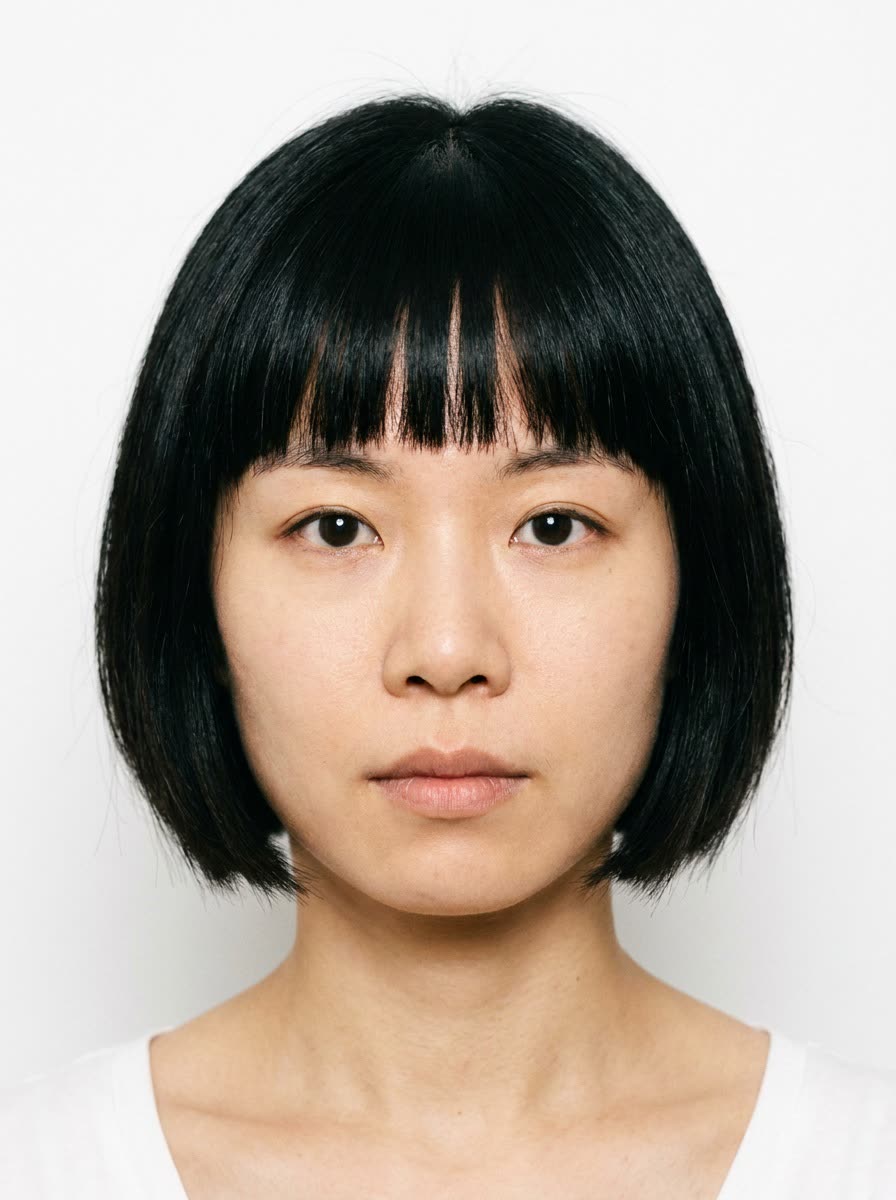
Two uploads and a click: the photo to change and the face to put in.
Headswap AI in one click: upload the photo you want to change and a photo of the new face, and Face Swap puts that person into the picture, matched to its angle, skin tone and light. There is no prompt to write. For a clip, face swap video does the same on every frame.
NO PROMPT · ONE CLICK · HAIR, OUTFIT AND LIGHT KEPT · NO WATERMARK ON PAID PLANS


A vertical phone photo: jacket, hair and the alpine light stay, the person changes. One click, unedited.


The same face in an older-looking film photo. The swap takes on the grain and warm colour of the picture.


When the two people already look alike, the change is subtle by design.
Two uploads and a click: the photo to change and the face to put in.
The new face takes on the angle, skin tone, grain and lighting of the original picture.
The same swap works on a clip with Video Face Swap, expressions and voice kept.
Hair, body, outfit and background stay as they are in the original.
Use a saved character's face to place your AI persona into any photo.
Send the result to True Touch for skin detail, to Upscale for print, or animate it into a clip.
Add the picture whose person you want to change. Any scene and outfit works.
Upload a clear, front-facing photo: even light, no sunglasses, a head angle close to the photo's.
Run Face Swap and download the result, or refine it with True Touch. The credit cost shows before you run it.
A head swap puts one person's head on another person's body in a photo. In practice most people want the person to change while the picture stays: the same outfit, pose and place, with someone else looking out of it. An AI head swap does this by finding the face in the target photo and rendering the new one in its place, matched to the angle and the light.
Affogato's Face Swap changes the face and keeps the hair, head shape and everything else from the original photo. That keeps the result natural, because the hairline and lighting already belong to the picture. Pick a target whose hair suits the new person; to change the hair or the outfit as well, edit the photo afterwards in the AI image editor or use Clothes Swap.
For video there are two options. Face swap video changes only the face, keeping hair, body and voice as filmed. AI body swap (AI Character Swap) replaces the whole person in a clip, outfit and build included, and keeps the motion.
Fix the one person who blinked or looked away.
Place your character's face into a real photo.
One shoot, a face for each audience.
See a candidate in the shot before booking the day.
Put yourself into a poster or a holiday snap.
Upload the photo you want to change, then a clear photo of the new face, and run Face Swap. The person in the photo takes on the new face, matched to the angle, skin tone and light. No prompt is needed.
Face Swap replaces the face and keeps the hair and head shape of the original photo, which keeps the result natural. To change the hair or outfit, edit the image afterwards in the AI image editor or the hairstyle changer.
A sharp, front-facing face photo, a target photo with a similar head angle, and no hands, glasses or hair across either face. The swap can't add detail the face photo doesn't have.
Face Swap places one face per run, so run it once for each person in a group photo. In video, Video Face Swap can change several people in one clip.
Yes. Video Face Swap changes the face in every frame for 5 credits per second of video, and AI Character Swap replaces the whole person in a 4 to 30 second clip.
Each swap is priced in credits and the cost shows before you run it. Plans start at $24 a month for 2,000 credits, with rollover, no watermark and a commercial licence.
Your own, a character you created, or someone who has given permission. Don't use a head swap to impersonate or mislead anyone.
For marketers
The same tool behind ad creative, product video and brand personas. Use people you have the rights to: your own talent with their permission, or AI characters you created.
Open Face Swap, upload the photo and the face, and run it. A plan covers hundreds of swaps a month with no watermark.
NO WATERMARKS · CREDITS ROLL OVER · COMMERCIAL LICENSE INCLUDED · CANCEL ANYTIME