Product films
Reveal, detail and hero finish in one 5 or 10 second clip, in 16 scenes from clean studio to water splash.
Upload one product photo and get product videos for ads. Product Studio makes a three-beat product film (reveal, detail, hero finish) in a scene you pick. For people-led ads, an AI actor holds and talks about the product; for clothing, a model wears it and turns for the camera. All from the same photo, in 9:16 first.
ONE PRODUCT PHOTO · FILMS, UGC AND ON-MODEL · 9:16 · 1:1 · 16:9
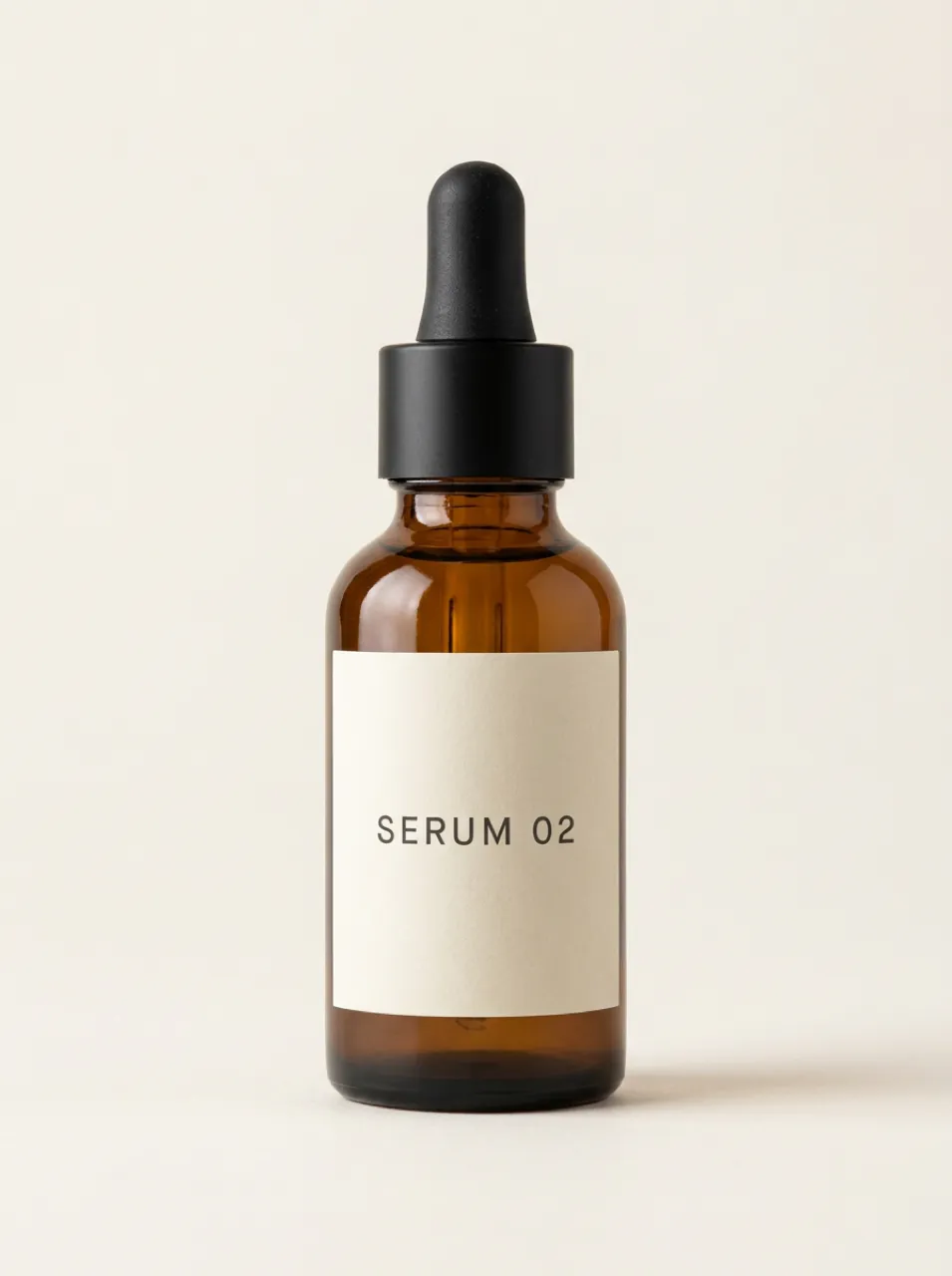
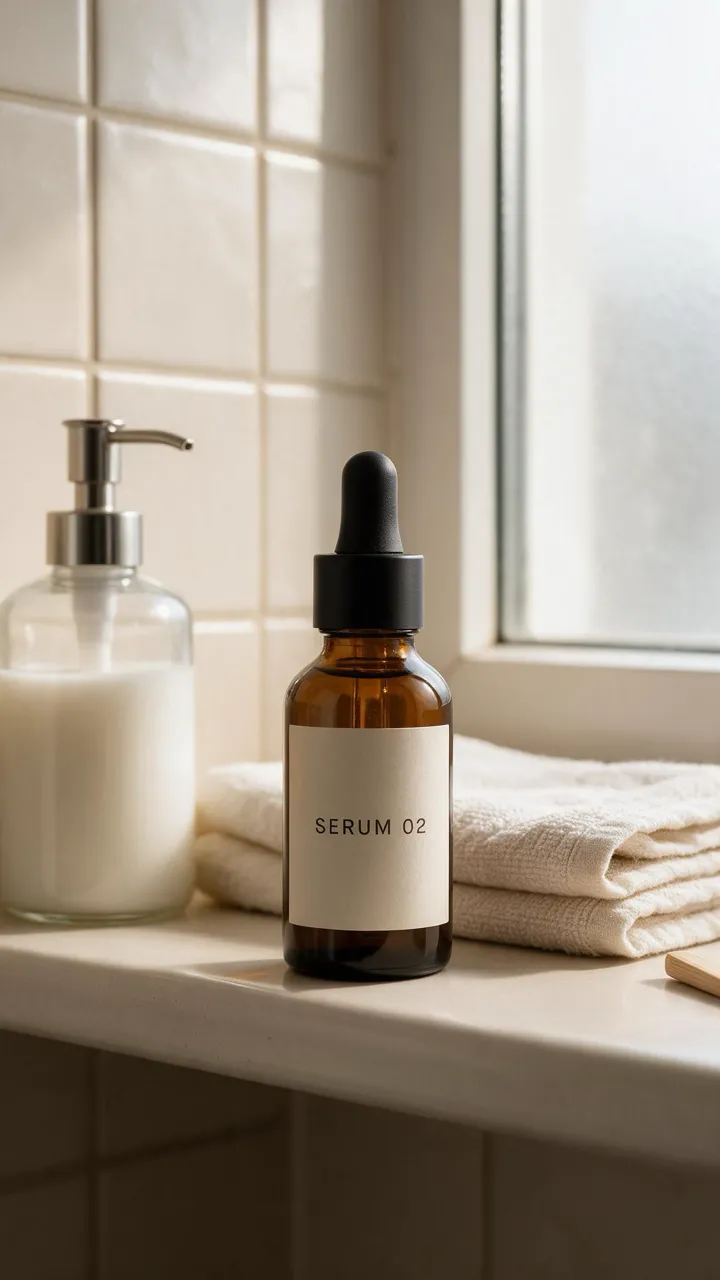
Reveal, detail and hero finish in one 5 or 10 second clip, in 16 scenes from clean studio to water splash.
Your photo is the reference for shape, label, colour and finish in every frame.
An AI actor holding the product and talking to camera, for UGC-style ads.
Try a garment on a model you created, then animate the look.
Exact sizes for TikTok, Reels, Shorts, YouTube, Meta feeds and more.
Offers and CTAs in the brief go onto the creative as written.
One clear photo. A phone snap on a plain background works.
A product film in Product Studio, an AI actor with the product in Influencer Studio, or an on-model look for clothing.
Pick the placements, check the credit estimate and generate. Label AI content when you publish.
It uses your product photo as a reference and generates video around it. A reference-to-video model keeps the product's shape, label and colour while it moves the camera, changes the light and places the product in a scene. Product Studio structures that as a performance ad: a reveal, a detail pass and a hero finish, as in the serum film above.
Most ads that sell on TikTok and Reels have a person in them, so the same photo can also go into a people-led video: an AI actor holding the product and talking to camera, or, for clothing, a model you created wearing the garment and turning for the camera.
Check the label and small text on every output before it runs. Fine print is where AI video still slips, and a re-roll is cheaper than a rejected ad.
Product films and UGC-style clips for TikTok, Reels and Meta.
A short loop on the PDP from the photo you already have.
A full set of videos ready the day the product is.
Each piece on a model, moving, without a shoot.
One clear JPG, PNG or WebP of the product. A plain background helps. The product's label, colour and shape are kept as the reference.
Product films are 5 or 10 seconds. People-led clips run 5 to 15 seconds per generation (up to 30 on some models), and longer pieces can be cut together in the Video Editor.
Yes. Generate an AI actor holding it in Influencer Studio, then animate the shot with a spoken line.
Paid plans include a commercial licence. TikTok, Meta and YouTube ask advertisers to label realistic AI-generated or AI-altered content. Add the label when you publish.
By the second of video, in credits, shown before you generate. Plans start at $24 a month for 2,000 credits.
Upload a product photo and generate your first product film.
NO WATERMARKS · CREDITS ROLL OVER · COMMERCIAL LICENSE INCLUDED · CANCEL ANYTIME