AI character generator
AI character generator: original characters from a description
Describe a character, pick a model and a style, and get a finished design. Then turn the same character around, put them in new scenes, or save them to use everywhere.
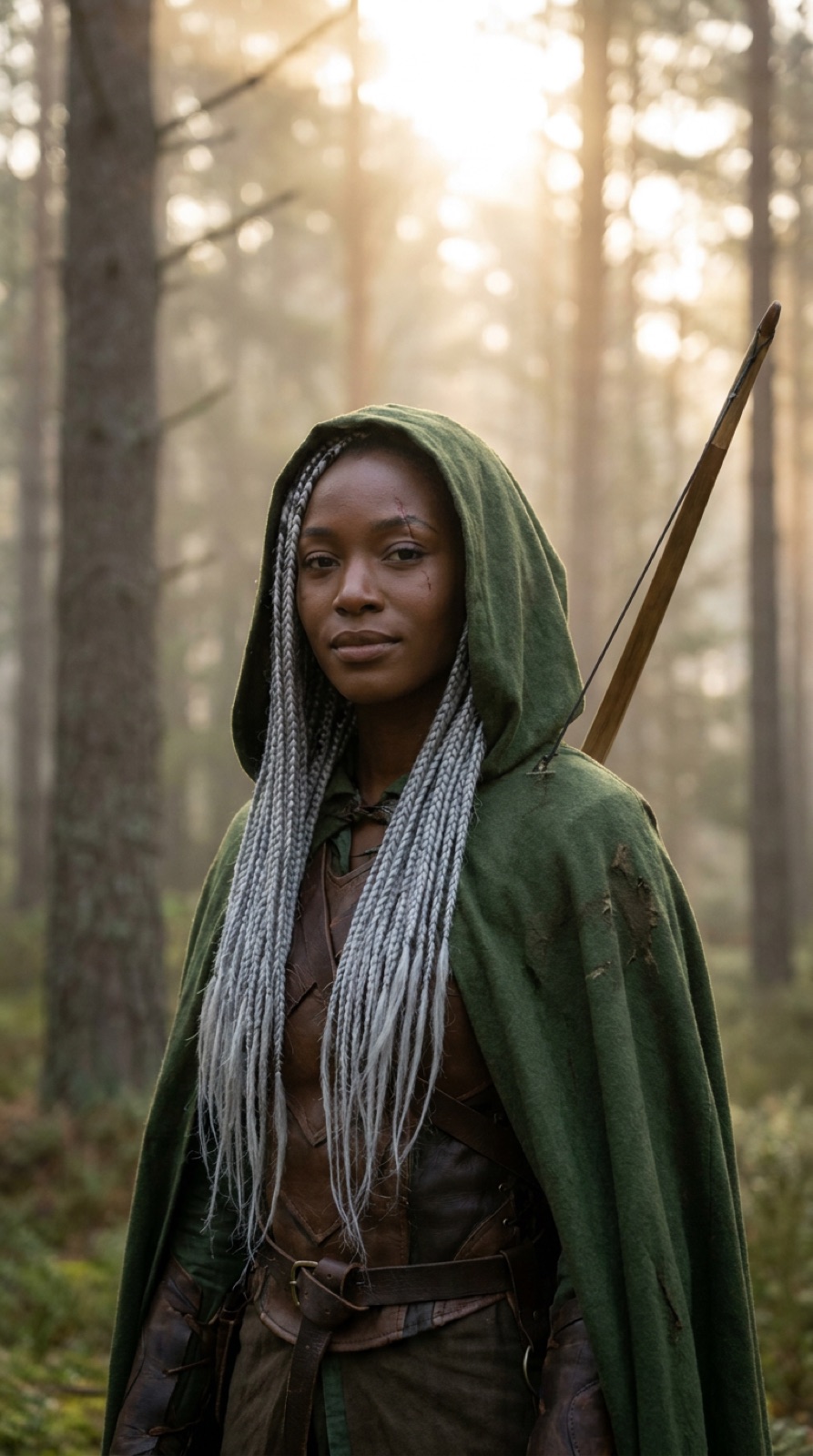
Nano Banana Pro, 9:16, unedited
One design, built out
01 The design
From a two-sentence description.
02 The turnaround
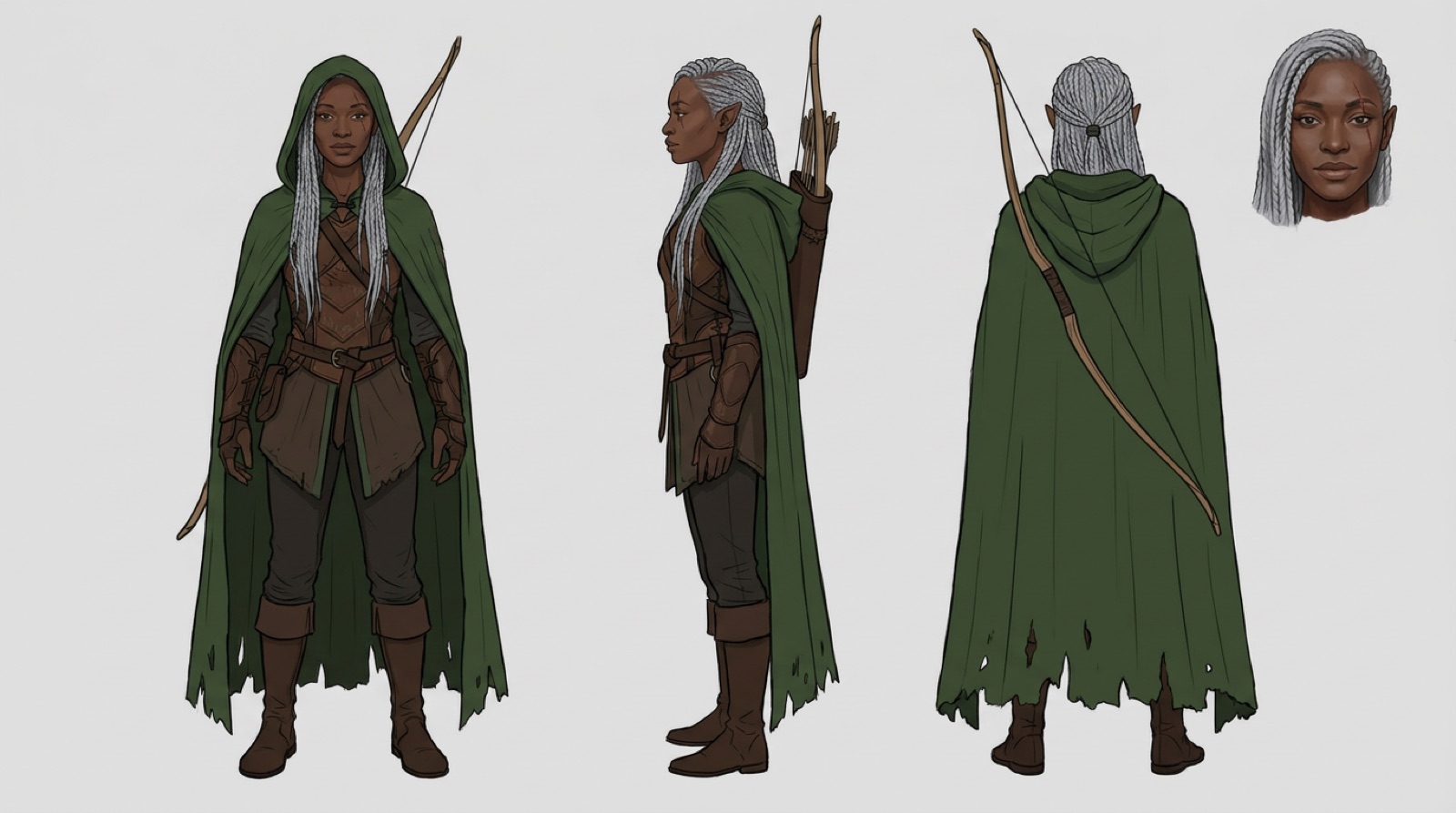
Front, side and back from that one image.
03 A new scene

Same face, braids and cloak, in a tavern.
Nano Banana Pro for the design, Nano Banana Pro Edit for the sheet and the scene. Unedited.
How do you write a prompt for an AI character?
Start with who they are, then what makes them recognisable, then where they are and how it's drawn. Two or three specific details (a scar, silver braids, a worn orange flight suit) do more than a list of adjectives. Three prompts to start from:
Original fantasy character design, photoreal: an elf ranger woman in her late twenties with deep brown skin, long silver braids, pointed ears and a small scar over one eyebrow, wearing a weathered green hooded cloak over leather armour, a longbow on her back, standing in a misty pine forest at dawn, looking at the camera with calm confidence, vertical 9:16, cinematic light.
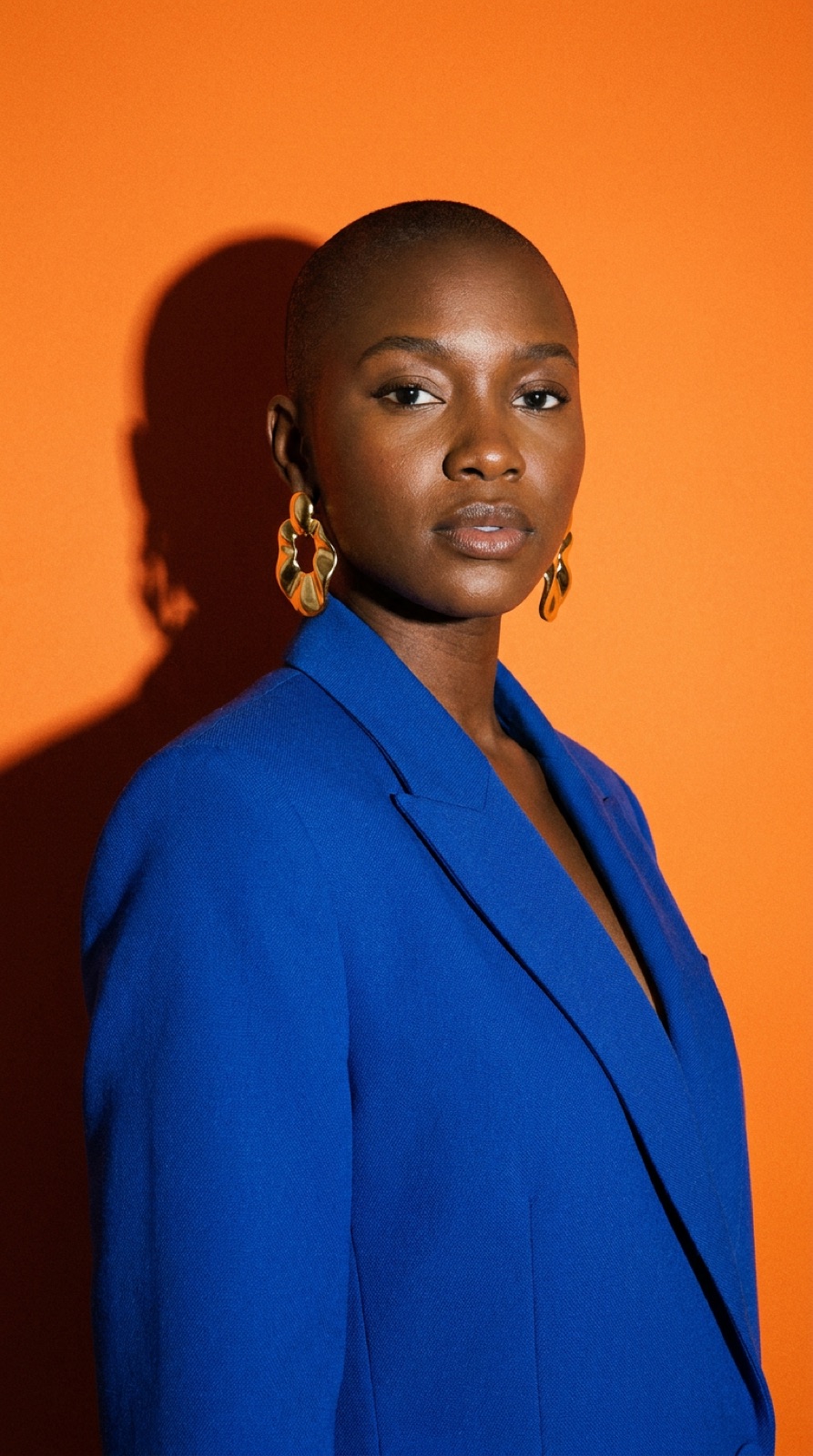
Original sci-fi character design, upright standing portrait: a starship pilot in his forties with a shaved head and grey stubble beard, in a worn orange flight suit with blank patches, holding his helmet at his hip, facing the camera in a dim hangar with a spaceship's lights behind him, vertical 9:16 cinematic film still.
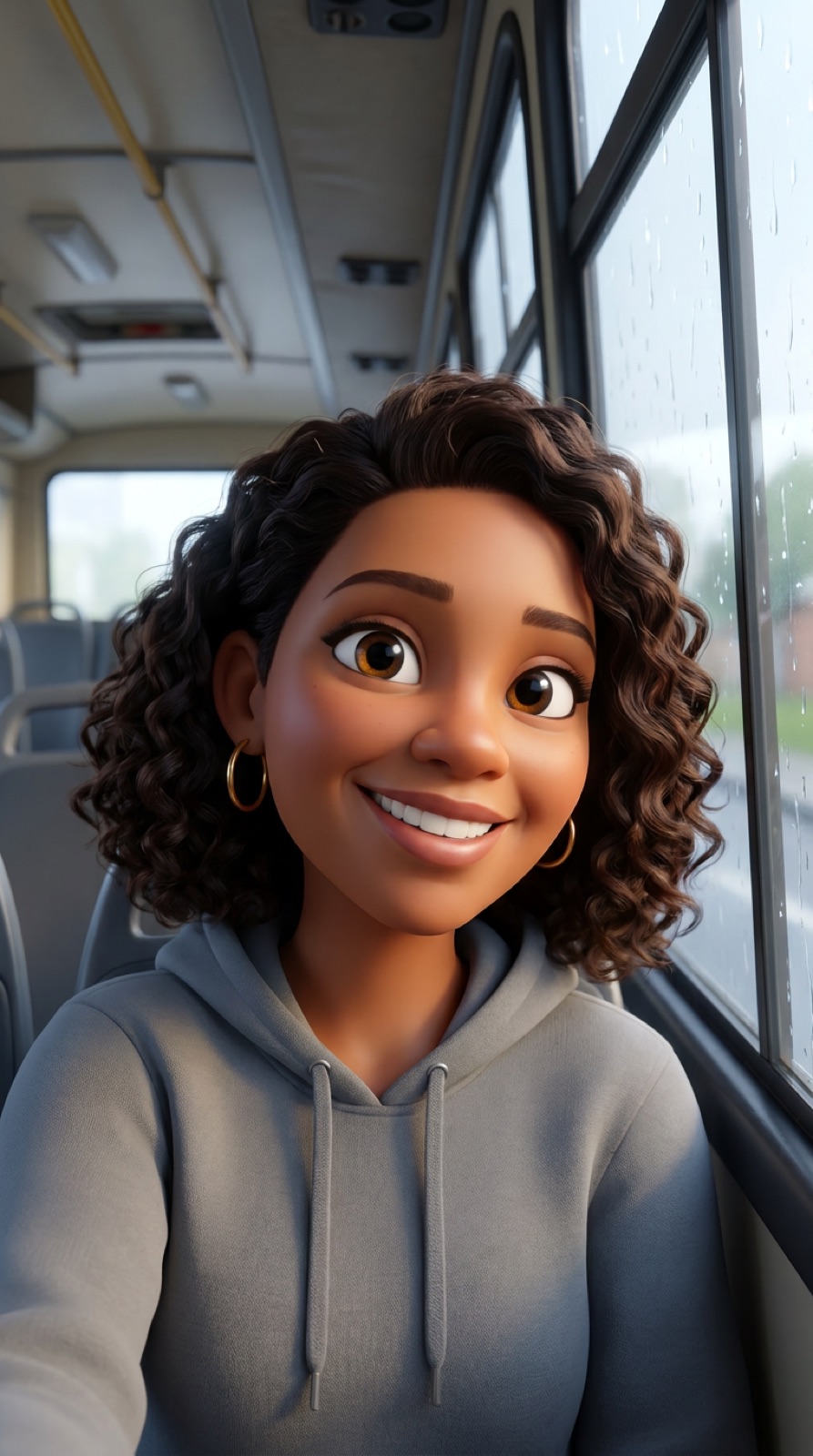
Original character design in a stylized 3D animated feature film style: a cheerful young barista with a curly red afro, freckles, big expressive eyes, a mustard apron over a striped shirt, holding a latte with heart art, in a warm cozy cafe, soft global illumination, vertical 9:16.
What it does
- Any genre, any style
- Fantasy, sci-fi, noir, slice of life; photoreal, comic, anime or 3D cartoon.
- Turnaround sheets
- Front, side and back views of the same design from one image.
- The same character, new scenes
- Use the design as a reference and change the place, pose and light.
- Save and reuse
- Save a character once and attach them in image and video.
- Many models, one prompt
- Run a description through several models and keep the best design.
- Into motion
- Animate a character with image to video or give them a voice.
Characters made in Image Studio
Four originals in four styles, and the ranger again in a new scene. Open a prompt to load it into the creator above.
Fantasy ranger, photoreal
Prompt
Original fantasy character design, photoreal: an elf ranger woman in her late twenties with deep brown skin, long silver braids, pointed ears and a small scar over one eyebrow, wearing a weathered green hooded cloak over leather armour, a longbow on her back, standing in a misty pine forest at dawn, looking at the camera with calm confidence, vertical 9:16, cinematic light.

3D cartoon barista
Prompt
Original character design in a stylized 3D animated feature film style: a cheerful young barista with a curly red afro, freckles, big expressive eyes, a mustard apron over a striped shirt, holding a latte with heart art, in a warm cozy cafe, soft global illumination, vertical 9:16.

Comic book noir detective
Prompt
Original comic book character design, bold ink lines and flat colour: a 1940s private detective woman with a sharp black bob, a trench coat and a fedora, leaning against a rain-soaked lamppost at night, neon reflections in puddles, dramatic shadows, vertical 9:16.
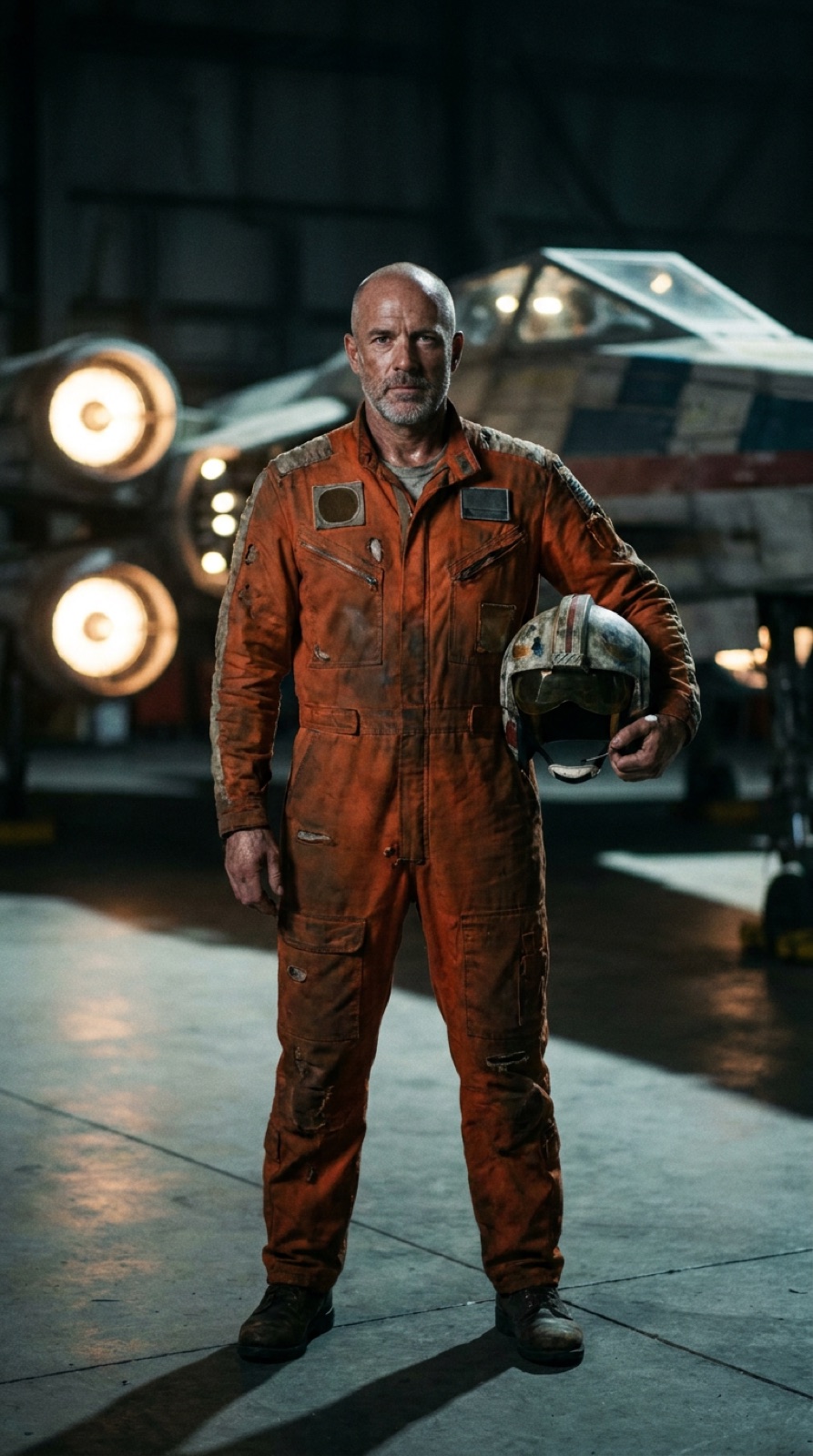
Sci-fi pilot
Prompt
Original sci-fi character design, upright standing portrait: a starship pilot in his forties with a shaved head and grey stubble beard, in a worn orange flight suit with blank patches, holding his helmet at his hip, facing the camera in a dim hangar with a spaceship's lights behind him, vertical 9:16 cinematic film still.
The same ranger, new scene
Prompt
The same elf ranger from the reference image, same face, braids, scar and green cloak, now sitting at a wooden table in a candlelit medieval tavern, hood down, studying a hand-drawn map, warm firelight, cinematic film still, vertical 9:16.
How to create a character with AI
- 01
Describe them
Age, face, hair, build, outfit, one prop, the setting and the style: photoreal, comic, anime or 3D cartoon.
No idea yet? Start from a preset above and change the details.
- 02
Generate and compare
Run the prompt on a few models side by side and keep the design you like.
Stylized looks: try Recraft or GPT Image. Photoreal: Nano Banana Pro or Seedream.
- 03
Turn them around and reuse
With the design as the reference, ask Nano Banana Pro Edit for a turnaround sheet or a new scene. Save the character to attach them anywhere.
A detail drifted? Name it in the prompt: "same scar over the left eyebrow".
What to do with your character next
Character design tips
- Give them two or three signature details and repeat them in every prompt.
- Name the style in the first line: photoreal, comic ink, anime, 3D animated film.
- Ask for a plain background when you want a clean design sheet.
- Write "original character" and describe them; don't name an existing one.
- Use 9:16 for full-body designs, 16:9 for turnarounds.
What makes a good AI character design?
A character reads as designed, rather than generic, when it has a few specific details that stay put: a scar, a hair colour, one piece of clothing that belongs only to them. Name those in the prompt along with age, build and expression, then the world around them and the style.
Once you have a design, the hard part is keeping it. Use the image as the reference for every new picture, ask for the same face, hair and outfit, and change only the scene. For a person you will use for months, save them as a character instead.
FAQ
What is an AI character generator?
A tool that draws a character from a written description. In Image Studio you describe the character and the style, choose a model, and get a finished design you can build on.
Which model is best for characters?
Nano Banana Pro and Seedream 5.5 for photoreal characters, GPT Image and Recraft for stylized and illustrated ones. Run one prompt on several and compare.
Can I make the same character again?
Yes. Use the design as the reference image with Nano Banana Pro Edit and ask for the same face, hair and outfit in a new scene, or save them as a character and attach them to new prompts.
Can it make a character turnaround sheet?
Yes. From one design image, ask for front, side and back views on a plain background, as in the example on this page.
Can I make anime or cartoon characters?
Yes. Name the style in the prompt. The anime and cartoon generator pages have prompts for those looks.
How much does it cost?
Each image is paid in credits by model. Nano Banana Pro is 30 credits an image, Seedream 5.5 9. The Standard plan is $24 a month for 2,000 credits. The price shows before you generate.
Can I use the characters commercially?
Paid plans include a commercial licence for what you generate. Don't recreate characters owned by someone else.