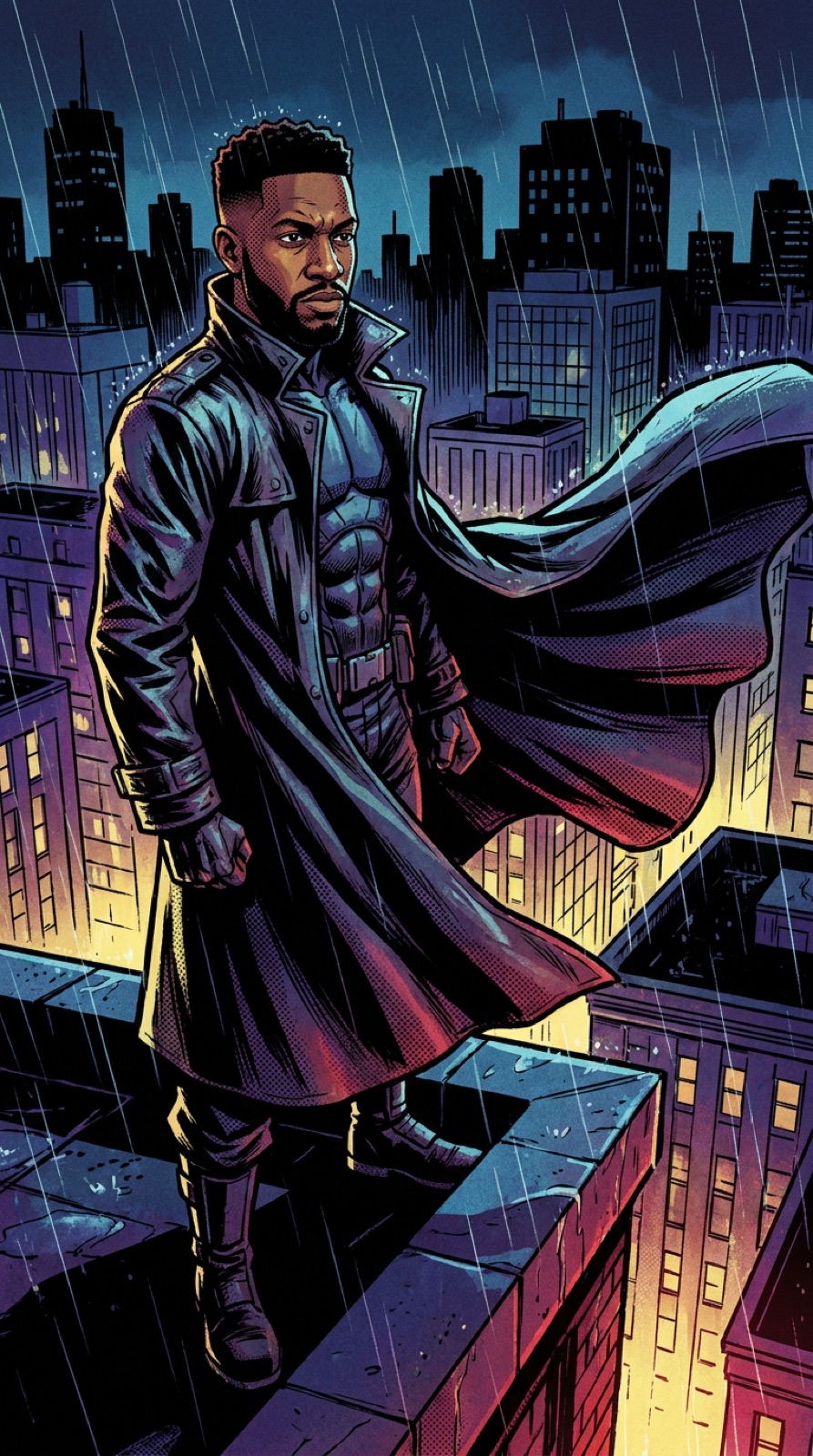
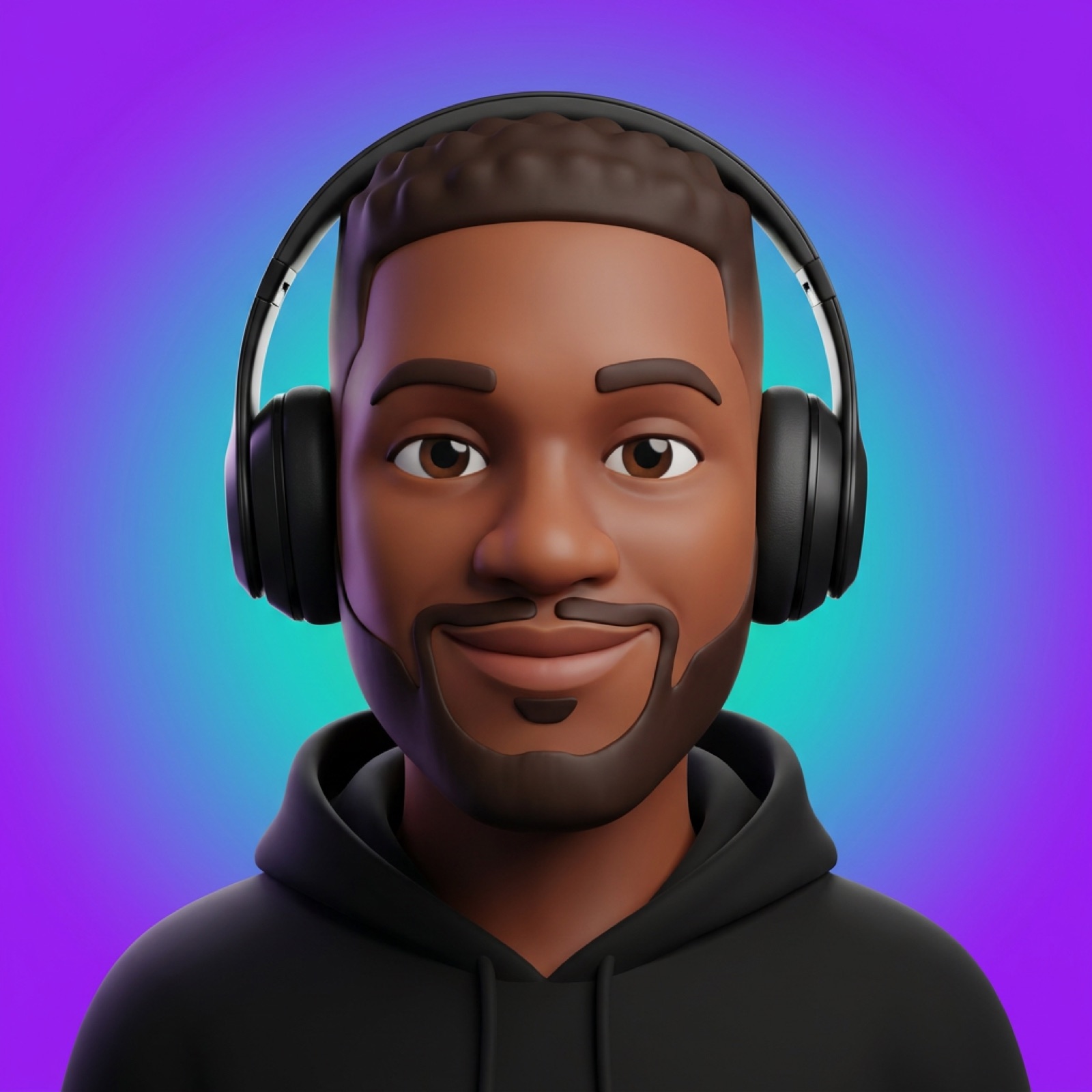
AI anime generator
AI anime generator: anime art from a prompt or your photo
Type a scene to get anime art, or upload a selfie to become an anime character that still looks like you.

Nano Banana Pro, 9:16, unedited
A bus selfie, redrawn as anime
01 Her photo
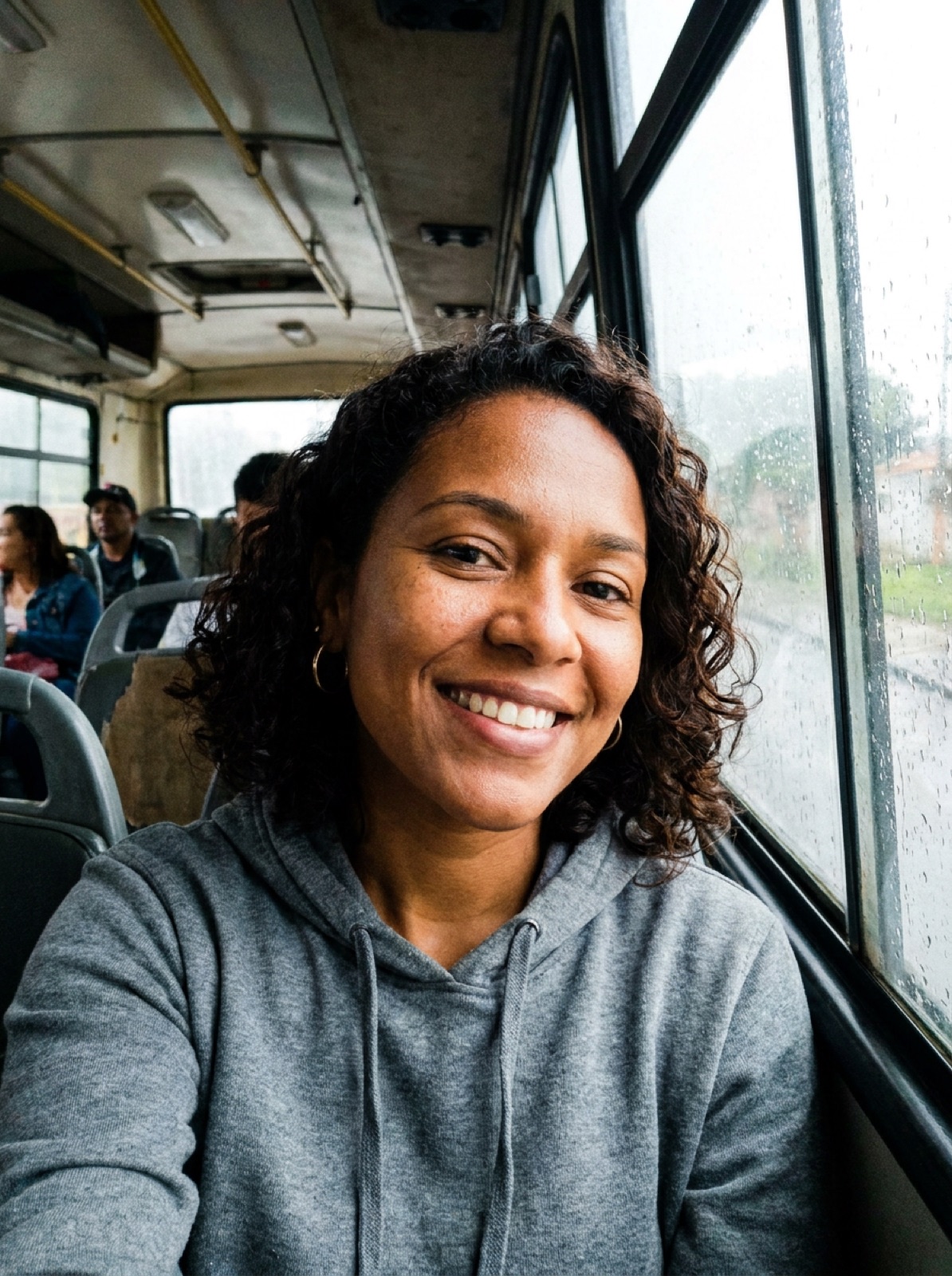
An everyday selfie.
02 The prompt
Redraw her as a hand-drawn anime film character: same curly hair, gold hoops and smile, by the bus window as the countryside passes, painterly background, cel shading.
Style, era and what to keep.
03 The anime
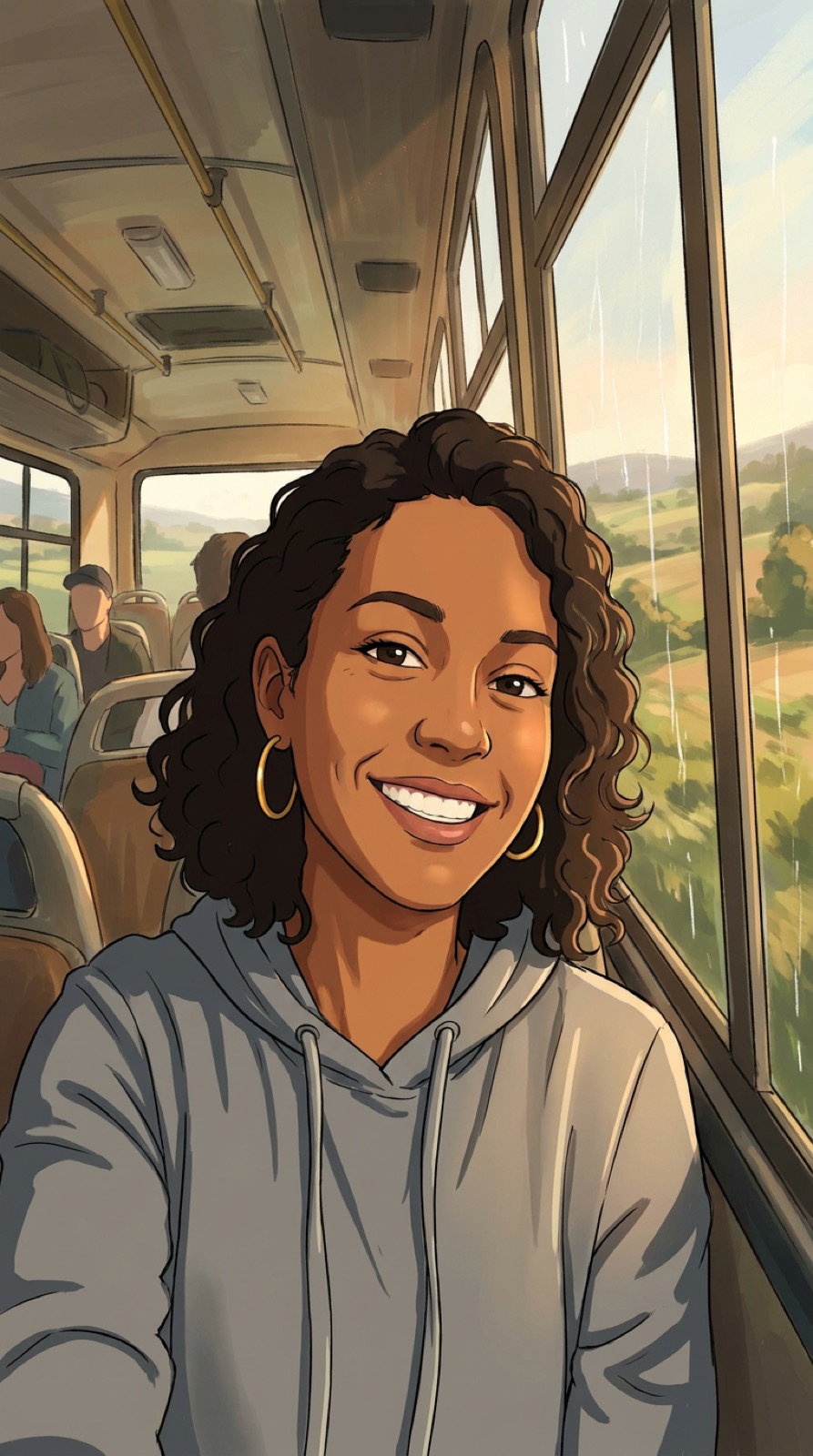
Nano Banana Pro Edit, unedited.
The woman and her selfie are AI-generated examples.
How do you write an anime prompt?
Name the style and era first ("modern TV anime", "1990s anime, film grain"), then the character, then the setting and light. Ask for cel shading and a painted background. To turn a photo into anime, upload it and name what to keep. Three prompts:
Anime illustration, modern TV anime style: a young woman with a short lavender bob and a yellow raincoat standing at a rainy Tokyo crosswalk at dusk holding a clear umbrella, glowing shop signs and reflections on the wet street, soft bokeh, detailed background art, cel shading, vertical 9:16.
Anime key visual: a young swordsman with messy black hair and a red scarf standing on a cliff above a sea of clouds at sunrise, wind in his coat, katana at his side, dramatic sky, vivid colours, detailed fantasy anime style, cel shading, vertical 9:16.
Redraw the man from the reference photo as a 1990s-style anime character: keep him recognisable, same fade haircut, trimmed beard and dark brown skin, in a black jacket on a neon-lit city street at night in the rain, cel-shaded, film grain, retro anime palette, vertical 9:16.
What it does
- Anime from a prompt
- Characters and scenes with cel shading and painted backgrounds.
- Your photo as anime
- Upload a selfie and become an anime character.
- Any era
- Modern TV anime, 90s retro with film grain, fantasy key visuals.
- Vertical for phones
- 9:16 wallpapers and Stories, 16:9 for desktops.
- Consistent characters
- Reuse a design as the reference in new scenes.
- Into motion
- Animate an anime still with image to video.
Anime made in Image Studio
Two from a prompt, two from a photo. Open a prompt to load it into the creator above.
Rainy Tokyo crosswalk
Prompt
Anime illustration, modern TV anime style: a young woman with a short lavender bob and a yellow raincoat standing at a rainy Tokyo crosswalk at dusk holding a clear umbrella, glowing shop signs and reflections on the wet street, soft bokeh, detailed background art, cel shading, vertical 9:16.

Fantasy key visual
Prompt
Anime key visual: a young swordsman with messy black hair and a red scarf standing on a cliff above a sea of clouds at sunrise, wind in his coat, katana at his side, dramatic sky, vivid colours, detailed fantasy anime style, cel shading, vertical 9:16.
Photo to anime: bus window
Prompt
Redraw the woman from the reference photo as a hand-drawn anime film character: keep her recognisable, same curly dark hair, gold hoop earrings, warm brown skin and smile, grey hoodie, by a bus window as the countryside passes in soft afternoon light, painterly anime background, cel shading, vertical 9:16.
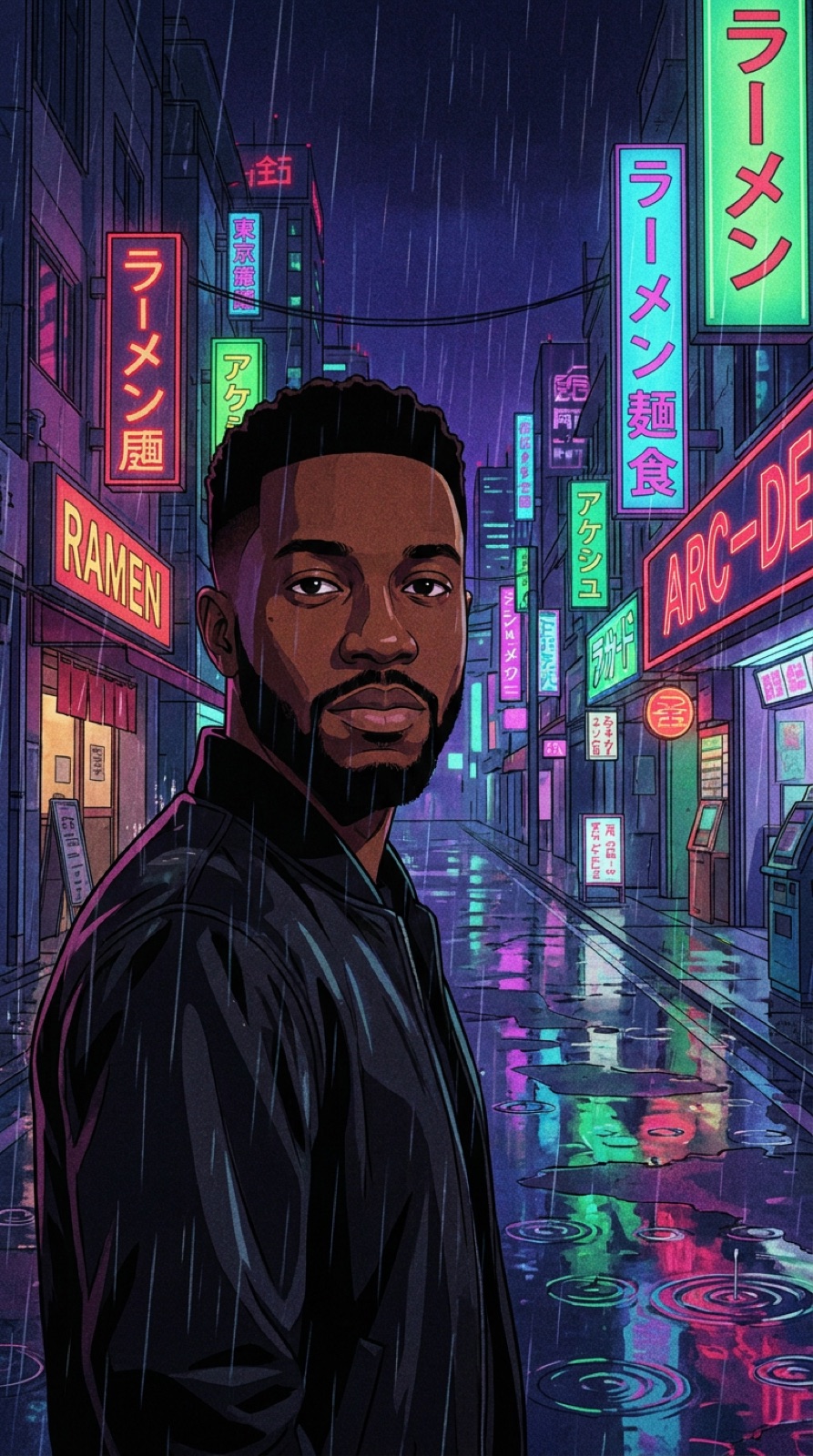
Photo to 90s anime
Prompt
Redraw the man from the reference photo as a 1990s-style anime character: keep him recognisable, same fade haircut, trimmed beard and dark brown skin, in a black jacket on a neon-lit city street at night in the rain, cel-shaded, film grain, retro anime palette, vertical 9:16.
How to make anime with AI
- 01
Write the scene
Style and era, character, setting, light. Ask for cel shading and a painted background.
Start from a preset above and change the character.
- 02
Or upload your photo
Choose Nano Banana Pro Edit, upload a selfie and ask for an anime version that keeps your hair and face.
Add a scene: "on a neon street at night in the rain".
- 03
Generate and finish
Pick the best take, upscale it for a wallpaper or animate it into a short clip.
Keep a character for a series by using the image as the reference each time.
More styles
Anime prompt tips
- Lead with the style and era.
- Ask for cel shading, clean line art and a painted background.
- Describe an original character; don't name an existing one.
- 9:16 for phone wallpapers, 16:9 for desktop.
- For photo-to-anime, name the features to keep.
How do you get a convincing anime style from AI?
Anime is recognisable by a few things: clean line art, flat cel shading, large expressive eyes and painted backgrounds with strong light. Ask for them by name, along with an era, since 90s anime and current TV anime look quite different.
Describe an original character rather than naming an existing one. That gives you art you can use, and the models follow a description better than a name anyway.
FAQ
What is an AI anime generator?
A tool that draws anime-style art from a description or redraws a photo as anime. Image Studio does both.
Can I turn myself into an anime character?
Yes. Upload a selfie, choose Nano Banana Pro Edit and ask for an anime version that keeps your hair and face, like the examples above.
Which model is best for anime?
Nano Banana Pro made the examples here. Seedream 5.5, GPT Image and Recraft are worth comparing on the same prompt.
Can I make anime wallpapers?
Yes. Choose 9:16 or 16:9 and send the result to the upscaler for a larger file.
Can I animate anime art?
Yes. Send any still to image to video for a short clip.
How much does it cost?
Each image is paid in credits by model. Nano Banana Pro is 30 credits an image, Seedream 5.5 9. Nano Banana Pro Edit is 30 credits an image at 1K and 2K. The Standard plan is $24 a month for 2,000 credits.