Generated at each shape
Every placement gets its own composition, with room above and below in 9:16 and space to the side in 16:9.
To make product photo variants for different placements with AI, upload one product photo to Product Studio, pick a scene and tick the placements you run. Each variant is generated at that placement's shape, so the product is recomposed to fit a square feed post, a 4:5 portrait, a 9:16 story or a 16:9 banner instead of being cropped out of one image.
ONE PHOTO · 1:1 · 4:5 · 9:16 · 16:9 · RECOMPOSED, NOT CROPPED
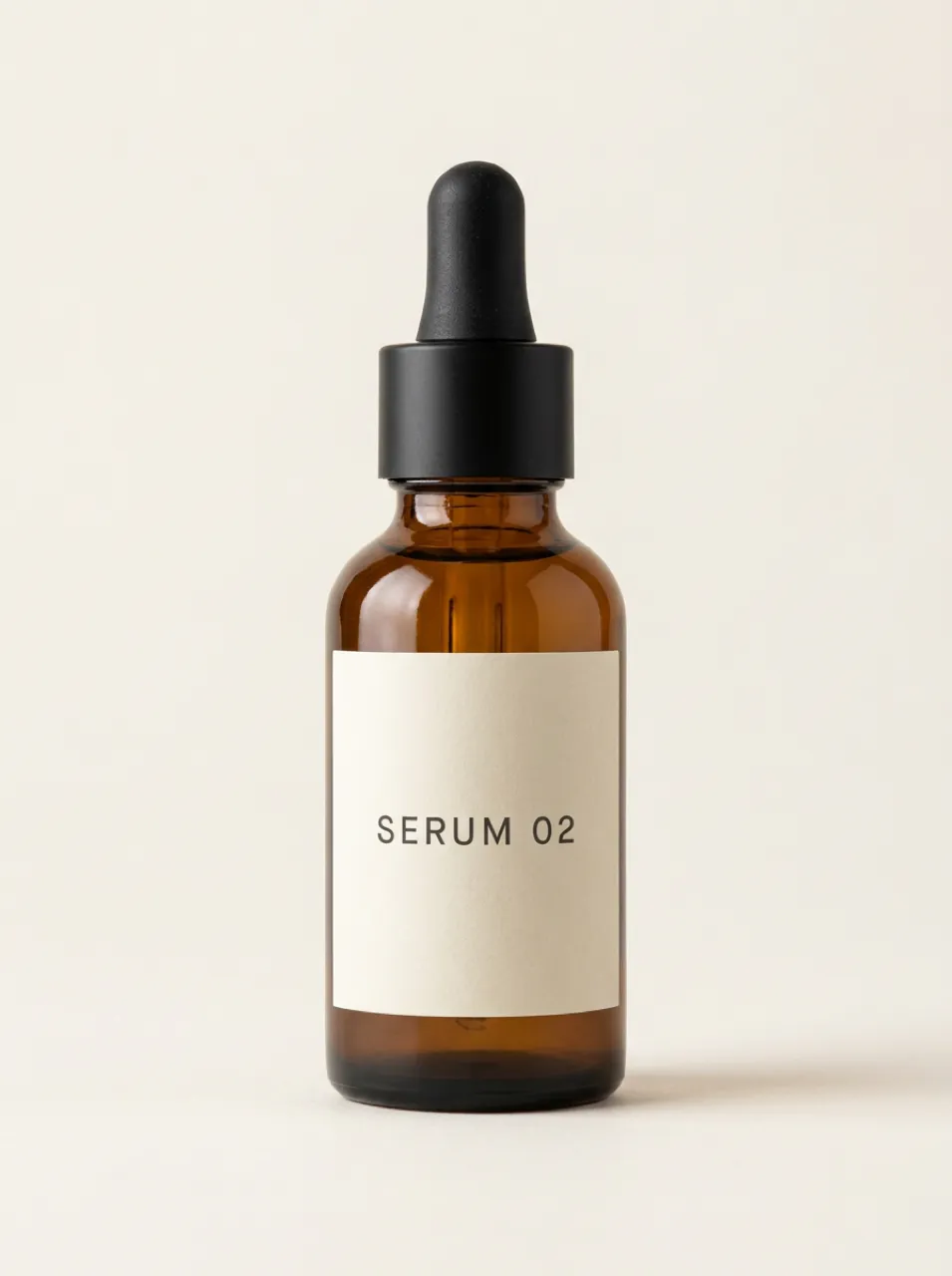
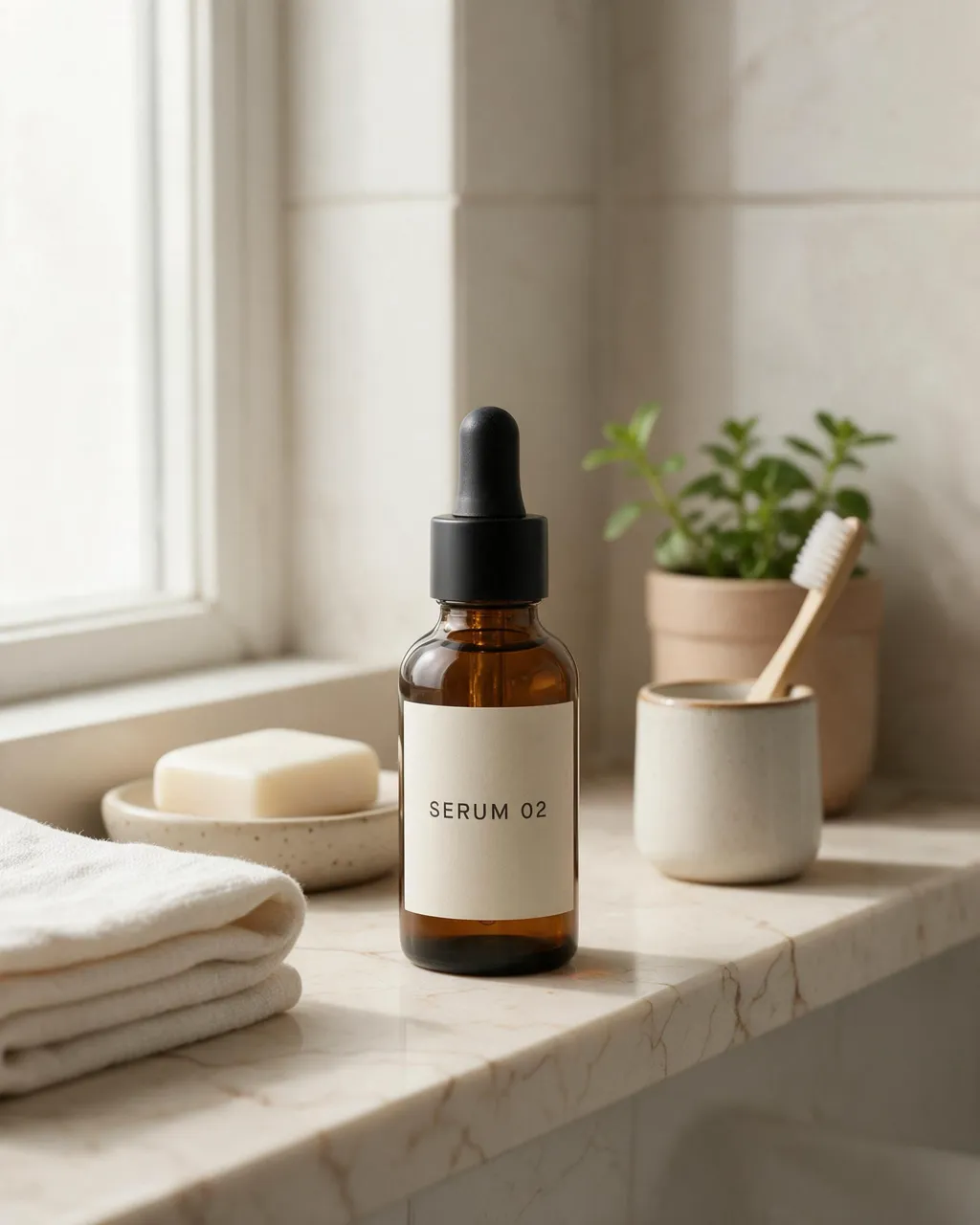
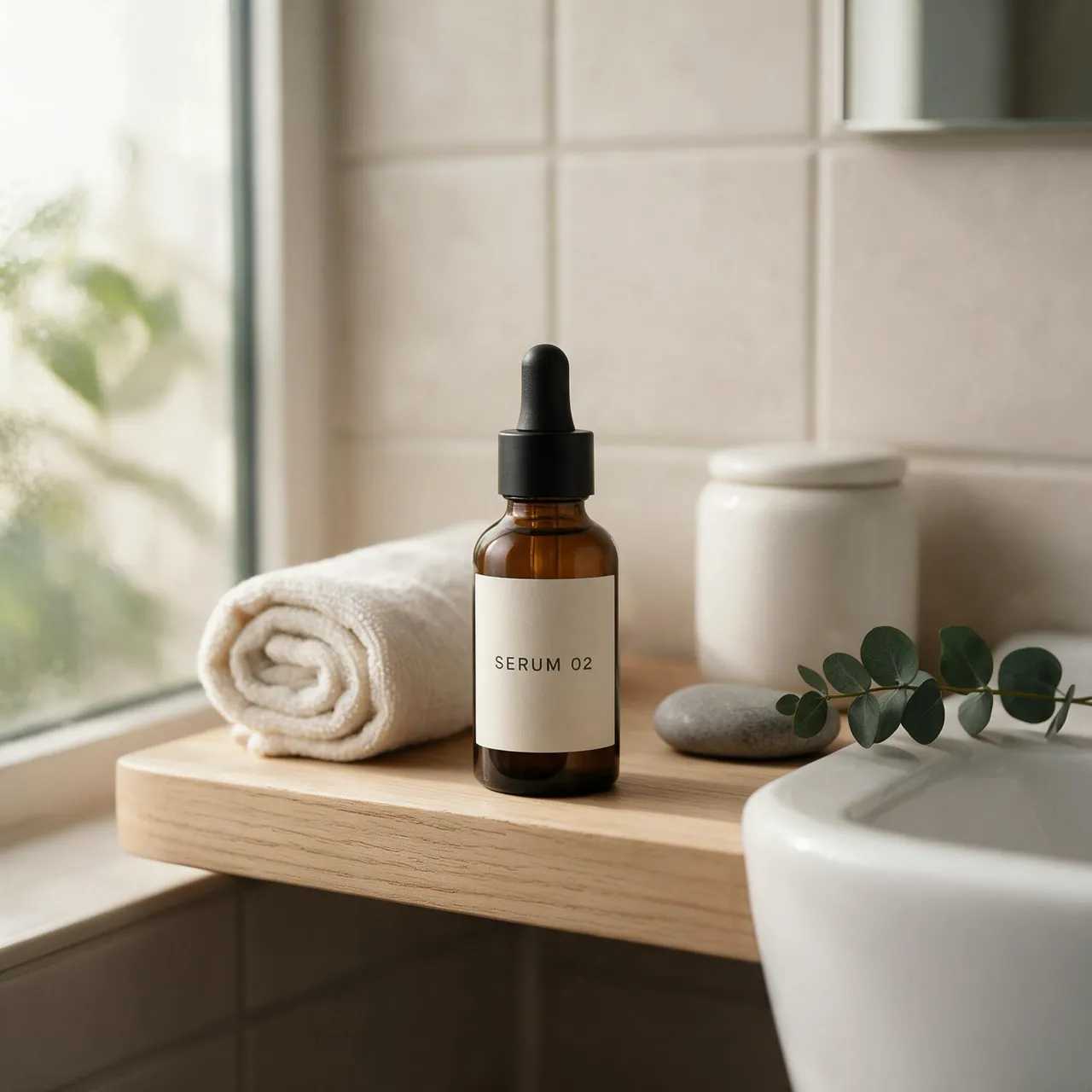
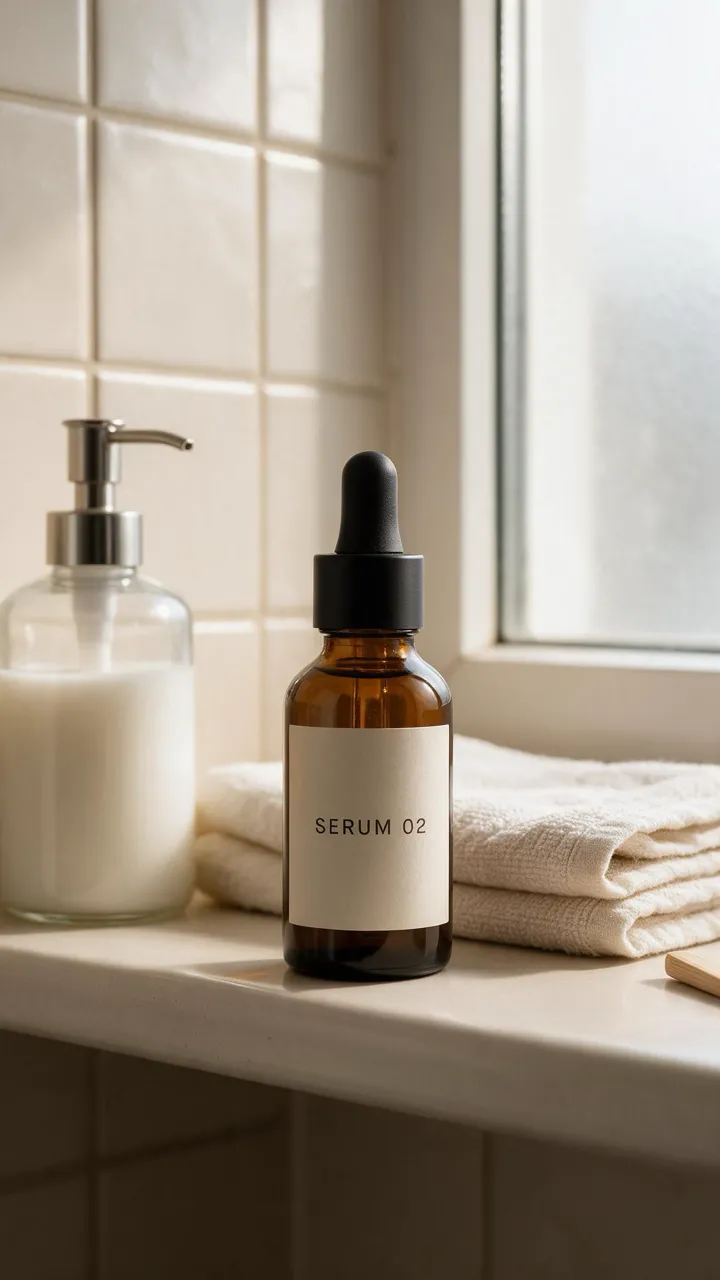
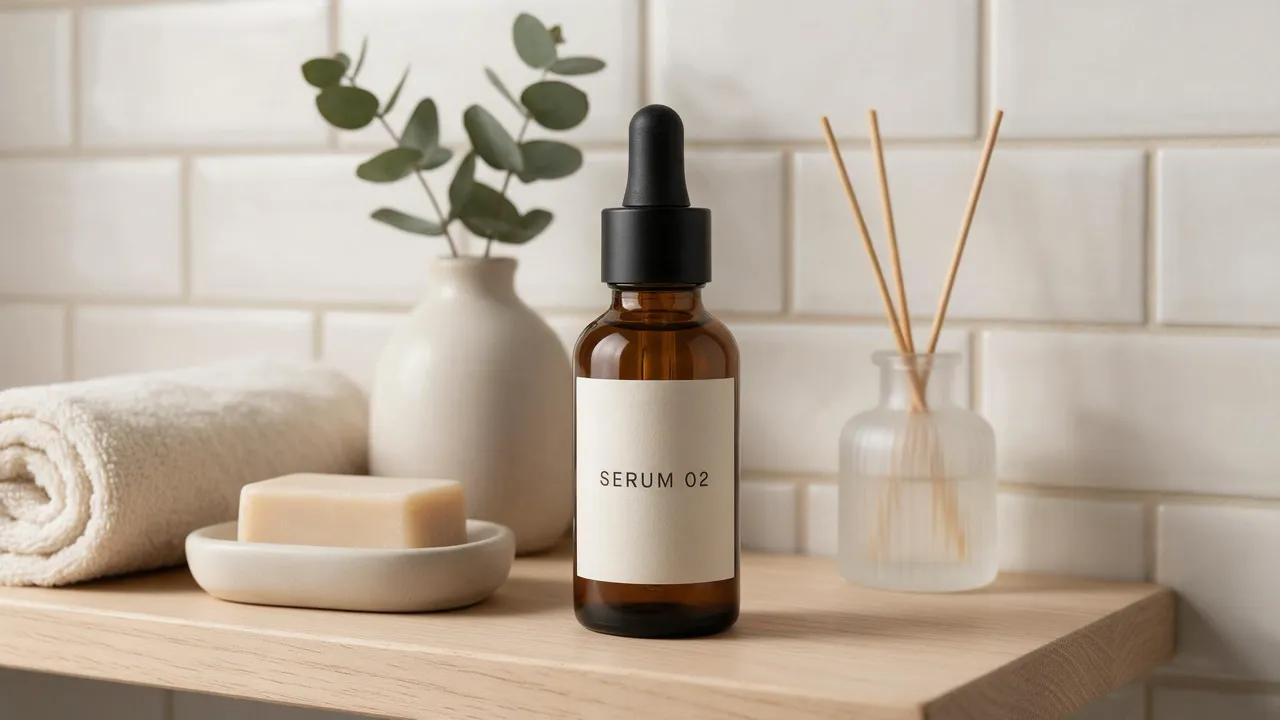
Every placement gets its own composition, with room above and below in 9:16 and space to the side in 16:9.
Facebook, Instagram, TikTok, Google, YouTube, Pinterest and LinkedIn placements at their own sizes.
Shape, label, colour and finish come from your photo in every variant.
Run the same placements in several of the 16 scenes for a test.
Offers and CTAs in the brief appear as written.
Up to 24 creatives per run (scenes × placements × variations) with one estimate.
One clear photo of the product. A plain background helps.
Choose a scene, then tick each placement you run. Add up to four variations.
Every placement comes out at its size, ready to upload to the ad account.
Generate each placement at its own shape instead of cropping one master image. Cropping a square photo to 9:16 either loses the product's surroundings or leaves it tiny in the middle; a 16:9 crop of a portrait shot cuts it in half. When the variant is generated at the target shape, the model composes the scene for that frame, as in the four serum variants above, all from one product photo and one scene.
In Product Studio that is one run: upload the photo, choose a scene, tick the placements (Meta feed square and portrait, Stories and Reels, TikTok, Google display, YouTube, Pinterest, LinkedIn) and generate. Each output is exported at the platform's pixel size. Add variations or a second scene to the same run when you want options to test.
Two checks before upload: the label and any fine print on the product, and the platform's safe zones in 9:16, where captions and buttons cover the top and bottom of the frame.
Every placement ready from one product photo.
New SKUs sized for every channel the day they land.
Scene variants across the same placements.
Listing images and social posts from one source.
A crop keeps one composition and loses the rest. Generating at each shape recomposes the scene so the product sits well in square, portrait, vertical and widescreen frames.
Facebook and Instagram square, portrait and Stories/Reels; TikTok; Google display and Demand Gen; YouTube; Pinterest; and LinkedIn.
The product photo is the reference for each one. Check labels and small text before you upload.
Yes. Any scene can be a 5 or 10 second product film at the same placements.
Per image in credits, with one estimate for the whole batch. Plans start at $24 a month for 2,000 credits.
Upload a product photo and generate your first set of placement variants.
NO WATERMARKS · CREDITS ROLL OVER · COMMERCIAL LICENSE INCLUDED · CANCEL ANYTIME