A main image on true white
Clean the product up in Image Studio, then run Background Remover and place the cut-out on #FFFFFF. Generated "white" backgrounds are often off-white; this route isn't.
A listing needs several kinds of picture: a main image on pure white, lifestyle shots of someone using the product, an infographic and A+ banners. Start from one photo. Image Studio's Nano Banana Pro Edit cleans the product up and places it in each scene with the label intact, and Background Remover puts the main image on true white.
MAIN ON PURE WHITE · LIFESTYLE · INFOGRAPHIC · A+ · 1:1 UP TO 4K
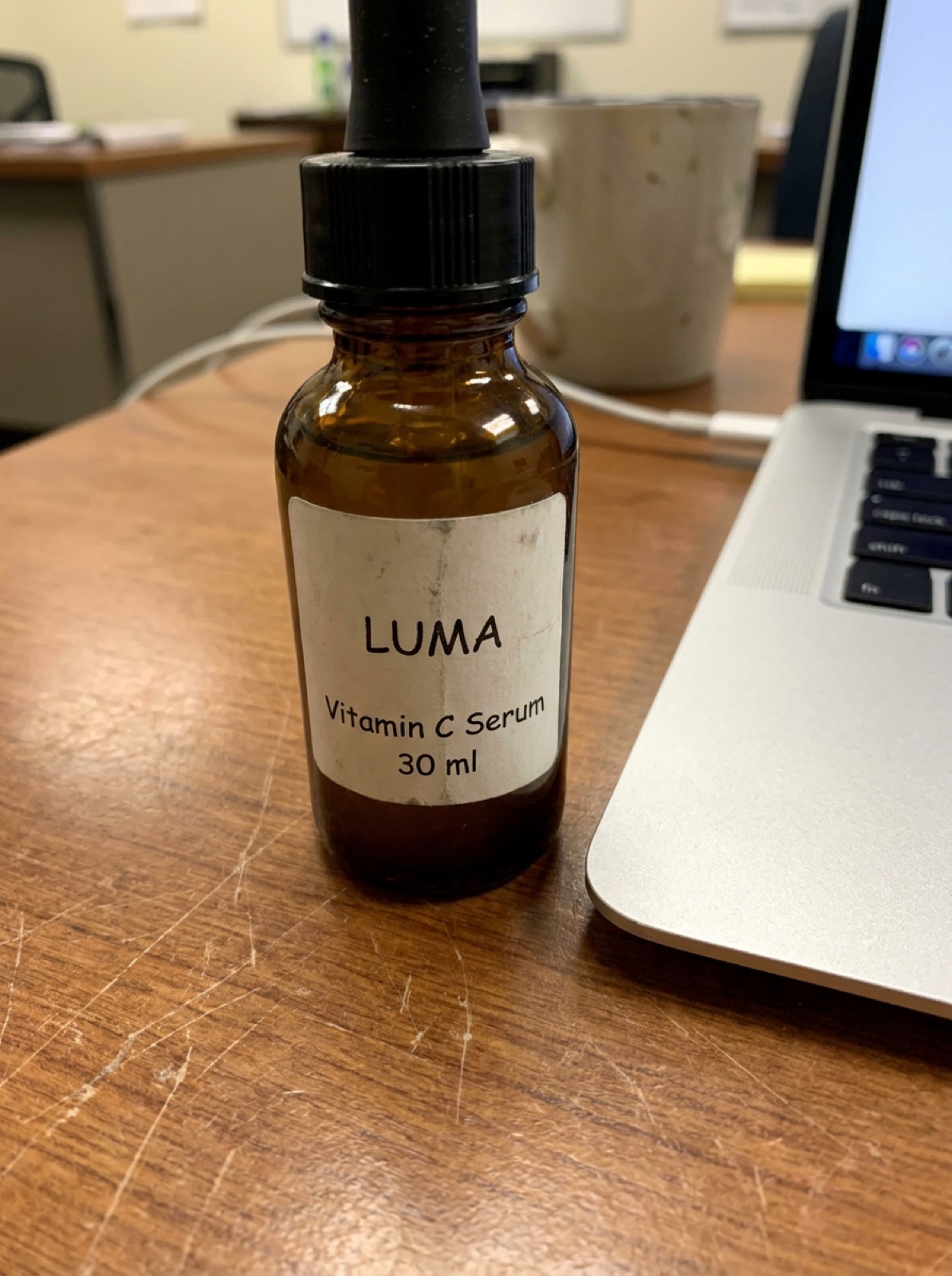


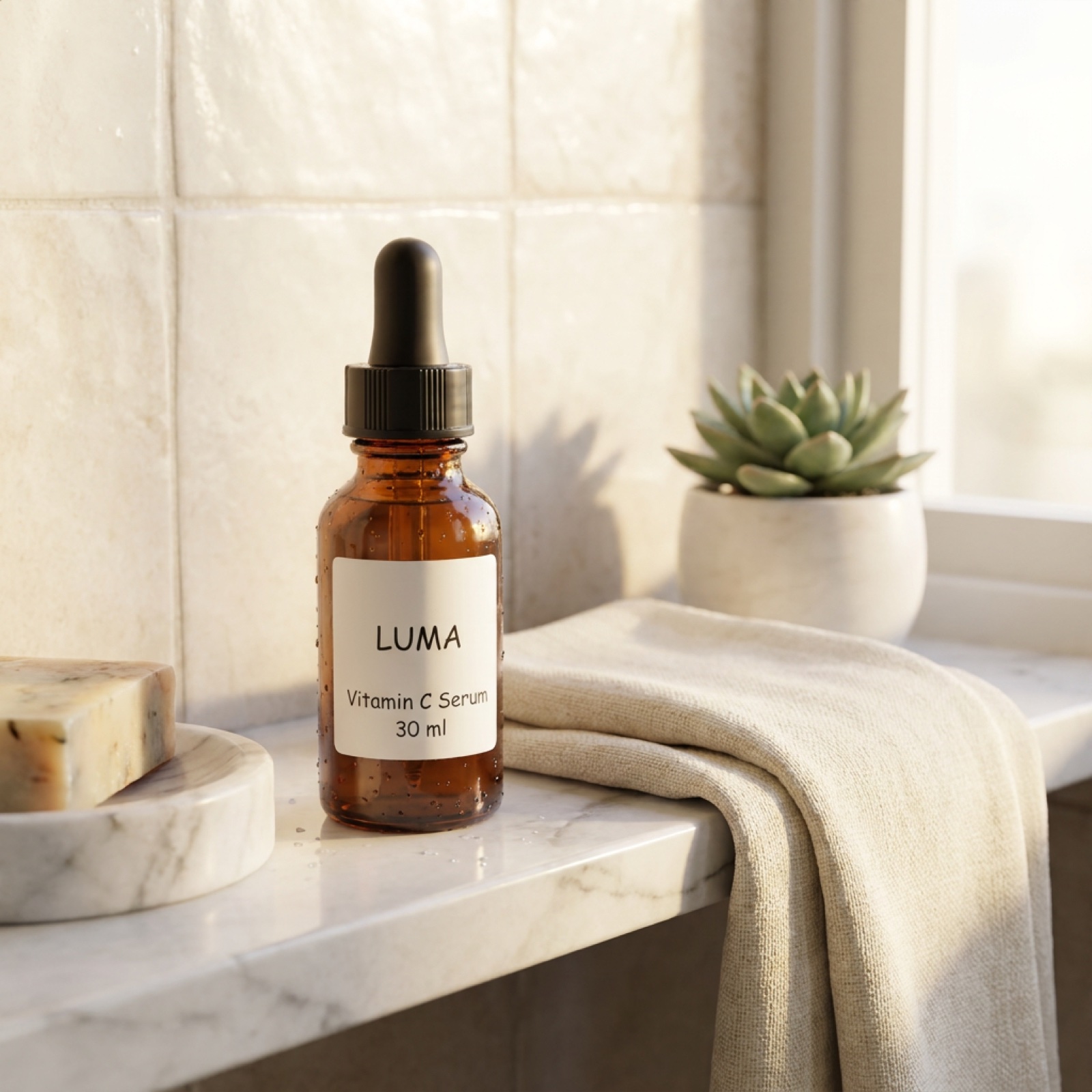
Clean the product up in Image Studio, then run Background Remover and place the cut-out on #FFFFFF. Generated "white" backgrounds are often off-white; this route isn't.
Someone applying the serum, holding the bottle, using the tool. Describe the person and the room.
Ask for callout lines and short labels in quotes; the text comes out legible.
Generate wide scenes at 16:9 or 4:3 and crop them to the A+ module sizes.
The product photo is the reference, so the shape, colour and label carry into every shot.
Amazon wants images over 1,000 pixels a side for zoom; generate at 2K or 4K.
Any clear photo of the product. The studio opens on Nano Banana Pro Edit at 1:1.
Ask for a clean studio shot for the main image, then lifestyle, infographic and A+ scenes.
Run the clean shot through Background Remover and place it on pure white before you upload.
The main image is the strict one. Amazon requires a pure white background (RGB 255, 255, 255), the product filling 85% or more of the frame, and, per Amazon's main-image guidance, no added text, logos, watermarks or props that don't come with the product. Amazon advises images larger than 1,000 pixels on each side so shoppers can zoom. The other images can show the product in use, with people, scale and features.
AI makes the secondary images easy: one photo becomes a bathroom-shelf shot, a person using it and an infographic, with the label kept. For the main image, check the background: image models often return off-white. A cut-out from Background Remover placed on true white is the reliable route. Every person on this page is AI-generated, and every image should show the product as it really is.
A full image set before the first unit ships.
Replace dated photos without a reshoot.
Brand story and comparison module images.
The same scene for every colour or size.
Yes, if they show the real product accurately. Amazon's rules are about the main image's white background and content, and about not misleading buyers.
Make a clean studio shot, run it through Background Remover, and place the transparent PNG on #FFFFFF. Check the corners: they should read 255, 255, 255.
Larger than 1,000 pixels on each side so shoppers can zoom; Amazon accepts up to 10,000. Generate at 2K or 4K.
Yes. Put each label in quotes and ask for callout lines. Keep labels short and check them.
In credits per image, shown before you generate. Plans start at $24 a month.
Open Image Studio, upload your product and start with the main image.
NO WATERMARKS · CREDITS ROLL OVER · COMMERCIAL LICENSE INCLUDED · CANCEL ANYTIME