PLATFORM COMPARISON

Affogato vs Claid

Claid is the better fit for processing a big catalog through an API. Affogato is built for campaigns: scenes at exact ad sizes, product films, clothes on AI models and creators holding the product, on credits that roll over, with an API and MCP server on every paid plan.

Both make product and fashion photos from a product shot. Claid does only product photography, with a pipeline-friendly API, storage connectors and very large upscales for marketplaces and big catalogs. Affogato is built around campaigns with people in them: scenes at exact ad sizes, clothes on AI models, creators holding the product, and video, with one API and MCP server on the plan's credits.

Last checked November 24, 2026 · Affogato team · How we checked

Red coat restyle · Kling 4.0
Camel coat runway · Wan 2.2
Latte art pour · Luma Ray

Which one fits you

Choose Affogato when

  • You sell with people in the picture: clothes on an AI model in Fashion Studio, or the same AI creator holding your product across posts and clips.
  • You want video from the same photo: Product Studio makes 5–10 second product films next to the stills, and Fashion Studio turns an on-model photo into a walk or a turn.
  • You want unused credits to roll over every month, and a commercial licence with no watermark on every paid plan.
  • You build with code or agents: one REST API and MCP server (with product-shot and try-on tools) on the same credits as your plan.


Choose Claid when

  • You run a marketplace or a large catalog and want batch and async APIs with S3 or Google Cloud Storage connectors.
  • You need very large files: Claid upscales up to 559 MP.
  • You'd rather have the photos made for you: Claid's team also produces them from your product shots.

At a glance

What it's built for

AffogatoCampaigns with people: scenes, ad sizes, models, creators, video

ClaidClaid does only product photography: AI photoshoots, backgrounds, AI fashion models, image to video, upscaling and clean-up, in native 4K[1]

Pipelines

AffogatoREST API and MCP; batches of up to 24 creatives in Product Studio

ClaidStorage connectors for AWS S3 and Google Cloud Storage, and a Zapier integration[2]

Unused credits

AffogatoRoll over every month, up to 10,000 on Standard

ClaidNot published[3]

API and agents

AffogatoREST API and MCP server on every paid plan, same credits

ClaidA self-serve API on its own credit packs, with sync, async and batch editing, AI fashion, background, generation and image-to-video APIs[2]

One photo to a launch campaign, made in Affogato

The brief: launch a terracotta travel tumbler on Instagram and TikTok, starting from one phone photo. Each image and clip below is the unedited output of the step it sits under.

  1. 01 · Product Studio

    Start from one product photo

    No shoot and no cut-out: a snapshot on a kitchen counter is enough. The studio keeps the product's shape, colour and finish in every scene.

    Open Product Studio
    The starting photo: the tumbler on a kitchen counter (a stand-in, generated for this demo)
    The starting photo: the tumbler on a kitchen counter (a stand-in, generated for this demo)
  2. 02 · Product Studio

    Scenes, sized for each placement

    Pick scenes and the placements you run, and get stills at the exact size each one needs: 9:16 for Stories and TikTok, 4:5 for the Instagram feed.

    Open Product Studio
    Studio scene, 9:16
    Studio scene, 9:16
    Café morning scene, 9:16
    Café morning scene, 9:16
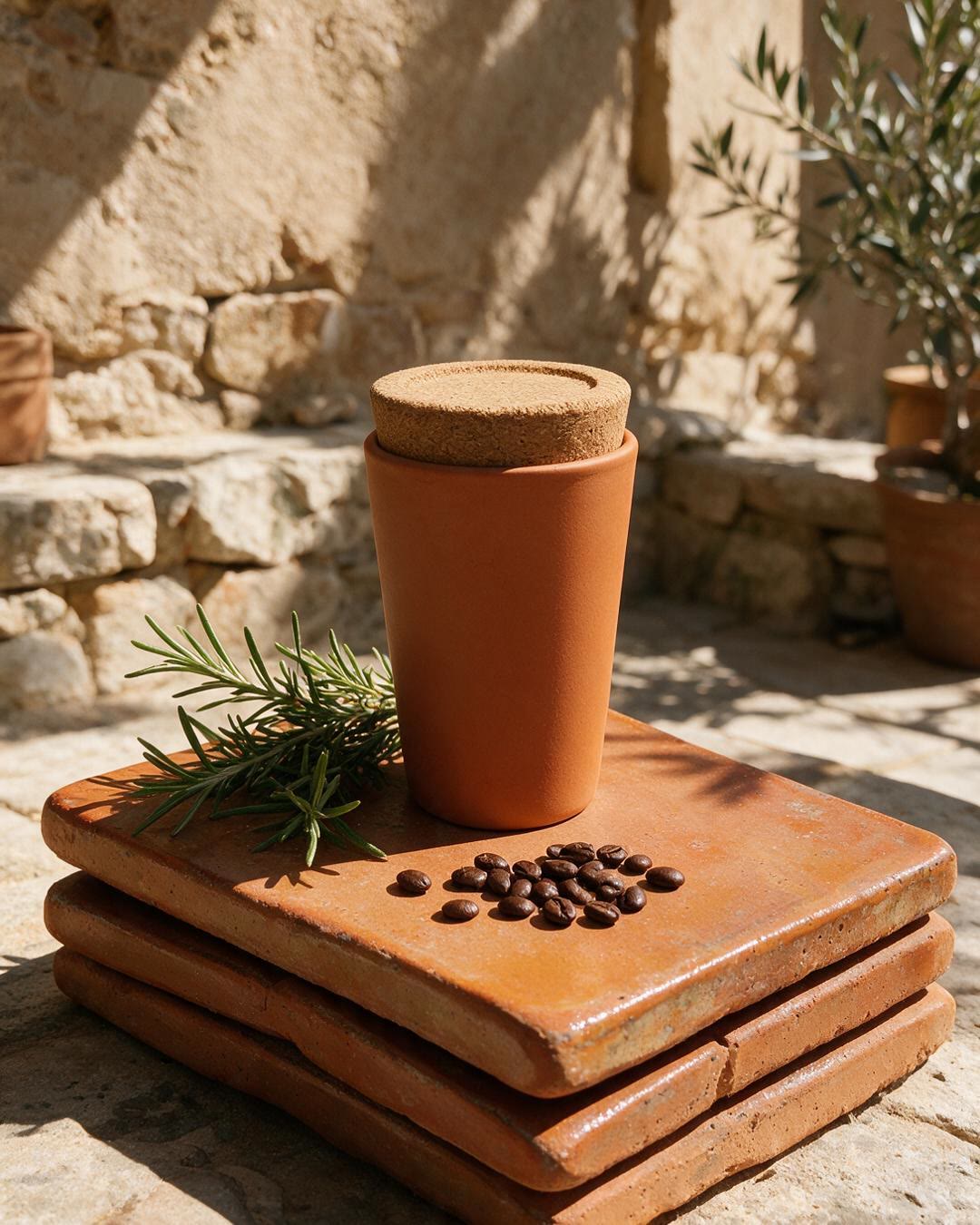
    Terracotta tiles scene, 4:5 feed
    Terracotta tiles scene, 4:5 feed
  3. 03 · Video Studio

    Turn the best stills into product films

    Each still becomes the first frame of a short vertical film with sound. The product stays the product: same shape, same cork lid.

    Open Video Studio
    Product film: slow orbit in the studio scene
    Product film: the lid comes off in the café
  4. 04 · Video Editor

    Cut, caption and export

    Drop the films on a timeline in the browser, trim, add captions and a soundtrack, and export a 1080p MP4. Everything you made above is already in your library.

    Open Video Editor

The whole brief: 661 credits ($4.74–$7.93 depending on plan), priced from the live catalog.

Made on November 14, 2026 with the engines these studios run: Nano Banana Pro for the stand-in phone photo, Seedream 5.0 Pro Edit for the scenes, Seedance 2.0 for the films. The tumbler is a made-up product, so the starting photo was generated too.

Feature by feature

AffogatoClaid
Best forCampaigns with people in them, with videoCatalog-scale product photo processing
AI fashion modelsFashion Studio, plus your saved CharactersYes, AI fashion models and flat-lay to model[3]
Creators and UGCInfluencer Studio: one AI creator holding the product across postsAn AI UGC video generator[1]
Top resolutionUp to 4K from the models, 8K with the UpscalerPaid plans include 2K; 4K, batch processing and brand kits are on Pro and Business[3]
UpscalingImages to 8K, video up to 4×Downloads and API upscales go up to 559 MP[3]
Batch and connectorsBatches in Product Studio; REST APIStorage connectors for AWS S3 and Google Cloud Storage, and a Zapier integration[2]
Developer APISame credits as the app, plus MCPSeparate credit packs; docs-only MCP[2]

Switching from Claid, step by step

  1. Use your balance

    Claid keeps your access and credits until the end of the billing period after you cancel.

  2. Download your images

    Save the shots you want to keep; Claid claims no ownership of them.

  3. Start from one product photo

    Upload it to Product Studio, pick scenes and placements, and add product films in the same batch.

  4. Connect your code

    Use the REST API or MCP server on the same credits as your plan. Plans start at $24/month for 2,000 credits.

Questions people ask

What is Claid AI?

Claid does only product photography: AI photoshoots, backgrounds, AI fashion models, image to video, upscaling and clean-up, in native 4K[1]. Its team can also produce the photos for you from your existing product shots[1].

Can I try Claid before paying? Can I try Affogato?

New accounts get 50 web credits and 50 API credits to try it; AI video isn't included[3]. Affogato has no free plan; plans start at $24/month for 2,000 credits, with a commercial licence and no watermark.

Do both have an API?

Yes. A self-serve API on its own credit packs, with sync, async and batch editing, AI fashion, background, generation and image-to-video APIs[2]; Its MCP server serves the documentation only[4]. Affogato's REST API and MCP server spend the same credits as your plan, so agents can generate directly.

Which upscales further?

Claid. Downloads and API upscales go up to 559 MP[3]. Affogato's Upscaler goes to 8K (about 7,900 px on the long side).

What does Claid do with my images?

Its terms take a perpetual licence to use your content in de-identified form to improve its products[5].

Make the whole campaign in one place.

Plans start at $24/month for 2,000 credits, and unused credits roll over. Every paid plan includes a commercial licence with no watermark.

Keep exploring

How we checked. Everything said here about Claid comes from its public pages, read on November 24, 2026 without signing up. We don't compare outputs side by side or quote their prices against ours, because plans and credit units differ too much to compare fairly. Prices and plans change; if something here is out of date, tell us and we'll fix it.

Sources (5, checked November 24, 2026)
  1. Claid homepage
  2. Claid API docs index
  3. Claid pricing page
  4. Claid docs MCP server
  5. Claid terms