AI Christmas photos
AI Christmas photos: your faces, a Christmas scene
Upload an everyday photo of yourself, a couple or your parents, describe the Christmas scene, and get a holiday photo of the same people. Ask for a card and it adds your greeting and names.

Made from one picnic snapshot of this family with Nano Banana Pro Edit, unedited. The family is AI-generated.
A garden snapshot, a Christmas card
01 Their photo

A summer snapshot on a garden bench, cap and harsh sun.
02 The prompt
Keep the same faces, his white beard, her silver hair and red glasses. Festive sweaters on a sofa by the Christmas tree. Card layout with "Season's Greetings" at the top and "from Grandma & Grandpa" below.
Same faces, a new scene, the greeting in quotes.
03 The card

Nano Banana Pro Edit, unedited.
Every picture on this page is an unedited output. The people are AI-generated examples, not customers.
How do you make AI Christmas photos of yourself?
Upload a photo of yourself and describe the Christmas picture you want. The editing model keeps your face from the photo and paints the rest: the clothes, the room, the snow and the light. A clear front-facing photo gives the closest likeness.
Say "the same person from the reference photo" and name what must not change, such as glasses or hair, then describe the scene. Three prompts to start from:
Christmas photo of the same person from the reference photo, same face and hair. Sitting by a decorated Christmas tree in a cream knit sweater, holding a mug of cocoa, warm string lights, candid laugh, vertical 9:16, natural skin texture.
Christmas photo of the same two people from the reference photo, same faces and hair. Matching red plaid pajamas on a sofa by a fireplace and a decorated tree, laughing, warm light, vertical 9:16.
A Christmas card featuring the same people from the reference photo, same faces. A snowy pine forest in winter knitwear. Cream border, "Merry Christmas" in festive script at the top and "Love, Sam & Alex" in small serif text at the bottom. Vertical 3:4.
What it does
- Your faces, kept
- Your photo is the face reference, so the people in the Christmas photo are the people in your snapshot.
- Couples and pairs
- Upload a photo with two people and both are kept in the new scene.
- Cards with your names
- Ask for a card layout and the exact greeting in quotes; Nano Banana Pro writes it legibly.
- Any Christmas scene
- Tree, fireplace, snow, a market, a sweater party. Describe it in a sentence.
- Vertical for Stories
- 9:16 for Stories and Reels, 3:4 for cards and prints.
- Print-ready
- Generate at 2K or 4K, or upscale a favourite before printing.
Everyday photos in, Christmas photos out
Each row: the photo that went in, then what came out. All made with Nano Banana Pro Edit from one photo, unedited. The people are AI-generated examples.
 Their photo
 Pajamas by the fire
 The card
A couple at the kitchen table
 His photo
 Sweater party
 Winter street
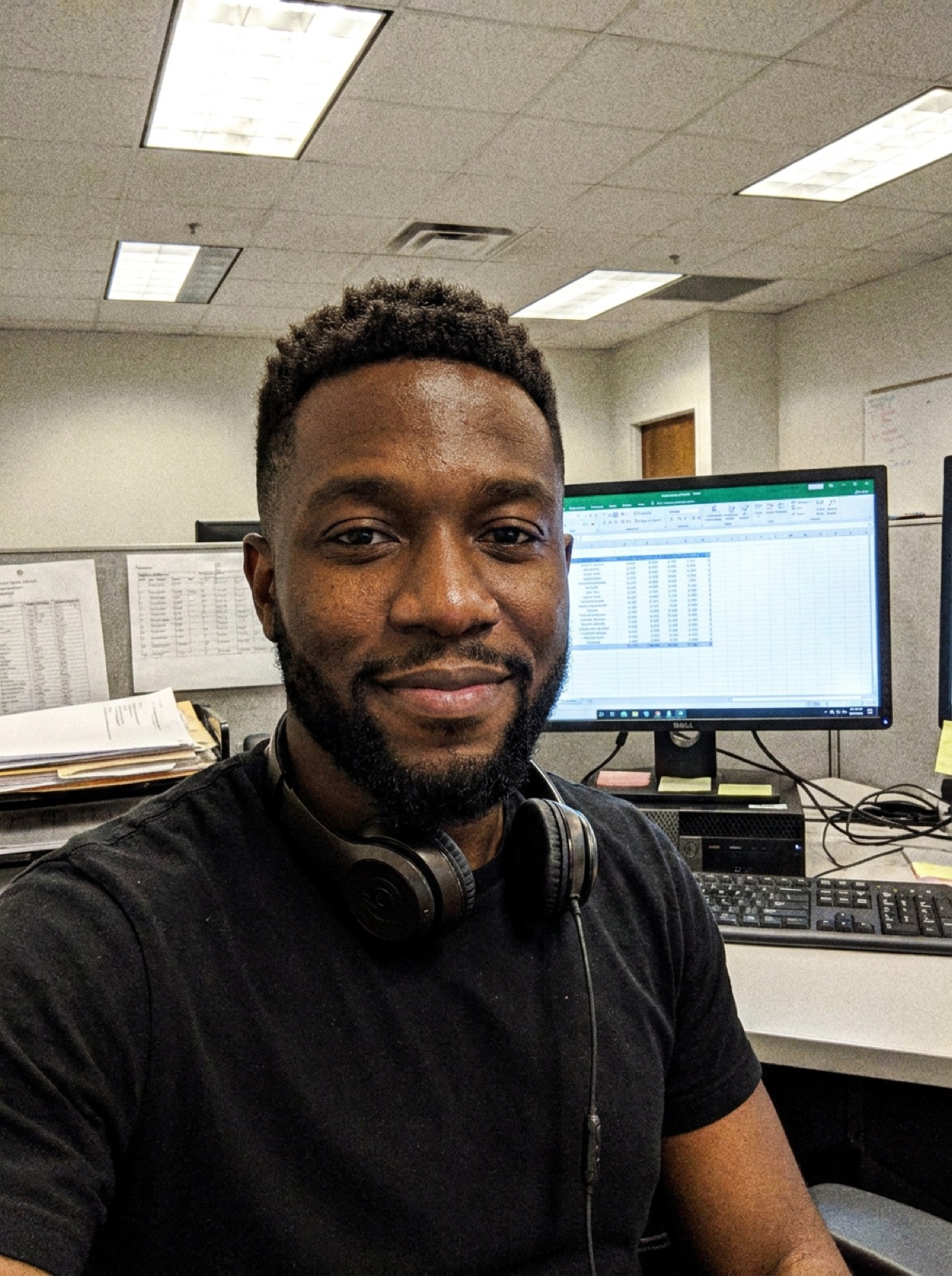
A selfie at the office
Their photoThe card Outside the cabin
Grandparents in the garden
 Their photoChristmas morning
 The card
A family picnic in the park
How to make AI Christmas photos
- 01
Upload a photo
One clear photo where every face is visible and lit. One or two people work best.
Only have a group photo? Crop it to the people you want in the scene.
- 02
Describe the Christmas scene
Say "the same people from the reference photo", what they wear, where they are and the light. For a card, write the greeting and names in quotes.
Stuck? Start from one of the three prompts above and change the details.
- 03
Generate, pick, print
Make a few versions, keep the one that looks most like you and upscale it for printing or posting.
A face looks slightly off? Run it again; each version is a new take.
What else people make for the holidays
A message from Santa
An AI Santa reads a script you write.
A new profile picture
Studio headshots from one selfie.
Edit any photo
Change the outfit, light or background.
Make it move
Turn a Christmas photo into a short clip.
Upscale for print
Make a favourite larger and sharper.
A full photoshoot
Many looks of one person.
Tips for a good likeness
- Use a recent photo with the face turned to the camera and nothing covering it.
- Name what must not change: glasses, a beard, hair colour, earrings.
- Ask for "no cap" or "no sunglasses" if the photo has them and the scene shouldn't.
- Put card text in quotes and keep it short.
- Pick 9:16 for Stories, 3:4 for cards and prints.
- Only use photos of people who are happy to be in them.
How do AI Christmas photos keep your face?
An image editing model like Nano Banana Pro Edit takes your photo as a reference and a sentence describing the new picture. It keeps the faces and builds a new scene around them, so you get a Christmas photo of the people in your snapshot rather than strangers.
Two things help it most: a clear, well-lit photo where every face is visible, and a prompt that says to keep the same faces and hair. Everything else, from the sweater to the snow, comes from the words.
FAQ
Can I make AI Christmas photos of myself?
Yes. Upload a photo of yourself in Image Studio, choose Nano Banana Pro Edit and describe the Christmas scene. The model keeps your face from the photo.
Can I make a Christmas card with AI?
Yes. Ask for a card layout and write the greeting and names in quotes, such as "Merry Christmas" and "Love, Sam & Alex". Nano Banana Pro renders short text legibly. Check the spelling before you print.
Can I put two people in one Christmas photo?
Yes. Upload a photo with both of you in it and describe the scene; both faces are kept, as in the couple and grandparent examples on this page.
Can I make an AI family Christmas photo with the kids?
Yes. Upload one photo with everyone in it, like the picnic snapshot above, and describe the scene. Four people worked well in our example. Name details that matter, such as glasses or a hair colour, so they carry over.
How much does it cost?
Each image is paid in credits: Nano Banana Pro Edit is 30 credits at 1K and 2K. The Standard plan is $24 a month for 2,000 credits, about 66 Christmas photos. The price shows before you generate.
Can I print them?
Yes. Generate at 2K or 4K, or send your favourite to the upscaler. 3:4 suits cards and prints.
Can I turn a Christmas photo into a video?
Yes. Send any result to image to video for a short clip, or make a talking Santa message in Talking Head Studio.
Are the people on this page real?
No. Every person here, including the "before" snapshots, was generated with AI as an example. Use photos of yourself or of people who agree to it.


