From a single photo
A sharp, front-facing portrait is enough. No video of the person needed.
One photo and a voice is all a talking avatar needs. Add a portrait, type a script or upload your own recording, and the Talking Head Studio makes a video of that person saying it, with lips, expressions, head and hands moving to the words.
OMNIHUMAN 2 · OMNIHUMAN 1.5 · KLING AI AVATAR V2 · ONE PHOTO + ONE VOICE
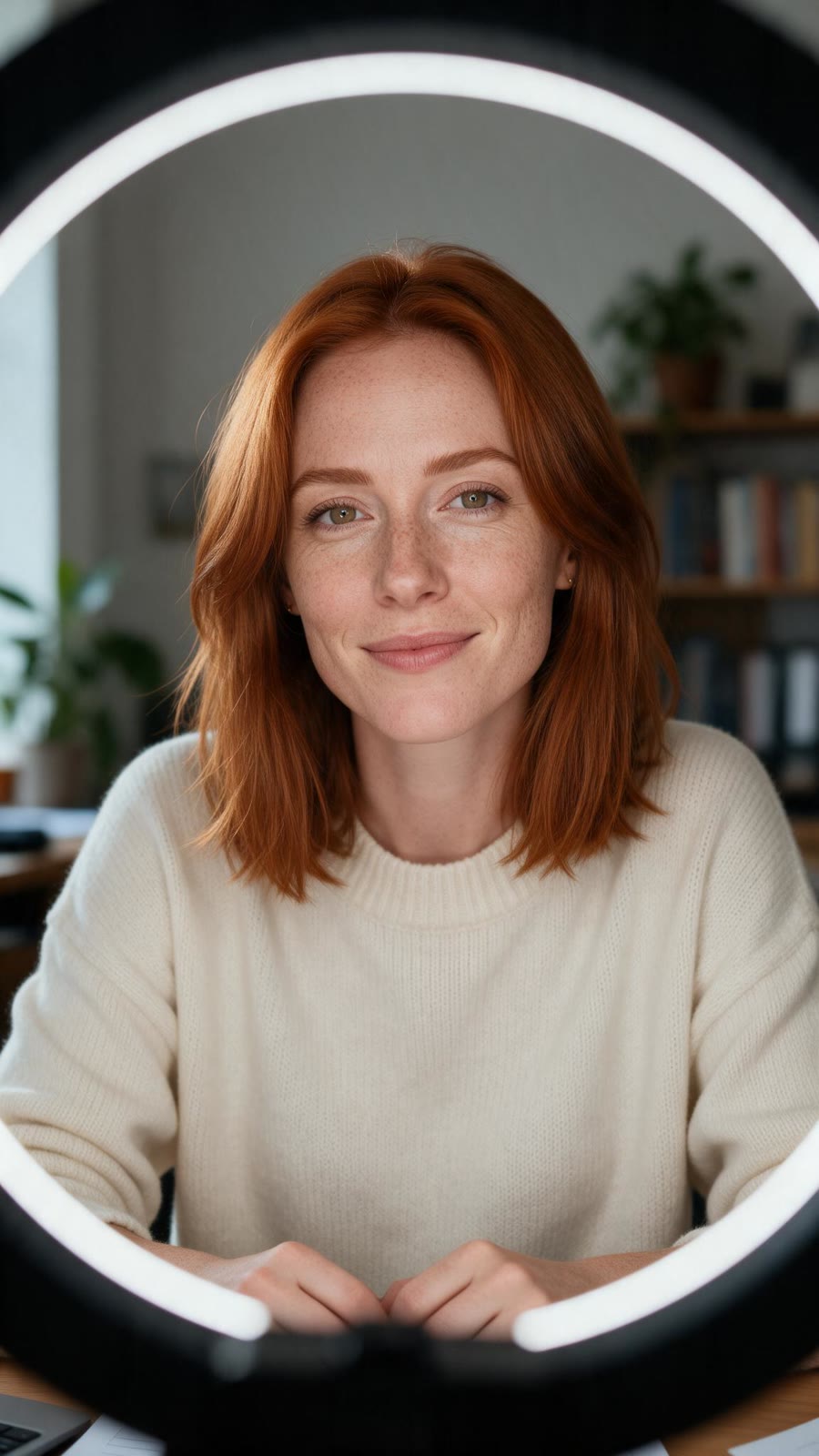
A sharp, front-facing portrait is enough. No video of the person needed.
OmniHuman moves the head, face and hands with the rhythm and feeling of the voice.
Type a script and pick from a library of voices, design a new voice, or upload a recording.
Write the script in the language you need; the avatar speaks it with matching mouth shapes.
OmniHuman 2, OmniHuman 1.5 and Kling AI Avatar v2, each priced per second on its label.
The studio splits a long script into segments and joins them into one video.
Upload a clear portrait (face visible, mouth closed, even light) and save it as a host.
Type the script and pick a voice, or upload your own audio.
Pick an engine and generate. Add captions, music or more segments when it's done.
An AI avatar generator turns a still photo of a person into a video of that person speaking. You give it the face and the audio; the model works out the mouth shapes for each sound, then adds the rest of a performance: blinks, nods, eyebrow raises and, on the stronger models, hand gestures that follow the emphasis in the voice.
The photo matters most. A sharp portrait facing the camera, with the mouth closed and the face evenly lit, gives the most natural result. The voice can come from text to speech, a voice you design, or a recording of your own; for a real person's face or voice, you need their permission.
Affogato runs three avatar engines in the Talking Head Studio. OmniHuman 2 gives the fullest body language, OmniHuman 1.5 takes a motion prompt, and Kling AI Avatar v2 is the lower-cost option for volume. To change the words of a video you already have, use lipsync instead.
A presenter for every lesson, from a script.
A creator talking about your product, in any language.
Updates and intros without setting up a camera.
The same face, speaking each market's language.
Add the photo in the Talking Head Studio, type a script or upload audio, and generate. The engine animates the face, head and hands to the voice.
OmniHuman 2 for the most natural gestures, OmniHuman 1.5 when you want to direct the motion with a prompt, Kling AI Avatar v2 for lower-cost volume. Each shows its price per second.
Yes. Upload a recording, up to a minute per segment, or design a custom voice in the Audio Studio.
The engines are built for human faces. Some stylized faces work; a non-human face, such as an animal, may be refused.
Only with their permission. Using a real person's face or voice without consent can break the law and our terms.
Open the Talking Head Studio, add a portrait and a voice.
NO WATERMARKS · CREDITS ROLL OVER · COMMERCIAL LICENSE INCLUDED · CANCEL ANYTIME