One photo, any voice
A single portrait and an audio track are all it needs: a recorded voice, a generated voiceover or a song.
OmniHuman 2 · by ByteDance
OmniHuman is ByteDance's avatar model: give it one photo of a person and a voice track, and it makes a video of them saying or singing it, with head movement, expressions and hand gestures that follow the audio. Version 2 came out in October 2026. On Affogato it runs in the Talking Head Studio.
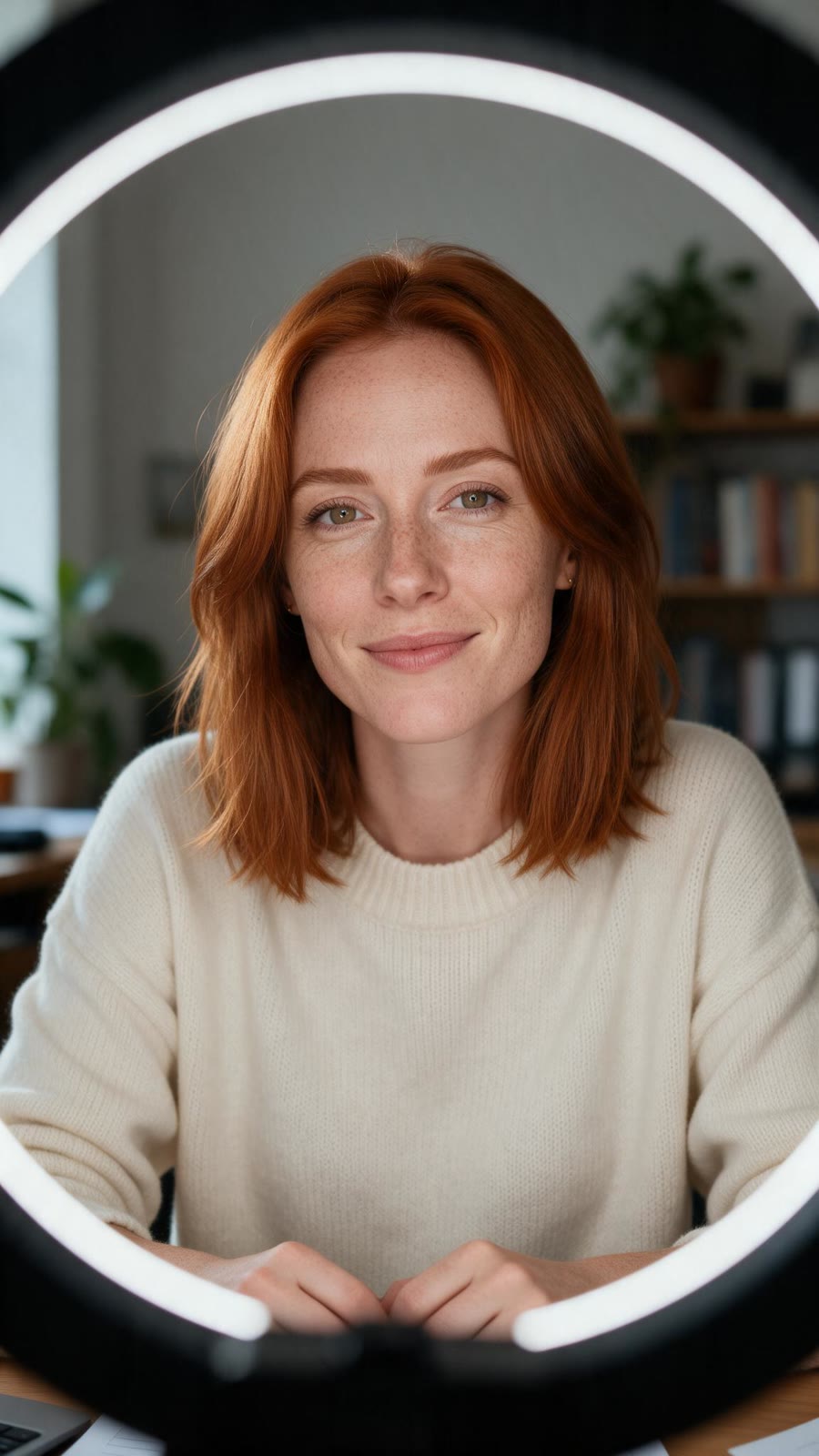 Photo
Example · OmniHuman 2
What they say: "Okay, quick tip before you post anything today. Film the hook first. If the first two seconds don't land, nobody ever sees the good part." Motion prompt: she talks to the camera like a friend, small natural head movements, a quick smile on the last line, one hand gesture.
Open Talking Head StudioOpens the Talking Head Studio; pick OmniHuman in its engine list. You see the price in credits before anything runs.
A single portrait and an audio track are all it needs: a recorded voice, a generated voiceover or a song.
ByteDance built it to move with what is being said, not only to shape the lips: nods, glances and hand gestures land on the words that carry them.
Reviewers rate its singing highly; breathing and phrasing follow the vocal line.
The mouth follows the audio, so it works in the language you record. Our Spanish and Japanese clips used the same settings as the English one.
Every clip below was made from the inputs shown beside it, unedited. Press “Hear it” to play a clip with its sound.
Photo"Okay, quick tip before you post anything today. Film the hook first. If the first two seconds don't land, nobody ever sees the good part." Motion prompt: she talks to the camera like a friend, small natural head movements, a quick smile on the last line, one hand gesture.
 Photo
"Mira, mija, el secreto del mole es la paciencia. Lo dejas a fuego lento toda la tarde, y no dejas de moverlo." Motion prompt: she speaks warmly to the camera, nods, and gestures toward the pot with one hand.
 Photo
"Three more rounds! Chest up, knees out, and breathe on the way down. You've got this. Let's go!" Motion prompt: energetic coach, claps once, points at the camera on "You've got this", big encouraging expressions.
 Photo
A 15-second cut of a slow R&B song ("City lights are fading slow, I still hear you on the radio…"). Motion prompt: she sings softly into the microphone with her eyes half closed, swaying gently to the slow beat.
 Photo
"はじめまして。私たちは小さなチームですが、毎日お客様の声を聞いて、少しずつ製品を良くしています。" ("Nice to meet you. We're a small team, but we listen to our customers every day and keep improving the product.") Motion prompt: he speaks calmly to the camera, small nods, one open-hand gesture.
PhotoThe same photo, voice and motion prompt as the first clip, run on OmniHuman 1.5 at 720p. Her hands stay lower and the head moves less than on version 2.
Start here
Talking-head clips, explainers and UGC-style videos
The current version, with more natural gestures; the one to start with.
191 credits for a 10 s clip · billed by length
Open with OmniHuman 2Option 2
When you need 1080p straight out
The earlier version. It renders up to 1080p and moved less in our side-by-side test.
290 credits for a 10 s clip · billed by length
Open with OmniHuman 1.5OmniHuman 1 was a research release and was never offered on Affogato. Kling AI Avatar v2 is the other engine in the Talking Head Studio. Credits are read from the live catalog; the Standard plan ($24/month) includes 2,000 credits.
Open the Talking Head Studio and choose a character, or add a photo of the person who should speak.
Type a script and pick a voice, or upload your own recording of up to a minute per segment.
Pick OmniHuman 2 or 1.5 in the engine list. The price per second shows on each engine before you run.
The clip lands in your library; send it to Upscale for 1080p or 4K, or into the Video Editor.
ByteDance's avatar model: one photo plus an audio track becomes a video of that person speaking or singing, with expressions and gestures that follow the audio.
Version 2 (October 2026) takes much longer audio in one take and moves more naturally. It renders at 720p and drops 1.5's 1080p option.
Yes. Upload a recording, or type a script and pick a voice in the studio. The mouth follows the audio in any language.
ByteDance says it can, but its input check refused our cartoon fox. Test your character with a short clip first.
No. It is billed by the second of audio, and the price shows before you generate. Credits come with a monthly plan.
Yes, on paid Affogato plans, subject to our terms of service and the model provider's terms (ByteDance). You need the rights to anything you upload, such as photos, faces, voices or brand assets. Read our terms of service.
Facts checked November 15, 2026. Sources: arXiv: OmniHuman-1.5 paper · BytePlus: OmniHuman · Webrazzi: OmniHuman 2.0 launch · fal: OmniHuman 2 API · fal: OmniHuman 1.5 API · Hedra: OmniHuman 1.5 notes