Text that comes out as written
Our shaker read FORGE and 30g PROTEIN, and the jazz poster's date line was spelled right. HiDream reports strong scores on long English and Chinese text.
HiDream O1 Image · by HiDream.ai
HiDream O1 Image is a compact open-weights model from HiDream.ai that makes images, edits them and works from reference photos, all in one model. It is strongest on text: a shaker label or a gig poster comes out spelled as asked. Describe an image below, or add a photo to edit, and it opens in Image Studio on HiDream O1.
Example image
Opens in Image Studio with the model you picked. You see the price in credits before anything runs.
Our shaker read FORGE and 30g PROTEIN, and the jazz poster's date line was spelled right. HiDream reports strong scores on long English and Chinese text.
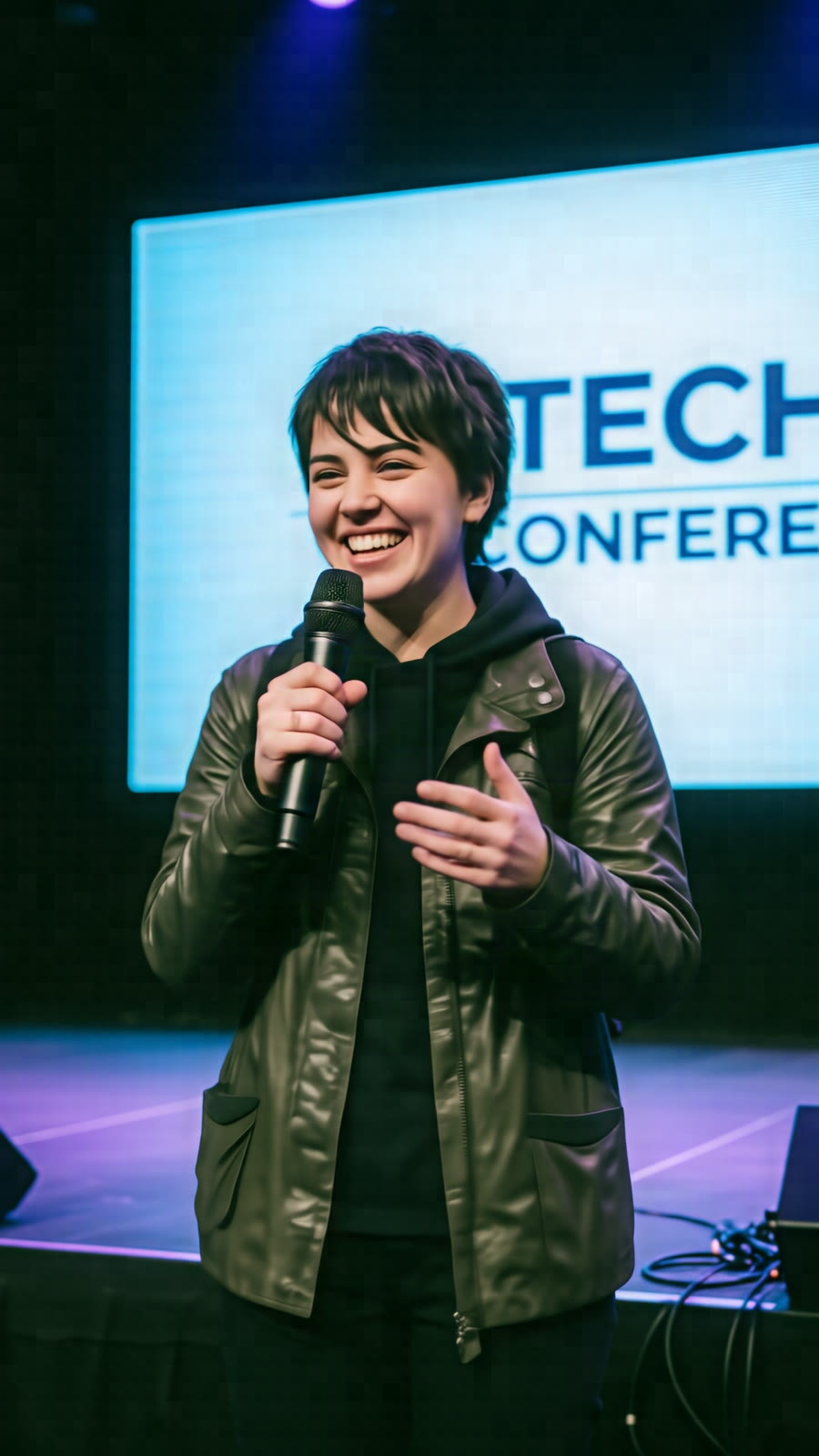
Moved from a Tokyo street onto a conference stage, our vlogger kept the face, the haircut and the green jacket.
The same model generates, edits from instructions and builds new scenes from reference photos of a person or product.
An 8B model under the MIT licence that works straight on pixels, without a separate image or text encoder.
Every image below was generated with the prompt shown, unedited. Load any prompt into the generator and make your own version.
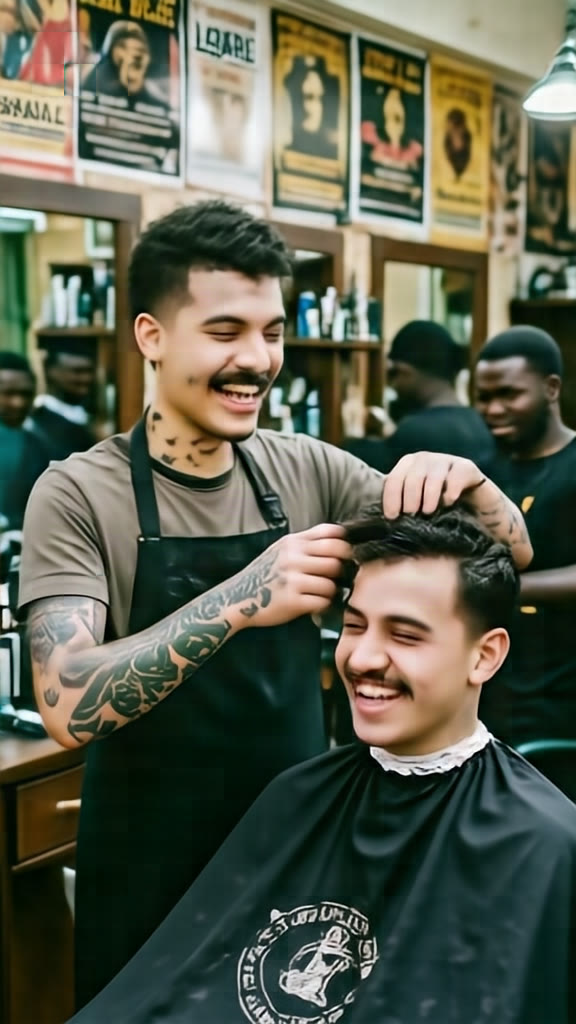
Busy, candid scenesA young barber with a thin moustache and tattooed forearms fades a client's hair in a busy Lagos barbershop, both laughing, hair clippings on the cape, posters on the wall behind.
 Creators on camera
Candid vertical photo of a 24-year-old creator with a short wolf-cut filming a vlog on a rainy Tokyo street at night, holding a small camera at arm's length and grinning into it. Neon reflections on wet pavement, natural skin texture, shot on a phone.
 Same face, new scene
Keep the exact same person from the first image: same face, haircut and smile. Now they are on stage at a tech conference, holding a microphone and presenting, a large screen glowing behind them.
 UGC with a label
UGC-style vertical selfie of a man in his twenties at a gym holding a matte black protein shaker up to the camera. The bottle reads "FORGE" and, below it, "30g PROTEIN" in bold white letters. Natural sweat, overhead gym lighting, slightly crooked phone framing.
 Poster with a person
A concert poster featuring a jazz saxophonist in a sharp burgundy suit mid-solo under a single spotlight. The headline at the top reads "BLUE HOUR SESSIONS". Below the image: "Friday 12 December · Doors 8 PM · The Velvet Room". Bold modern typography, film-grain texture.
 People of every age
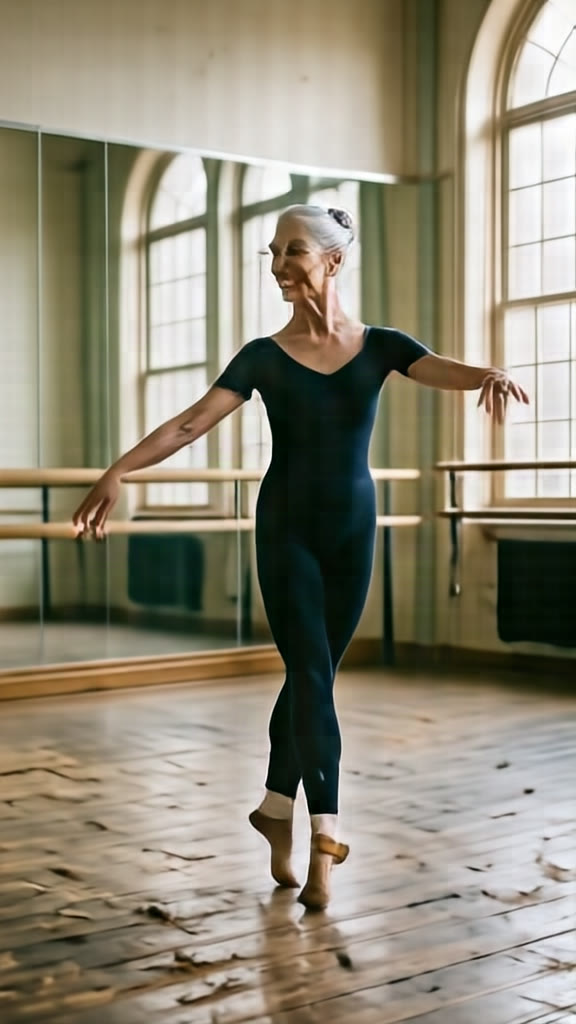
A professional ballet dancer in her sixties with silver hair in a bun, mid-arabesque in an empty rehearsal studio, afternoon light from tall windows, wooden floor scuffed, reflections in the mirror wall.
 Fashion on a person
Full-body street-style photo of a woman in her fifties with silver hair in a tailored cobalt-blue trench coat, wide cream trousers and loafers, crossing a sunlit Paris boulevard mid-stride. Framed like a fashion-week street photographer's shot.
 Group photos
Five friends in their twenties laughing on a rooftop at sunset, one pouring lemonade from a glass jug, string lights overhead. Candid documentary style, every face distinct and natural.
Start here
Images with text, quick drafts
Text to image, up to four per run. Add a photo and it runs the Edit row. Start here.
8 credits per image
Open with HiDream O1 ImageOption 2
Editing your own photo
Plain-language edits and new scenes from reference photos, keeping the person or product.
8 credits per image
Open with HiDream-O1 Image EditEarlier HiDream models (I1 and E1) are not in the studio. Credits are read from the live catalog; the Standard plan ($24/month) includes 2,000 credits, about 250 HiDream O1 Image images.
Write what you want in the box at the top of this page, or start from an example. Add a photo to edit it.
Your prompt, photo, format and the HiDream version you picked carry over. Nothing runs until you press Generate.
The credit price shows under the Generate button before anything is spent.
Zoom in on skin, hands and any lettering before you publish.
Text in images, such as labels and posters, and edits that keep a person the same, from one small model.
HiDream.ai. HiDream O1 Image was released in May 2026, after the HiDream-I1 and E1 models of 2025.
HiDream O1 Image's weights are public under the MIT licence. HiDream's higher-ranked O1 Image 1.5 is closed.
HiDream O1 Image to make an image from text, and HiDream-O1 Image Edit to change a photo you already have.
No. Every image costs credits, shown before you generate. Credits come with a monthly plan and unused credits roll over up to the plan's cap.
Yes, on paid Affogato plans, subject to our terms of service and the model provider's terms (HiDream). You need the rights to anything you upload, such as photos, faces, voices or brand assets. Read our terms of service.
Facts checked November 15, 2026. Sources: Hugging Face: HiDream-O1-Image · arXiv: HiDream-O1 technical report · Artificial Analysis: HiDream O1 Image · wiro: HiDream-I1 Fast tests · fal: HiDream O1 Image · fal: HiDream O1 Image Edit