AI music generator
AI music generator: songs and instrumentals from text
Describe a song and get one, with vocals or without. Six music models in one studio: Lyria 3 Pro and ElevenLabs Music write full songs, MiniMax Music 3 sings your own lyrics, Stable Audio 3 makes instrumentals.
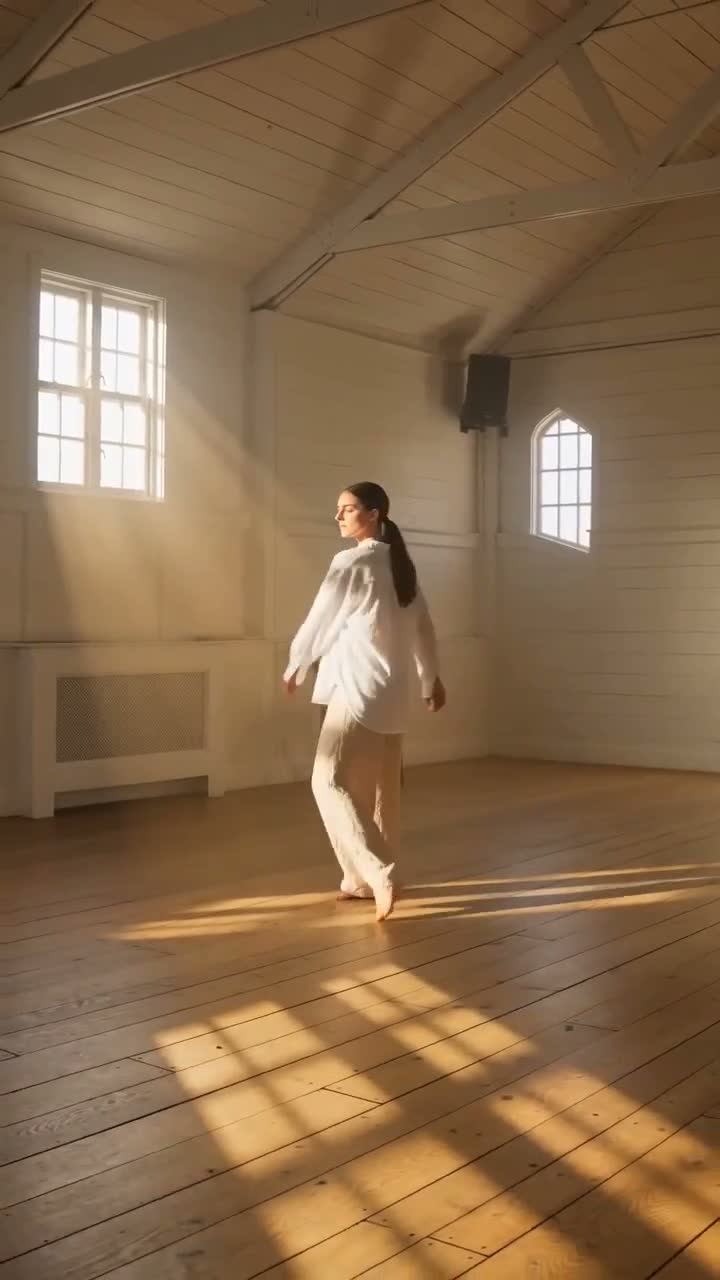
Example: Lyria 3 Pro · picture: Kling 3.0 Pro, muted
Tracks made in Audio Studio
Every sample below was generated on Affogato with the prompt shown, unedited. The picture is a muted clip made with a video model, credited on each card; press play to hear the sound over it. Load any prompt into the generator and make your own.
Windows down on the coast road
PromptBright indie-pop song for a summer travel vlog, warm female vocal singing about windows down and the coast road, jangly electric guitars, handclaps, bouncy bass, 118 BPM, a big euphoric chorus.
Picture: a muted clip made with Kling 3.0 Pro. The sound is Lyria 3 Pro.
Late-night R&B for a get-ready video
PromptSmooth late-night R&B with a soulful male vocal, warm Rhodes chords, deep sub bass and crisp finger snaps, slow 80 BPM groove, intimate and confident, made for a get-ready-with-me video.
Picture: a muted clip made with Seedance 2.5. The sound is ElevenLabs Music v2.5.
Baila conmigo, in the kitchen
PromptReggaeton pop, playful and sunny, dembow beat at 95 BPM, bright synth plucks, two female vocalists trading lines, made for a sisters' dance video. [verse] Sábado en la cocina, la radio a todo volumen Mi hermana me da la mano, los vecinos ya lo saben [chorus] Baila conmigo, baila otra vez Un paso a la izquierda, vuelta y después Baila conmigo, que suene la canción Todo el barrio baila con el corazón
Picture: a muted clip made with Grok Imagine Video 1.5. The sound is MiniMax Music 3.
Lo-fi for a cafe window seat
PromptLo-fi hip hop instrumental for studying in a cafe, dusty vinyl crackle, mellow jazz piano chords, soft boom-bap drums at 75 BPM, warm tape-saturated bass, relaxed and cozy.
Picture: a muted clip made with Kling 3.0 Pro. The sound is Stable Audio 3.
Acoustic folk for opening the shop
PromptGentle acoustic folk instrumental, fingerpicked guitar, soft mandolin and light shaker, morning sunlight, warm and hopeful, for a florist's shop opening video.
Picture: a muted clip made with Hailuo 2.3 Pro. The sound is Lyria 3.
Which music model to use
- Lyria 3 Pro
- Full songs with vocals and lyrics it writes, up to about three minutes.
- ElevenLabs Music v2.5
- Songs or instrumentals at the length you pick, 30 s to 5 min; trained on licensed data.
- MiniMax Music 3
- Sings the lyrics you write, following your [verse] and [chorus] tags.
- Stable Audio 3
- Instrumentals and soundscapes, up to six minutes.
- Lyria 3
- A quick 30-second clip from the same kind of description.
- CassetteAI
- Fast instrumental drafts at a low price.
How to make a song with AI
- 01
Describe the track
Genre and mood first, then tempo in BPM, then two or three instruments and the vocal.
Have lyrics? Add them under the description with [verse] and [chorus] tags and pick MiniMax Music 3.
- 02
Pick the model and length
Lyria 3 Pro or ElevenLabs Music for full songs, Stable Audio 3 or CassetteAI for beds.
Under a voiceover? Ask for an instrumental so the words stay clear.
- 03
Generate and use it
Each track plays in the studio and saves to your library.
Lay it under a video in the Video Editor without downloading it.
Where the music goes
Tips for better AI music
- Open with the genre and the feeling, then the tempo.
- Name the vocal: soft female, raspy male, a choir, or instrumental only.
- Put a hook you want sung in quotes.
- Say what the track is for; the arrangement follows the use.
- Try a description on two models and keep the better take.
How does an AI music generator work?
An AI music generator turns a written description into audio: you name the genre, mood, tempo and instruments, and the model composes and performs a track that matches. The newest models also sing, either writing lyrics from your theme or singing words you supply.
Models differ in what they are best at. Some write complete songs with verses and a chorus, some take your lyrics line by line, and some make instrumentals and soundscapes for use under speech. Picking the model is most of the choice.
Affogato puts six music models in one Audio Studio tab, so you can try one description on several and keep the best take. The track then goes straight into the Video Editor or under a talking-head video.
FAQ
Which AI music generator makes songs with vocals?
Lyria 3 Pro and ElevenLabs Music write and sing songs from a description; MiniMax Music 3 sings lyrics you write. Stable Audio 3 and CassetteAI make instrumentals.
Can I use my own lyrics?
Yes. Pick MiniMax Music 3 and write your lyrics under the description with [verse] and [chorus] tags. Lyria 3 Pro and ElevenLabs Music take short lines in quotes.
How long can a track be?
From 30 seconds to five minutes on ElevenLabs Music and MiniMax Music 3, about three minutes on Lyria 3 Pro and up to six on Stable Audio 3.
Can I use the music commercially?
Paid plans include a commercial licence for what you generate.
How is it priced?
In credits per track, by model and length. The exact price shows under the Generate button before anything runs.