How to Write a UGC Script You Can Actually Film
Turn one useful product point into a short script with matching shots, a clear opening, and an ending that gives the viewer time.
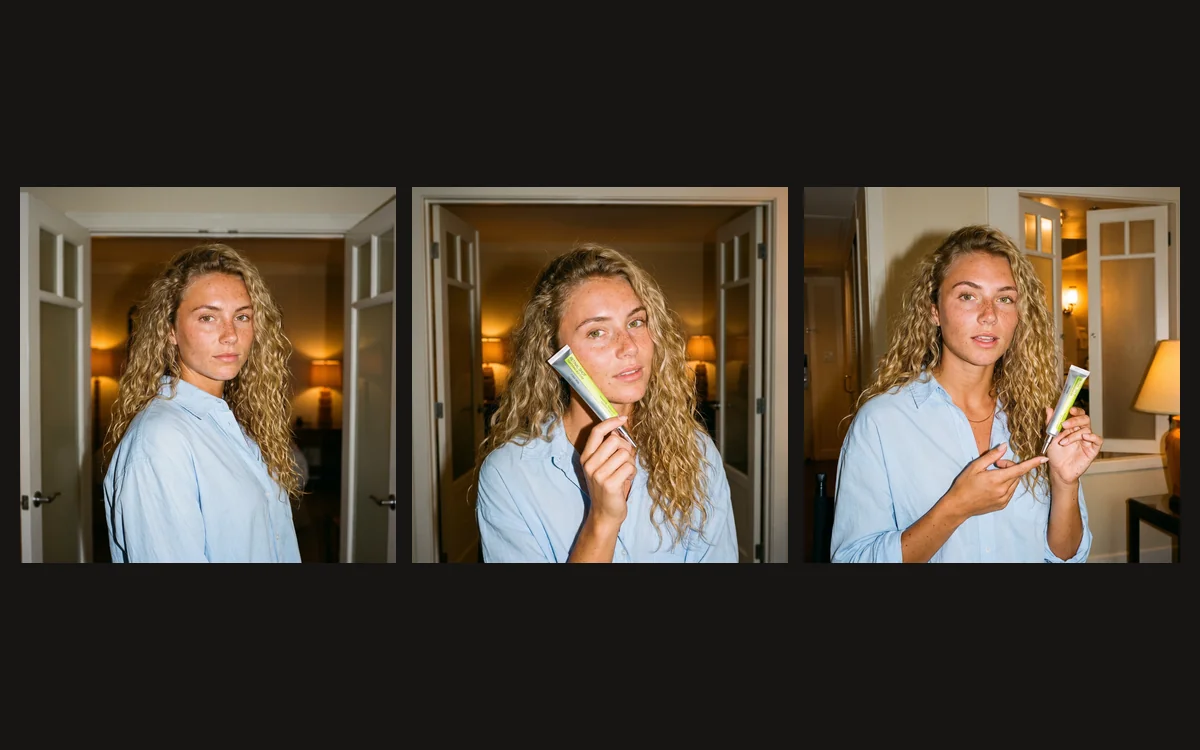
Write a UGC-style script around one useful product question, then give every line a picture that helps answer it. This worked example uses the real Celimax Retinal Shot tube, standard character Lena and a Visual Inspiration Gallery setting. Lena is a fictional AI presenter; the attributed public review discussed below remains separate from her demonstration.
Start with a hook the next shot can answer
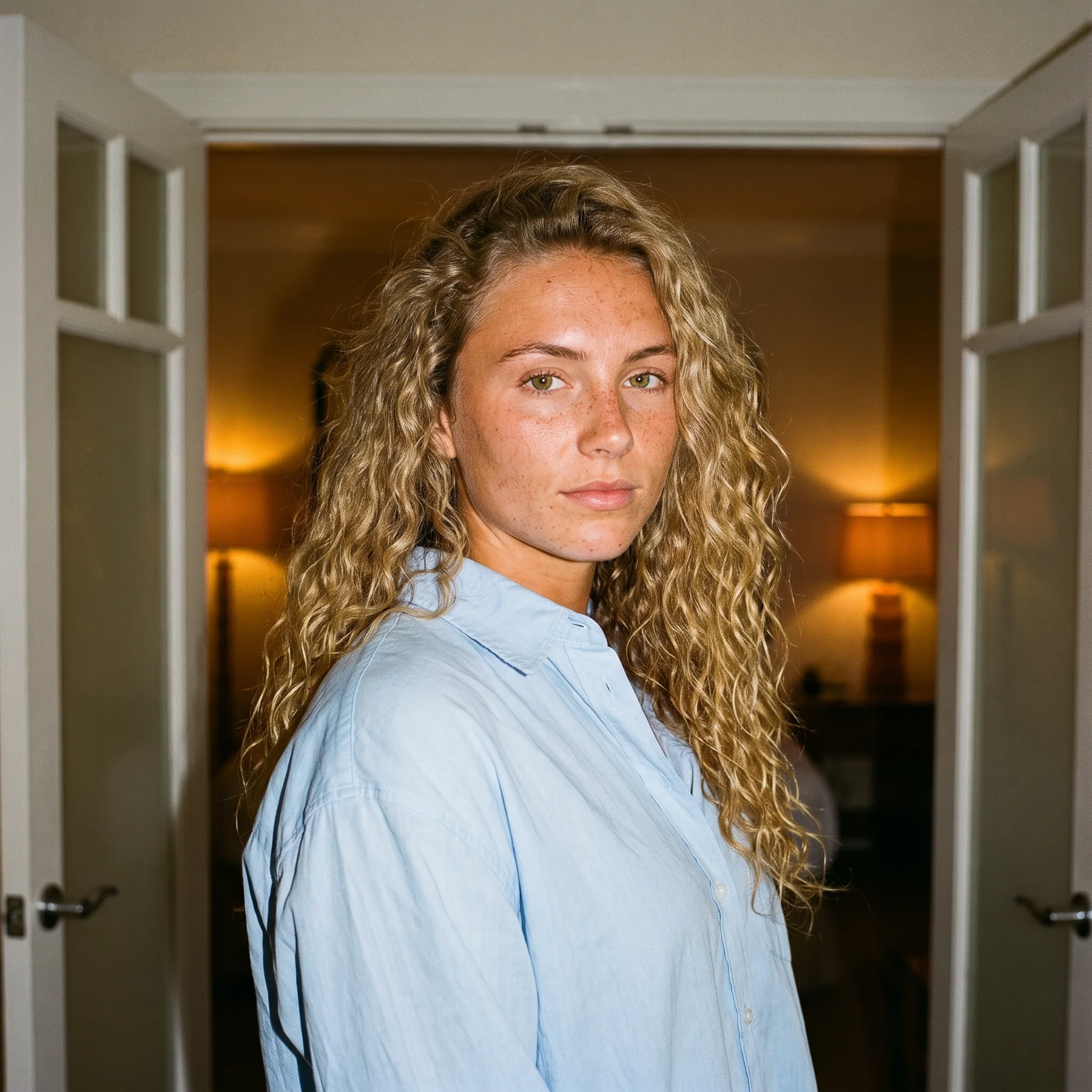
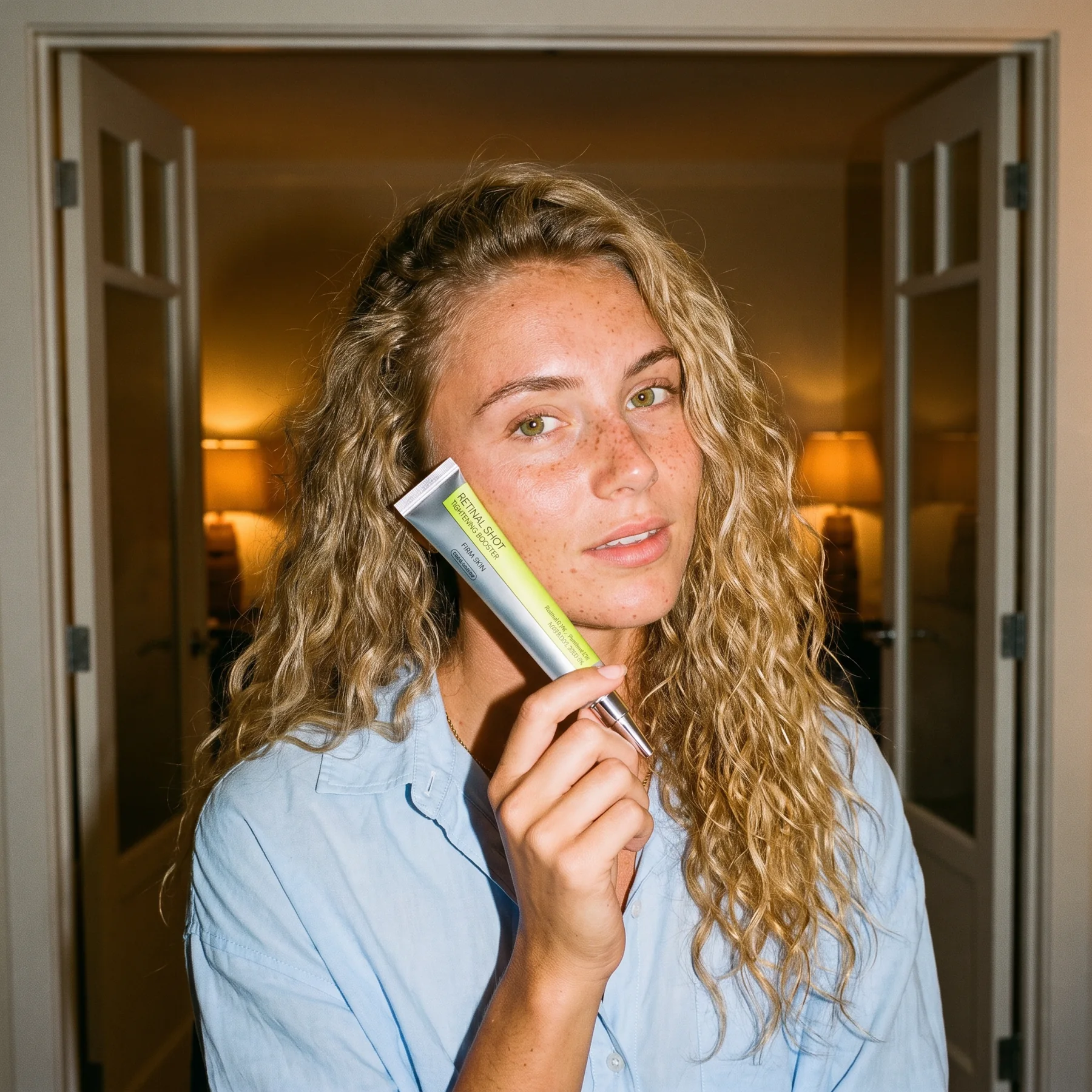
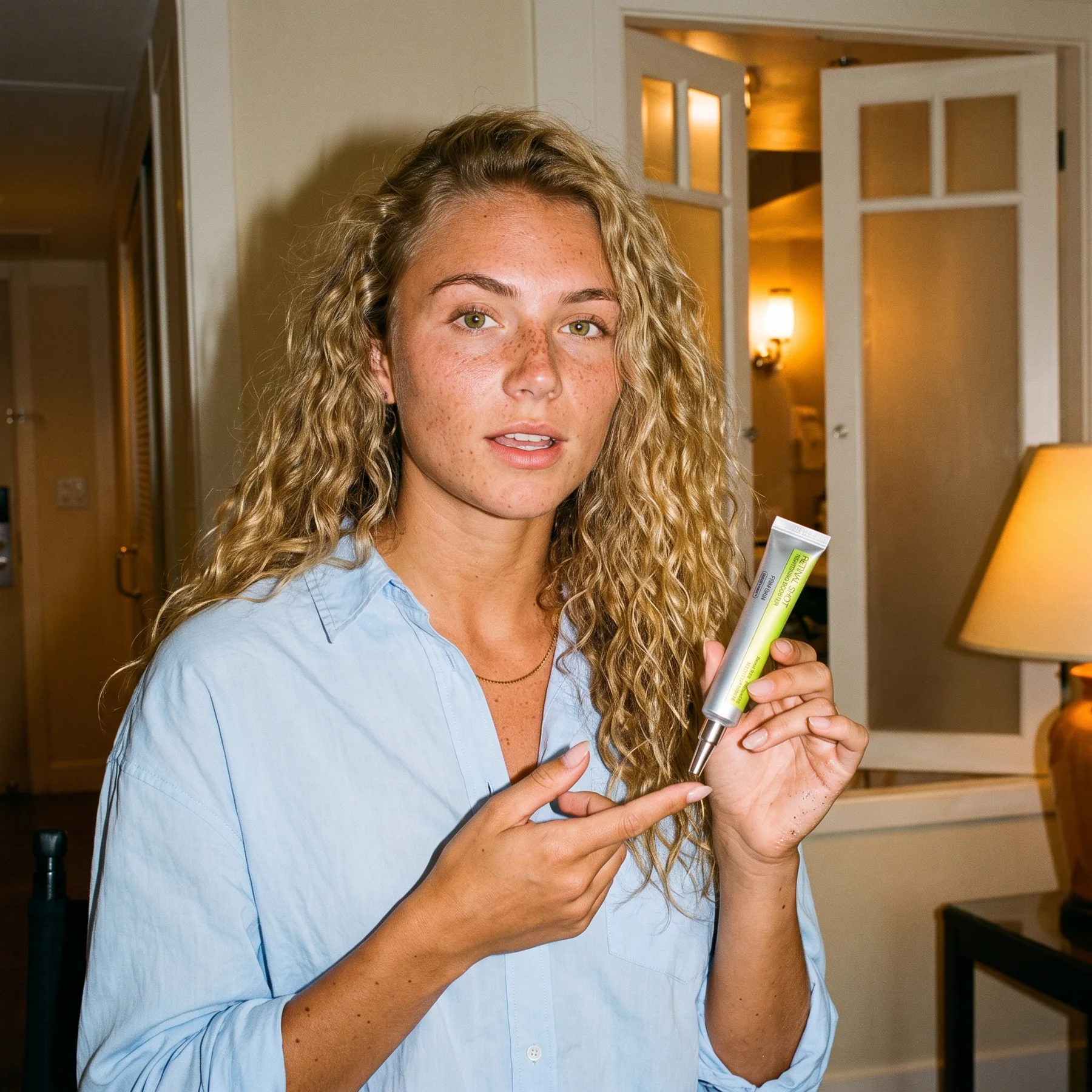
A good opening gives the viewer a specific reason to keep watching. For the real Celimax The Vita-A Retinal Shot Tightening Booster, a package-identification question can work with a clear view of the silver-and-lime tube. The first line and first image should explain the same thing.
Our demonstration opens with “Wondering what this silver tube is?” and answers that question immediately. For viewers comparing product types, another opening could be “Retinal or retinol? Look at the label.” Choose according to the audience’s actual question, then show the detail that answers it. Do not promise a transformation that the footage cannot demonstrate.
Use our UGC hook guide for creator examples and different opening structures. Borrow a useful action, camera distance or pacing idea rather than copying an unrelated stunt. A product moving into view can introduce the question; a simple close-up can answer it. Neither needs an exaggerated reaction or a claim of personal results.
Explore the examples in our UGC video hook guide before choosing the opening.
Listen to how a real reviewer talks about the product
Listen for specific observations when reviewing a real person’s account. One public Reddit reviewer described the texture as “very slight tackiness but not greasy.” That is a concrete description of a personal experience. It is more informative than a string of adjectives such as “amazing,” “premium” or “life-changing.” The source is linked below, and the wording stays attributed to that reviewer.
Lena’s demonstration therefore uses visible package facts and a useful next step. It does not say she tried the product, felt its texture or achieved the reviewer’s results. You can learn from the specificity and conversational tone of a human review while writing a separate factual explanation for a fictional presenter.
“very slight tackiness but not greasy”
A public first-person Celimax review
Turn the idea into words and matching shots
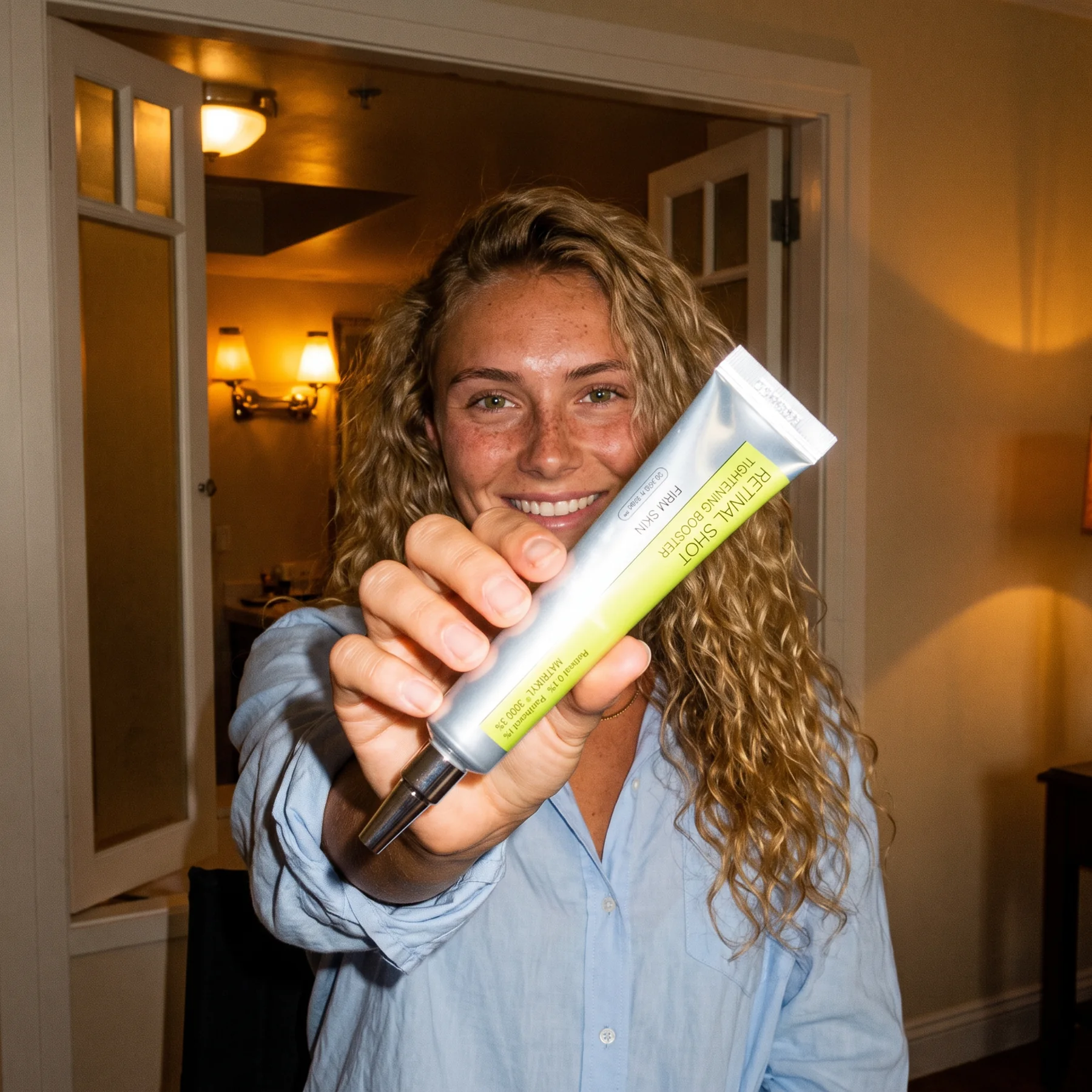
Write two columns before writing a polished paragraph: what the viewer hears and what the viewer sees. The opening question needs the product in view. Naming Celimax Retinal Shot needs a recognisable tube. Asking the viewer to inspect the label needs a closer view in which the label is actually visible.
Our plan has four beats: introduce the question, identify the product, show the label, and offer a next step. The new photographs give those beats distinct views while keeping Lena and the Gallery setting consistent. You can cut to a detail when the narration names it, rather than making a talking face carry every sentence.
Keep the script tied to what you can show. A capped tube can support a package explanation. It cannot demonstrate texture, application or months of use. If a sentence needs different evidence, obtain that footage or rewrite the sentence before generating a longer performance.
Write the script as something one person would say
Read the draft aloud at a comfortable pace. Product names, questions and pauses take time. Shorten a sentence when you stumble over it instead of trying to solve every writing problem by speeding up the generated voice.
The working script below is the text used for the generated clip. It identifies the product and directs the viewer to its page. It avoids giving skincare advice or claiming an outcome. The tone is explanatory: one person showing another person what they are looking at.
Keep one useful point in the main clip. If you want a second version, change the opening while keeping the explanation and ending comparable. Treat that as an editorial test. The fact that one opening sounds stronger to you is not performance data; audience response after publication tells you what deserves another test.
Generate the character in the reference setting
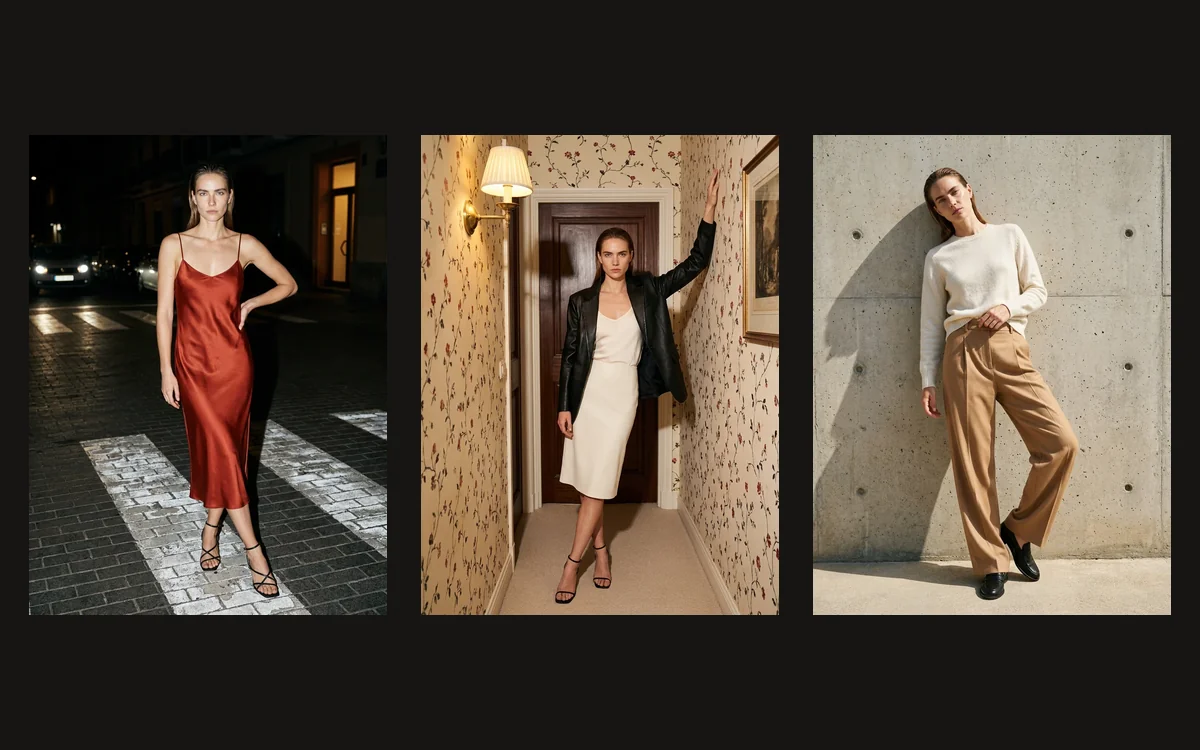
Select Lena from the standard Affogato character library. Her saved face, freckles and blonde hair establish identity. Add the selected Visual Inspiration Gallery photograph for the warm open-door room, direct flash, grain and photographic mood. Add the real Celimax product photograph to establish the tube.
Tell the model which reference does which job. The Gallery person is not the presenter’s identity. The real product is not a suggestion for an invented silver skincare package. Keep those roles in the prompt when making the opening, explanation and product-forward photographs.
Choose the best still for the speaking shot, then open Image to Video. We used the approved explanation image, a ten-second vertical format, Affogato Video in Balanced mode, and audio enabled. The motion brief asks for a small conversational gesture, a steady product and the exact spoken script. Inspect the returned face, hands and package before using the clip.
Check the actual video before calling the script finished
The final clip below is the new Lena generation, with audio. Watch it with sound rather than judging the first frame. Check the question, product name, label view and closing sentence together. A sentence that ends clearly on the page can still be cut short in a generated performance.
This output is approximately ten seconds, and its audio includes the closing “Check the product page for details.” If another attempt cuts off the ending, shorten the script or add a useful supporting shot while the narration finishes. Do not stretch a weak clip simply to keep every word of a longer draft.
Keep the product reference beside the exported video when checking packaging. Small lettering can change even when the presenter looks consistent. If exact typography is essential for an ad or listing, use the real package photograph for that detail. Save the selected Gallery source, approved character image, script and final clip together so another attempt can build on the same visual direction.
Gallery source: @_annasidd. Real product reference: Celimax at Jomashop.
To build the rest of your UGC workflow, explore Affogato Studios. For individual creation tools, browse Affogato Tools.