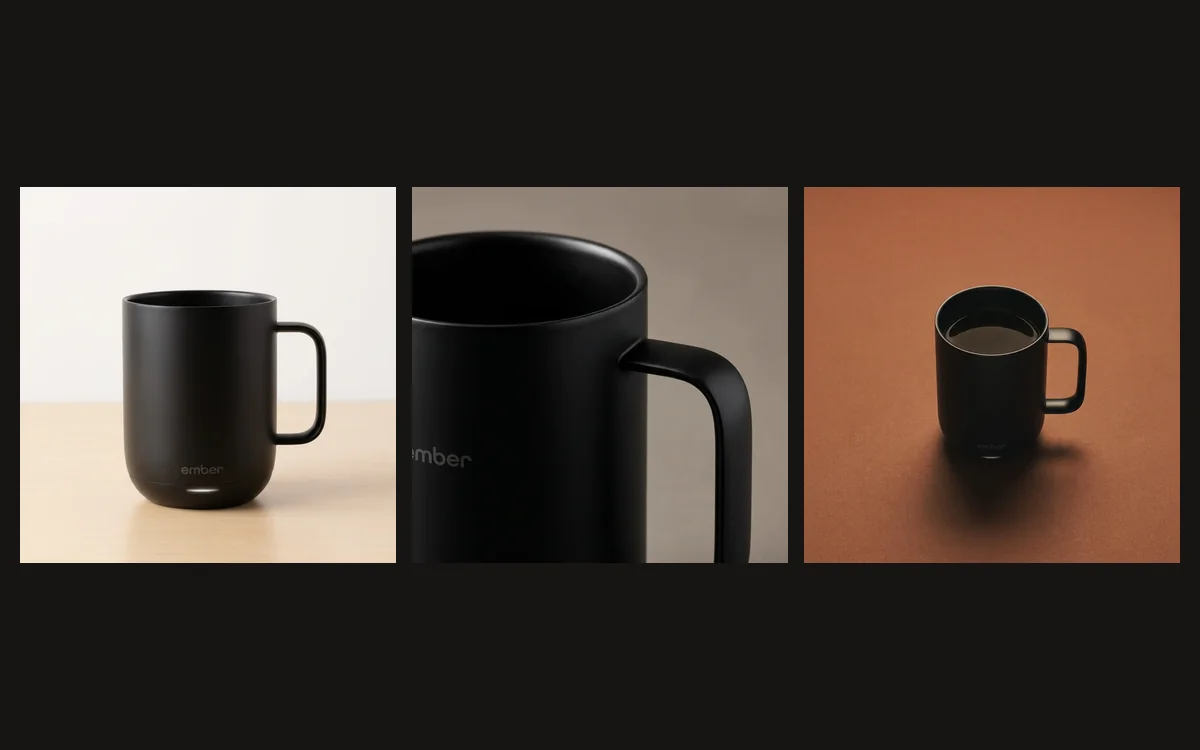
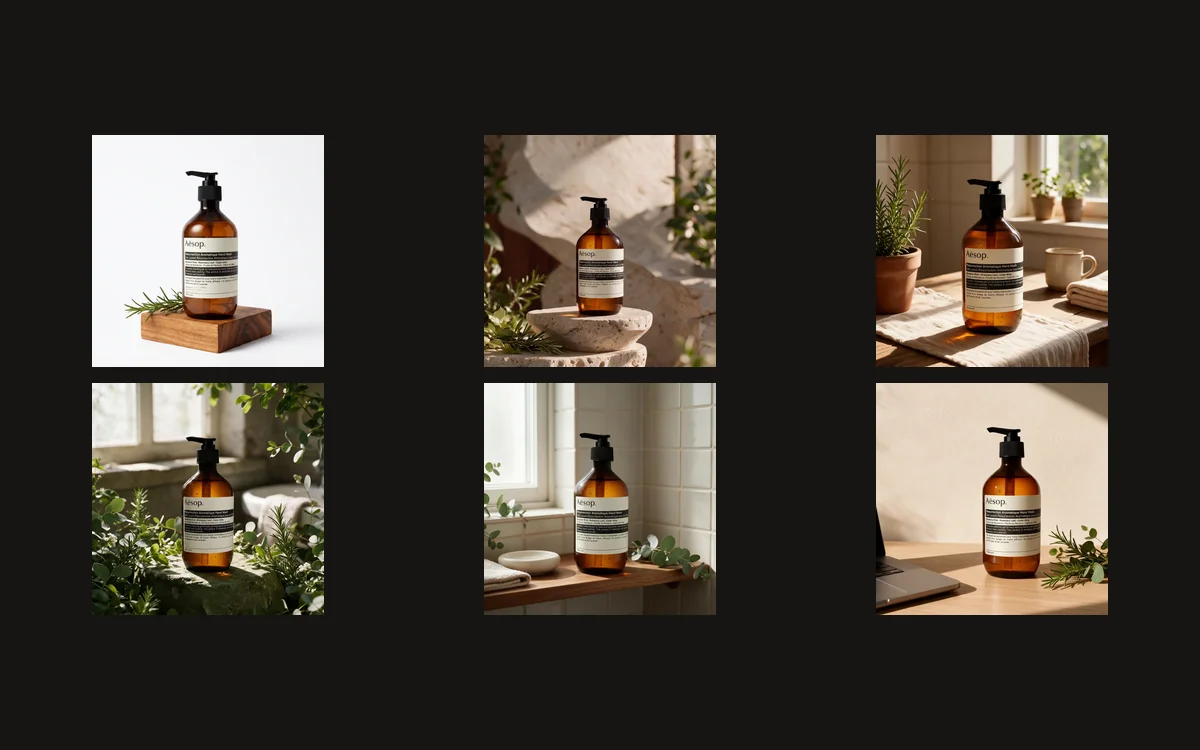
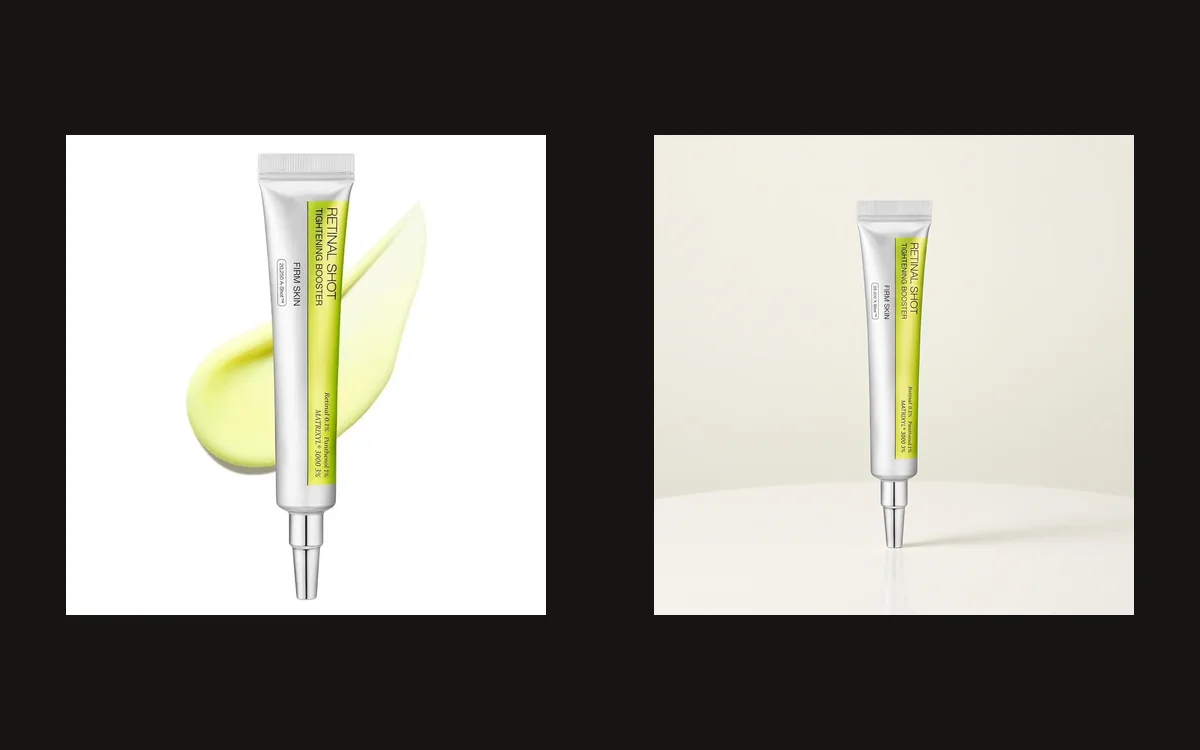
How to Fix Product Scale in AI-Generated Images
Make a product look the right size beside a person, use better scale cues, and decide when to restart from the original references.
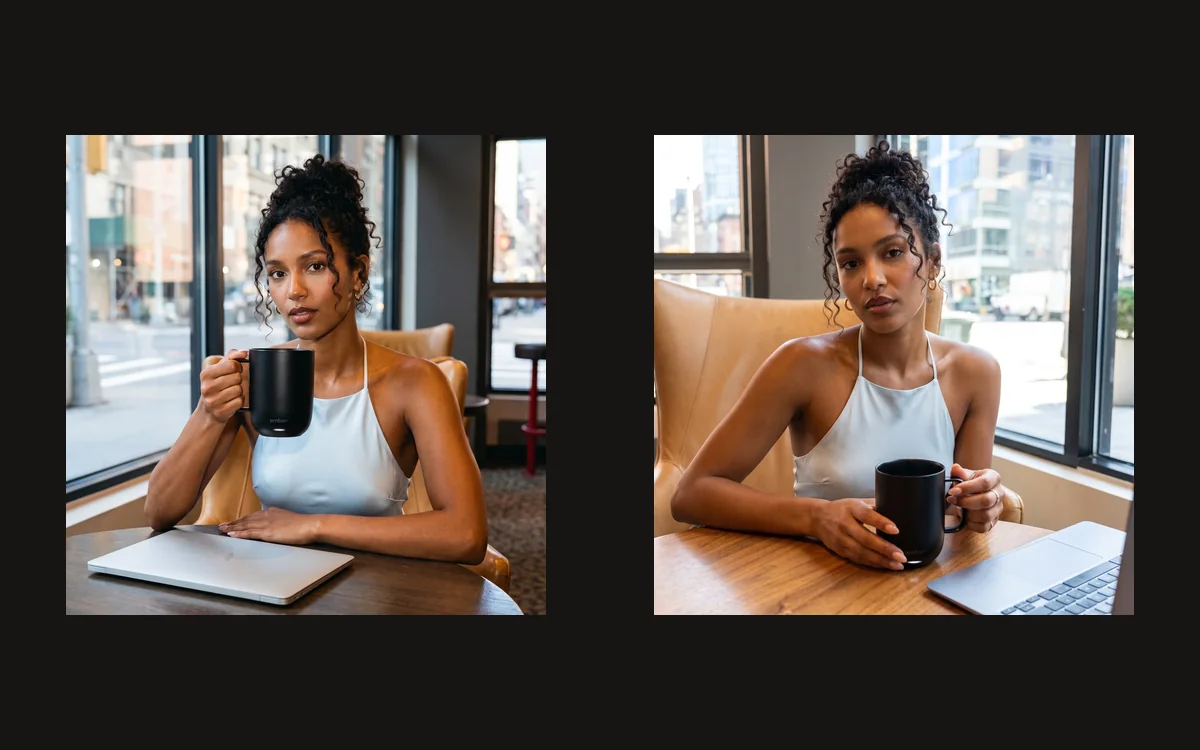
A real product can still look wrong if it is too large or too small beside a hand. These new photographs use standard character Noor with the real black Ember Mug 3, first in a wider café scene and then closer to the grip. Compare the size cues before animating the image.
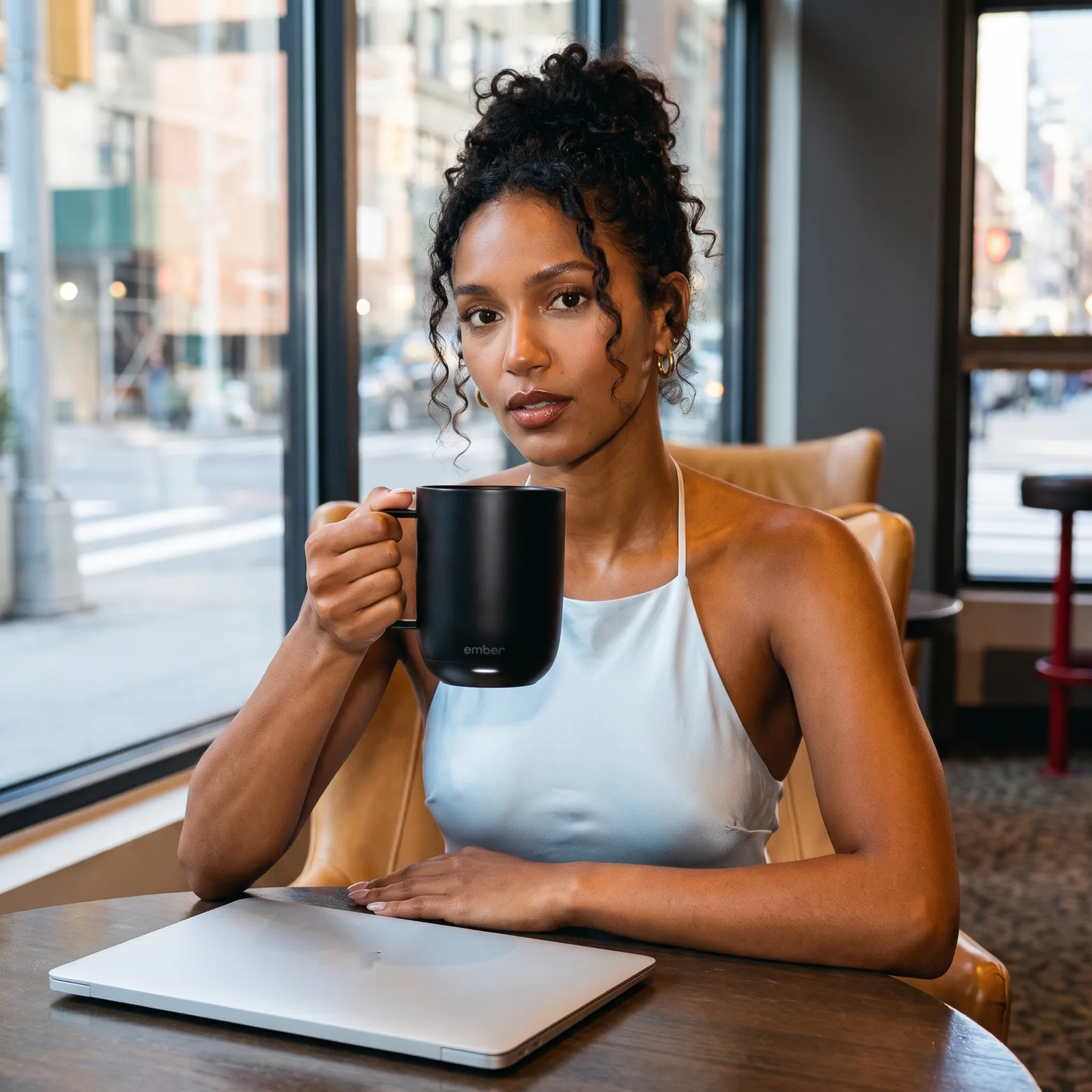

The presenter is a standard Affogato fictional character. The saved character supplies identity; the Gallery references supply the photographic direction.
Check the relationship between the person and product
A product can have the right colour and a familiar logo while still looking far too large. The useful question is how it relates to the person, hand, table, and nearby objects. Review those relationships before deciding that a photograph is ready to animate.
Use more than one size cue. In the wider example, Noor’s head, hand and the table establish the scene. In the closer example, the grip and handle provide a more immediate comparison. Neither image is a measurement; they are views you can judge against the actual mug reference.
The person is the standard Affogato character Noor. Her saved image establishes identity, the real Ember photograph establishes the product, and a Gallery café photograph establishes the wooden table, side window and laptop context. Keeping those roles separate helps prevent a real mug from becoming an invented prop.
The wider result makes the mug look large beside Noor’s face. That is a reason to review it, not a measurement of the real mug. The closer grip view adds another useful cue, but the angle has changed too. Treat the comparison as an inspection exercise rather than claiming a controlled before-and-after scale correction.
Use references that explain size and position
Use real measurements when you know them, but do not assume a generative model will obey millimetres. Measurements help define the brief; the resulting geometry still needs visual comparison. If exact dimensions are essential, use a measured photograph or a controlled product render.
Choose a camera position that supports the intended relationship. A small object placed very close to the camera can appear large beside a person farther away. If that forced perspective is not intentional, keep the product and hand at a similar depth and describe their placement clearly.
Upload a clear real product photograph and a useful size reference. For this mug, a natural hand wrapping around the body and a comfortable handle grip are more useful than vague adjectives such as “compact.” Ask for an ordinary hand-held mug, with the entire rim, handle and base visible.
The Gallery café scene informs the arrangement and light, not the object’s dimensions. Keep the product source authoritative. If you need an exact physical size in a listing, obtain the manufacturer’s dimensions and a photographed scale reference rather than relying on the apparent size of an AI-generated hand.
Fix the starting photograph before adding motion
In Image Studio’s Edit workflow, select the saved character and upload the original product photograph as a separate reference. Explain the camera framing, the surface, and the person’s interaction with the object. Avoid asking the person to cover most of the product with both hands.
If the first result is wrong, try one focused correction. When reducing the object distorts the label or leaves a strange shadow, return to the original character and product references. Repeated edits of an already damaged result can make the image harder to repair.
Build and inspect the still before asking for motion. We made a medium café view and a closer hand view from the same actual product reference. The close view is useful for checking the grip; the wider view tests whether that grip still looks plausible beside the face and furniture.
Judge scale separately from identity and packaging
Look at contact points. Does the base sit on the table? Does the shadow start beneath it? If a hand holds the item, do the fingers wrap around a believable width? These details can reveal a mismatch that is less obvious when you judge the whole image quickly.
Use the comparison control below to switch between the documented attempts. The framing differs, so this is an editorial comparison rather than a pixel-aligned before-and-after slider. The lesson is to inspect the relationship, not to claim that the selected result is a dimensional measurement.
The comparison toggles show these two saved generations. They are complementary views, not a fabricated before-and-after in which one is labelled a failed attempt. Inspect the body-to-palm relationship, the handle opening and the space between the mug and Noor’s head in both.
Keep the approved relationship through the video
Watch the entire clip and pause at several points. The first frame can have plausible scale while a later gesture makes the product expand or move through a hand. If that happens, shorten or simplify the action before making a more complicated scene.
Save the approved still alongside the final video. It becomes the reference for reviewing the motion, while the original product photograph remains the reference for the product itself. Keep both: each answers a different question.
For a video, keep the initial gesture modest: holding the mug steadily or moving it a short distance is easier to review than passing it between hands while turning the camera. Check the handle, fingers and object size throughout the clip. If one changes, revise that shot rather than calling the first frame proof of consistency.
To build the rest of your product image set, explore Affogato Studios. For individual creation tools, browse Affogato Tools.