How to Write AI Video Prompts for Camera Movement
Describe a camera move clearly, choose a useful starting frame, and fix the motion when an AI video changes your subject.
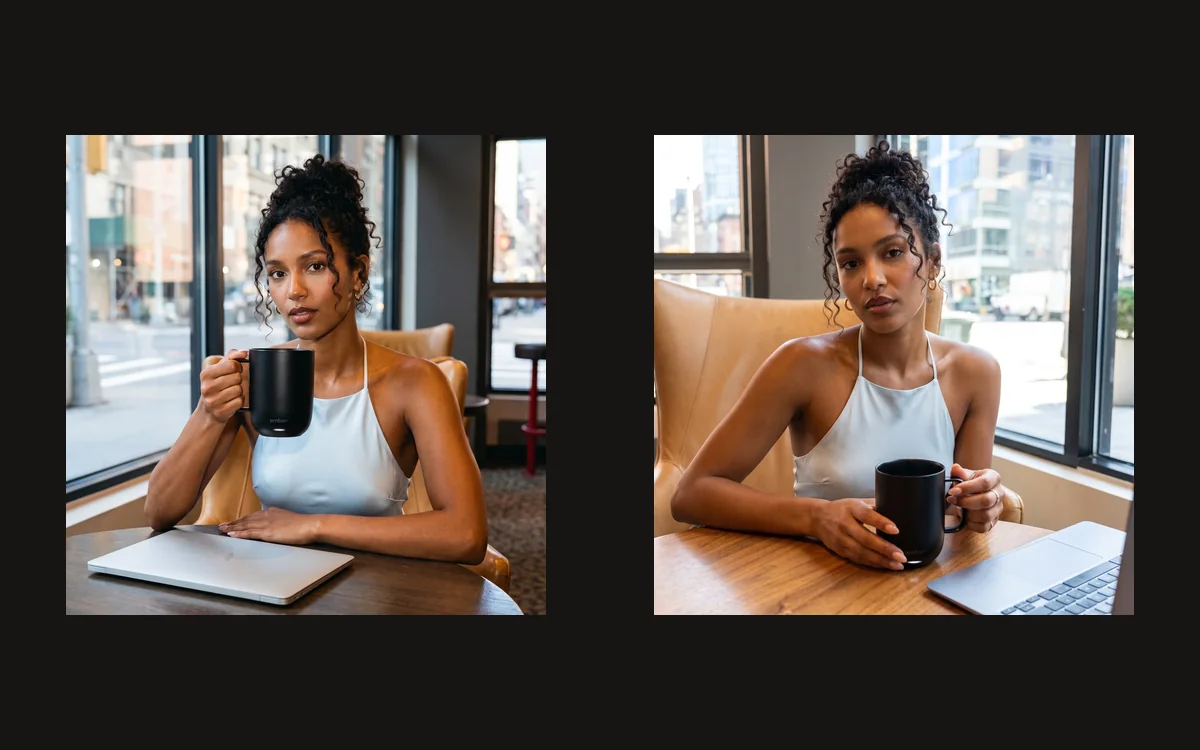
Watch the three Ember Mug 3 clips first. They use the same real product, but different starting angles and motion briefs. The useful question is what each view helps someone notice: the complete silhouette, the handle and rim, or the relationship between the opening and the handle.
Choose the movement that helps the viewer
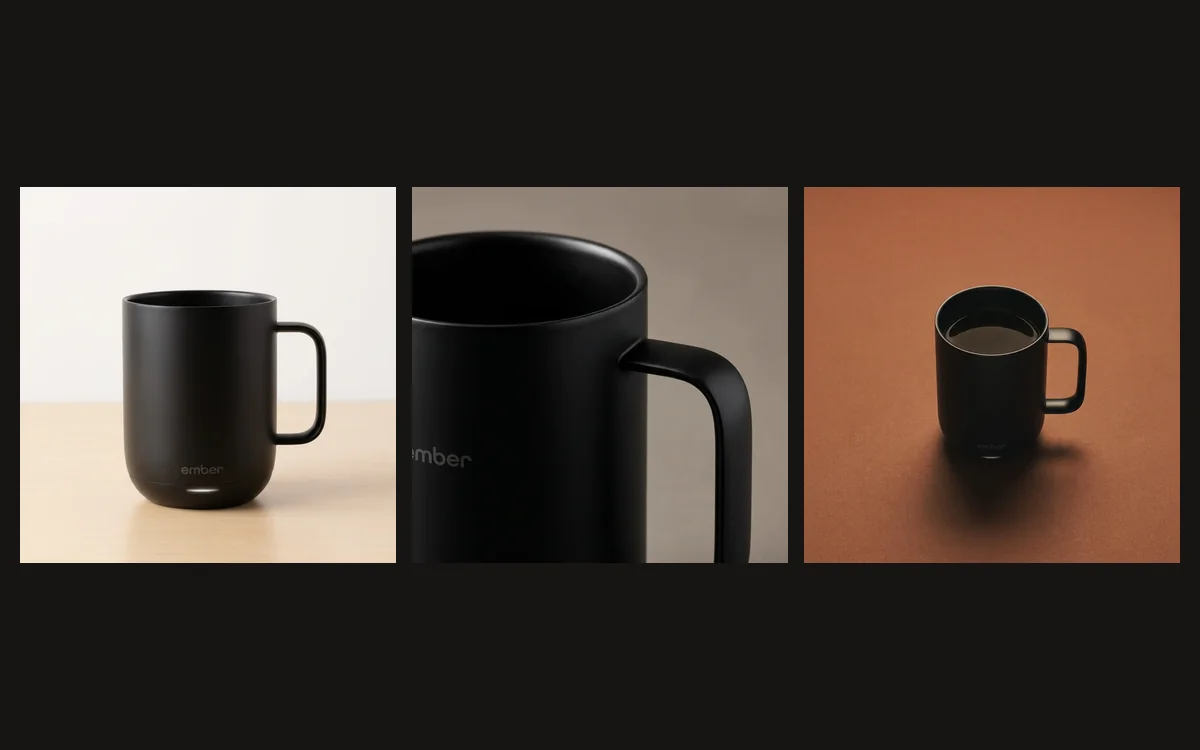
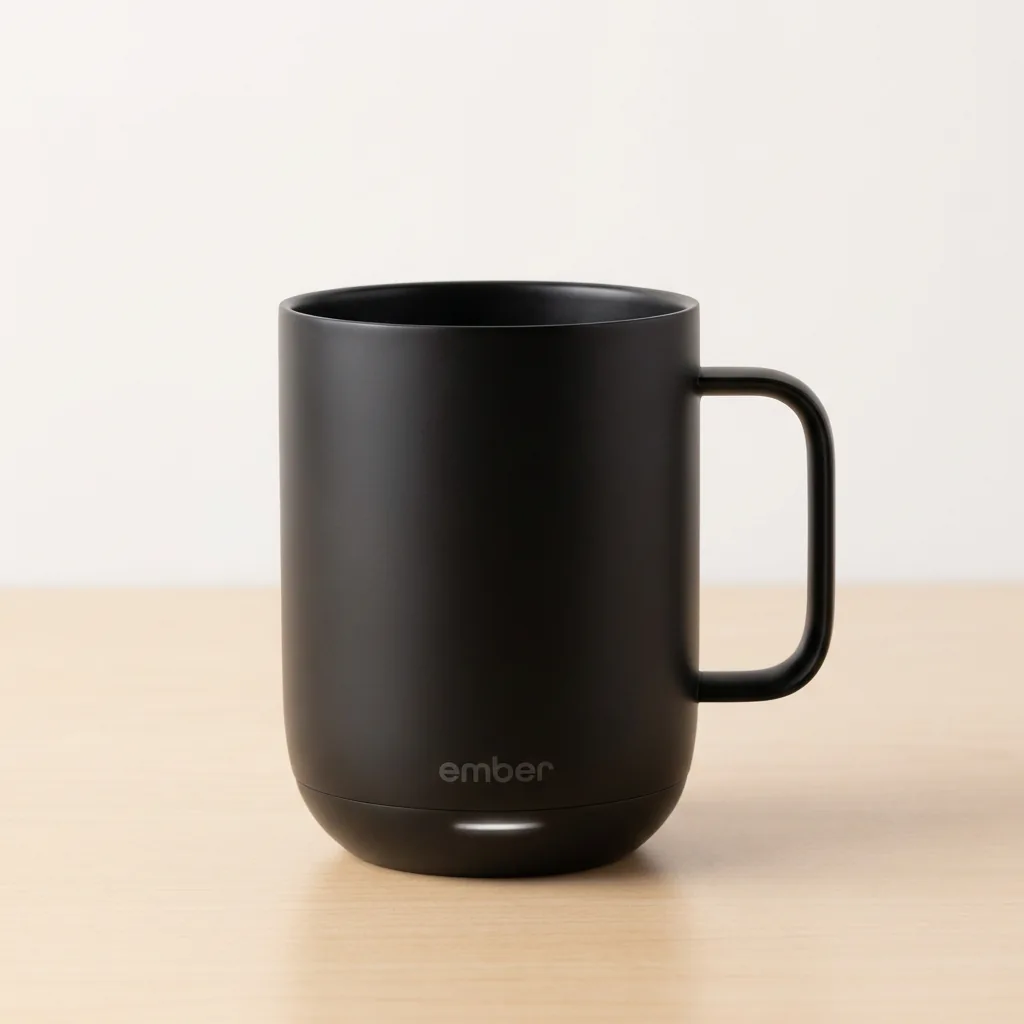
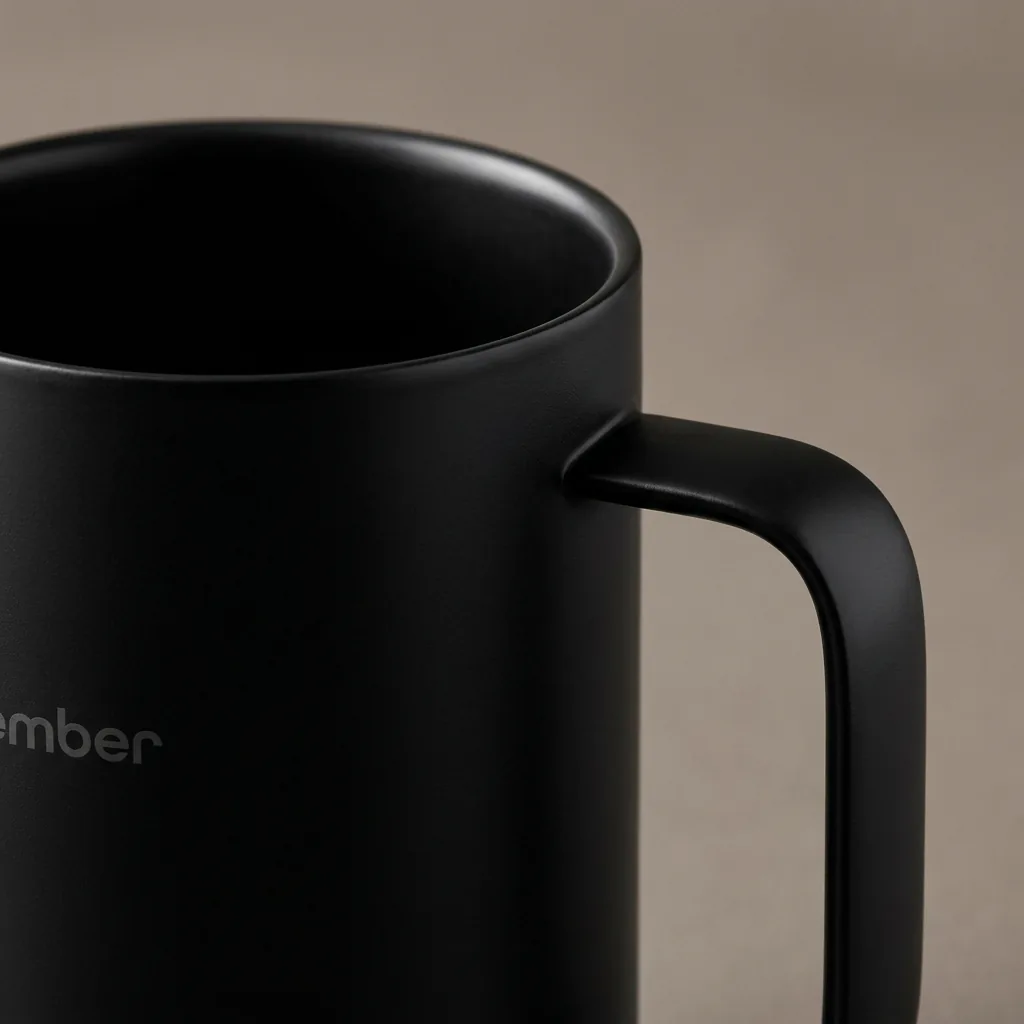
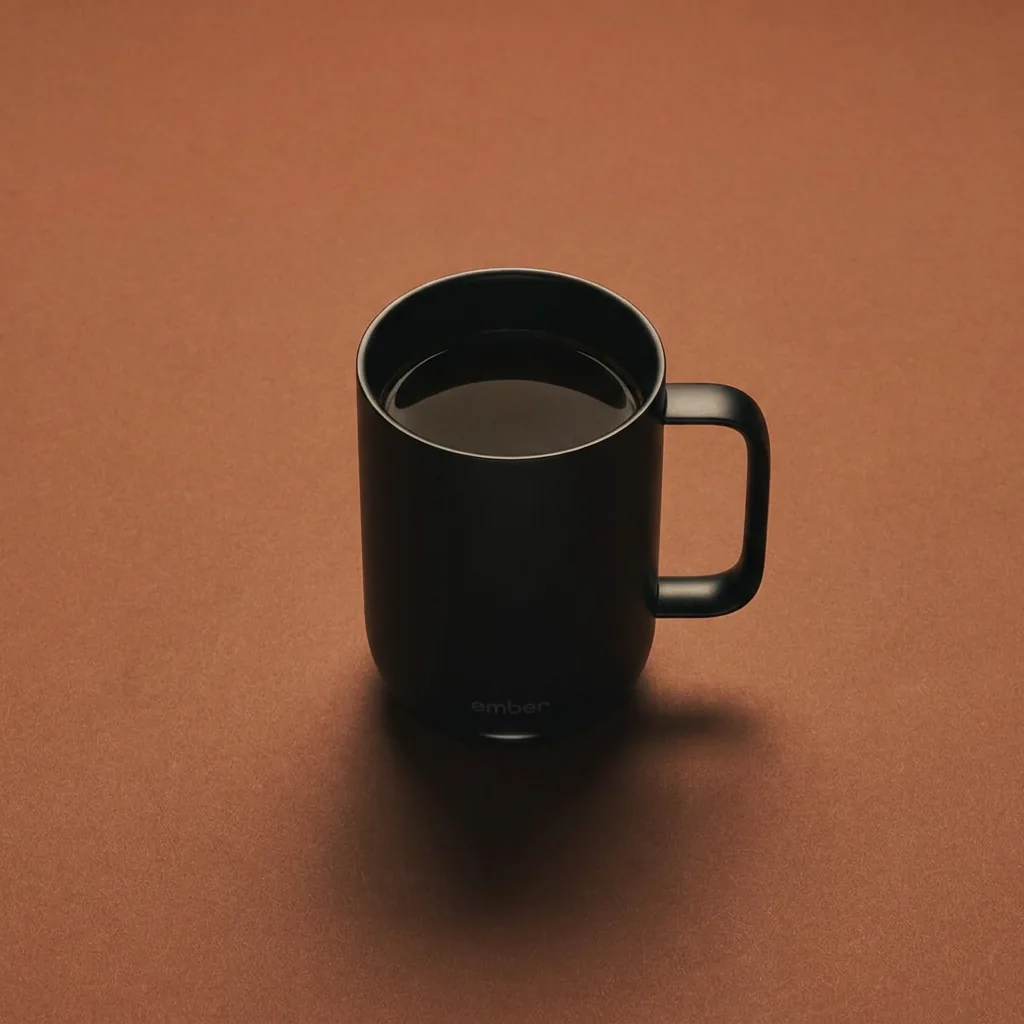
Start by deciding what the viewer needs to see. Our front view introduces the complete mug. The closer side view directs attention to the handle. The high-angle view reveals the coffee surface and the handle together. Those are three different jobs, so they deserve different source photographs rather than one complicated orbit prompt.
Choose one camera move for each shot. A dolly-in asks the camera to travel toward the subject. A lateral slide asks it to move across the scene. A small arc changes the viewing angle around a stationary object. Write whether the product should remain still, because “rotate around the mug” can be interpreted as rotating the mug itself.
The examples here were generated in Affogato Video from Gallery-directed stills. They are demonstrations of the resulting footage, not a promise that every camera instruction will be followed precisely. Start with a short clip so you can judge the motion before producing a whole sequence.
Make sure the starting image supports the move
Use a real product photograph to establish the object, then select a Visual Inspiration Gallery reference for the photography. For this example we used the actual black Ember Mug 3, with Gallery references for clean drinkware framing, controlled detail highlights, and a warm overhead arrangement. Preserve the mug’s silhouette and handle while adapting the photographic choices.
The front still leaves room around the complete mug. The detail still starts closer to the rim and handle, so it is meant for a detail shot rather than a complete product introduction. The high-angle still shows the opening and coffee surface against a warm table. Its camera is above the mug at an angle; it is not a true top-down view.
Do not ask a close front crop to reveal a product’s unseen back. Obtain another real reference or generate and inspect another still first. The prompt can describe the intended movement, but it cannot establish hidden hardware accurately when the source never showed it.
Separate camera direction from subject direction
Open Video Studio, choose Image to Video, and upload the approved still as the first frame. We used five-second square clips with Affogato Video in Balanced mode, with audio switched off for these product studies. Keep the setup the same while you compare the three motion ideas.
Write the subject, the move, the destination and the constraints in that order. For the front example, the subject is the black mug, the move is a slow camera dolly, and the destination is a slightly closer full-product view. The mug, handle, logo, lighting and tabletop should stay stable. The exact submitted prompts are provided with the clips.
Describe the amount of travel in ordinary terms. “A short lateral slide” is easier to review than “an epic cinematic reveal.” A small arc is a useful first attempt when you want depth without asking the model to invent a full unseen side. Avoid combining a slide, an orbit, a zoom and a focus change in the same first attempt.
Watch the whole clip, then inspect the details
Play the clip once for the overall idea, then watch the rim, handle, lettering and contact shadow. A shot may feel smooth while the object changes shape. Check the beginning and ending too: the ending should still show the feature the shot was intended to explain.
In this batch the handle detail stays readable during the sideways view, and the high-angle example keeps the opening visible. The front example has a small change of distance rather than a perfectly uniform dolly-in. That is useful feedback: if exact travel matters, shorten the move or retry that one shot instead of treating the prompt as proof of what happened.
Also distinguish camera movement from product movement. If the object turns while the background stays fixed, you may have received a turntable-style result. That can be a useful image, but it is a different instruction. Keep it only when it serves the article or campaign, and describe it accurately.
Use separate shots when the idea gets complicated
Give each accepted shot a place in the edit. Begin with the full mug, cut to the handle detail when the explanation names it, and use the high-angle view when the opening matters. Do not include all three simply because they were generated; the order should help the viewer understand the product.
Keep the lighting and surface coherent when making a finished campaign. These three studies deliberately use different photographic treatments so you can compare the effect of the starting view. For one continuous-looking sequence, generate the views on the same surface with compatible light before animating them.
Save the real product reference, Gallery source, approved still and submitted motion prompt together. If one clip needs another attempt, you can change the movement without accidentally changing the object or replacing the visual direction with a generic product shot. Use the planner below to draft that next attempt.
Product and photographic sources:
Ember Mug 3 ·Gallery source for Front dolly study: @advertiser_a875f8d214b4b6657d
Gallery source for Lateral handle view: @advertiser_1e5e3f63af13b9944d
Gallery source for High-angle arc: @canali
To plan more image and video workflows, explore Affogato Studios. For individual creation tools, browse Affogato Tools.